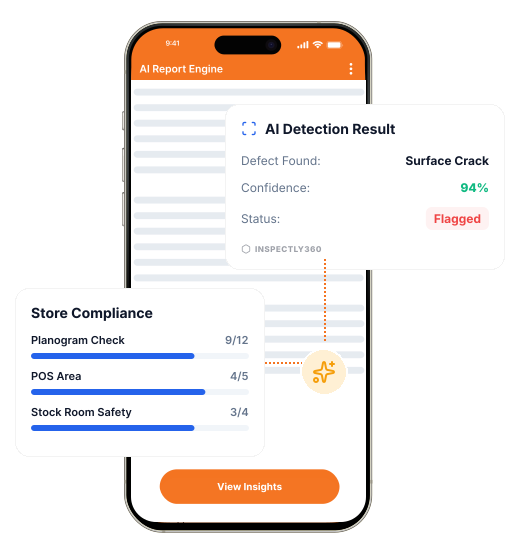

Take a Photo. AI Fills the Form
Your inspector takes a photo of any asset or defect. AI reads it and fills the inspection form automatically. No typing. No manual entry.

Convert your checklist into Mobile App
Industrial Construction Safety App helps safety teams catch industrial construction hazards before they cause an incident. Field teams log cracks, incomplete works, exposed reinforcement, damaged finishes, attach photo evidence, and route every hazard to a named owner with a due date. Safety leads see open hazards and overdue actions across every site on one dashboard.

Industrial Construction Safety App is software for finding and closing industrial construction hazards before they cause an incident. Field teams log cracks, incomplete works, exposed reinforcement, damaged finishes with photo evidence during a safety inspection, and every hazard is routed to a named owner with a severity and due date. Safety leads see open hazards and overdue actions across every site on one dashboard. Recurring hazards are flagged so root causes get fixed, not just the symptoms.
Inspectly360 powers Industrial Construction Safety App with AI Visual Inspection that detects defects such as cracks, incomplete works, exposed reinforcement, damaged finishes from a photo and pre-fills the form, Voice AI that lets inspectors speak observations in English, Hindi, or Marathi, and QR-linked asset history that opens the right checklist on a scan. Schedules, evidence, corrective actions, and a full audit trail aligned to NBC, IS codes, and OSHA construction standards stay in one place, so leadership sees what is happening across every site without waiting for anyone to send a report.
A comprehensive inspection for construction covers the key areas that affect safety and compliance. Run industrial construction safety checks with hazard tracking, corrective actions, and closure verification per project. Your inspection should include sections for evidence capture, pass/fail or scoring criteria, corrective action assignment, and sign-off so that nothing is missed and every finding is traceable.
Catching industrial construction hazards early depends on a consistent routine. Follow these steps for each safety inspection:
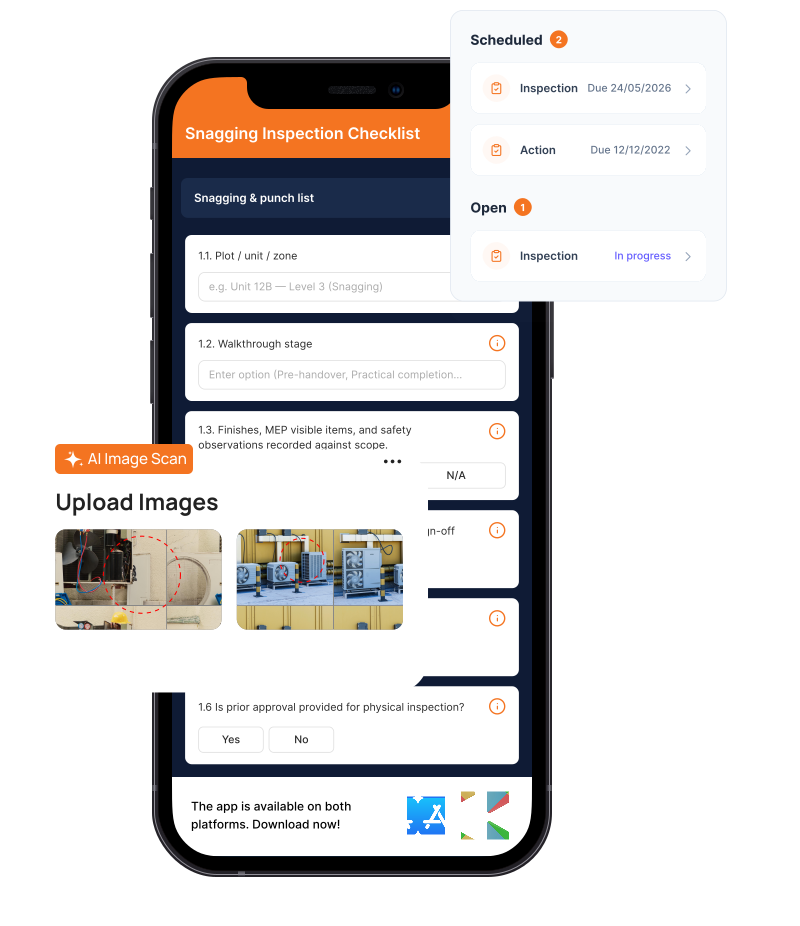
Field teams check the industrial construction for cracks, incomplete works, exposed reinforcement, damaged finishes.
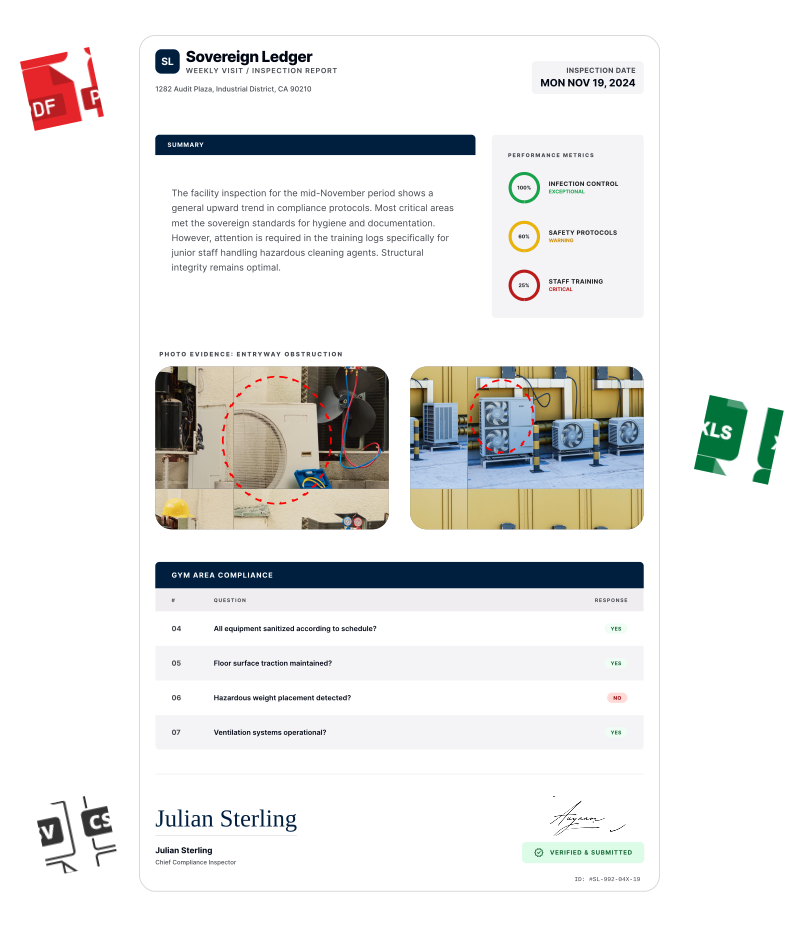
Each hazard gets a severity, a named owner, and a due date.
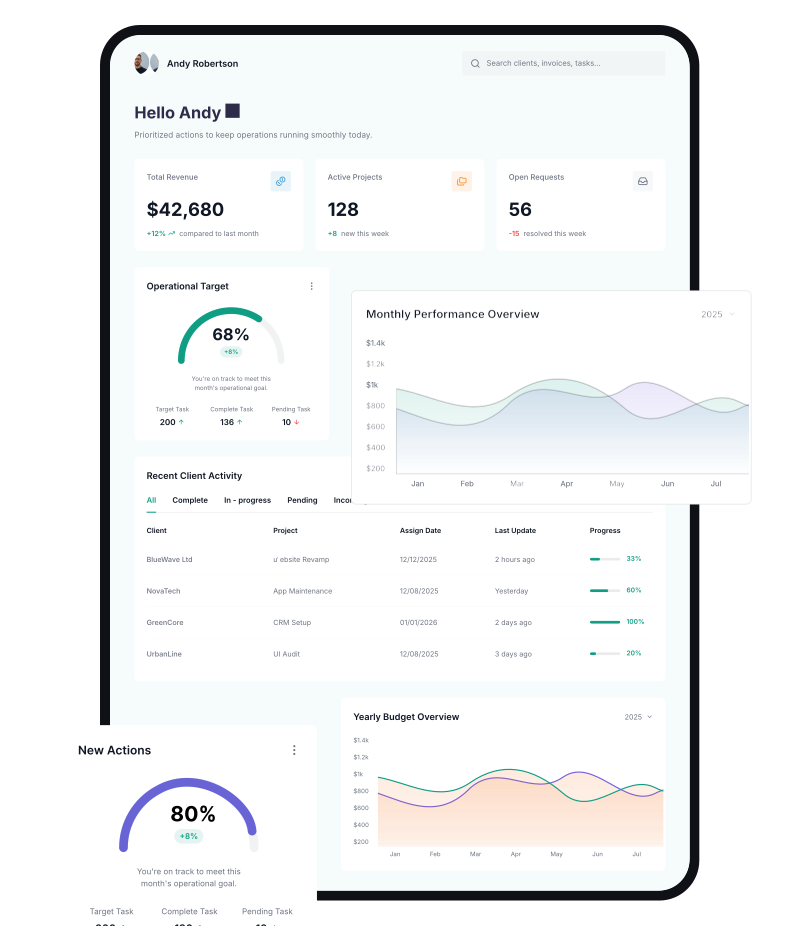
Risk dashboards flag recurring hazards so root causes get fixed.
Everything your field team does on paper, Inspectly360 does automatically: faster, more accurate, and without the admin.
Your inspector takes a photo of any asset or defect. AI reads it and fills the inspection form automatically. No typing. No manual entry.

Inspectors speak their observations in any language. AI transcribes and fills the form in real time. Completely hands-free in the field.

The moment an inspection is submitted, a branded PDF, Excel, or CSV report generates automatically. No manual work. No waiting.

Inspectly360 integrates with the tools your team already uses, including Zoho, Microsoft 365, and SAP. No double entry.

Your operations team sees completion rates, open issues, and compliance scores across all sites in real time. No chasing updates.
From data collection to compliance: see how teams use Inspectly360 for every use case.
Use it as a digital workflow so your team captures consistent evidence, stays aligned in the field, and produces reports stakeholders can trust without retyping answers from paper.
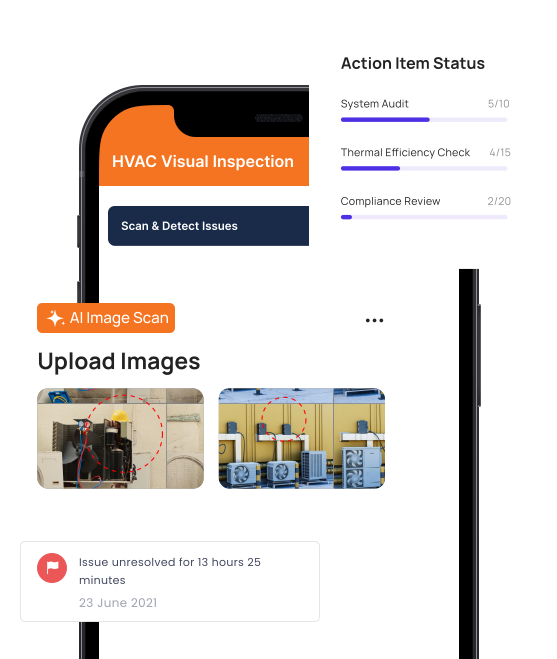
A defect on the industrial construction is handed to main contractor and subcontractor. A week later it is marked closed. Whether the work was done well, badly, or at all, nobody on your side has verified.
Problem
Solution
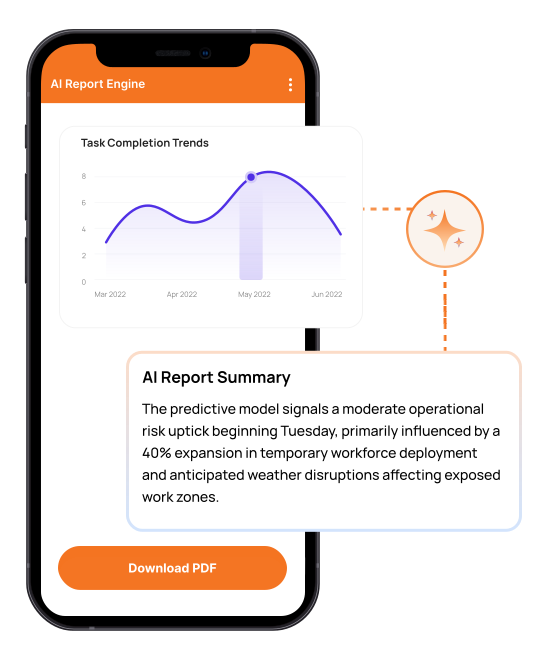
Some industrial construction records sit in Excel, some in a WhatsApp group, some in a folder of photos. There is no single source of truth, so every question takes an hour and three people to answer.
Problem
Solution
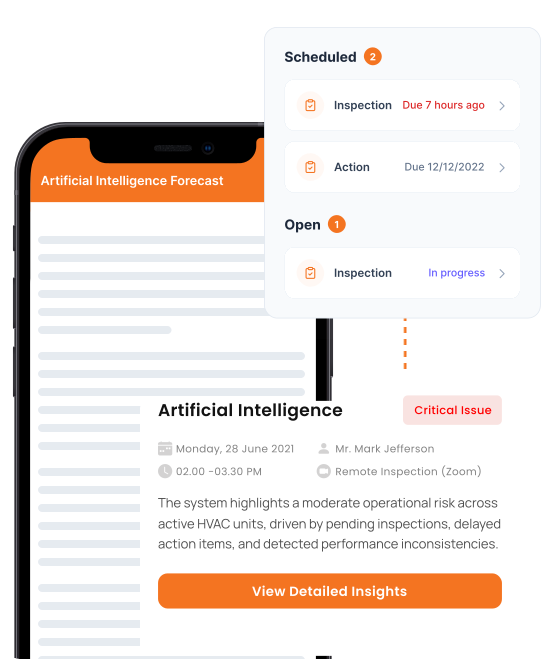
Someone photographs a hazard and posts it in a group chat. It scrolls away. A few weeks later the same hazard, cracks, incomplete works, exposed reinforcement, damaged finishes, causes a near-miss, and nobody connected the two.
Problem
Solution
Every hazard logged in Industrial Construction Safety App gets a photo, a severity, and a named owner with a due date the moment it is reported. It does not scroll away in a chat thread. Field teams capture cracks, incomplete works, snags, exposed services, and safety hazards during a check, and the most urgent risks surface first because severity drives the dashboard order. Overdue safety actions escalate automatically. Recurring issue detection flags when the same hazard keeps appearing on the same work package, trade, or site zone, so the team fixes the root cause instead of treating the symptom again. Safety leads see open hazards and overdue actions across every site on one dashboard, which is the visibility a verbal report or a WhatsApp photo can never give.
Inspectly360 captures every industrial construction safety record with timestamps, photo evidence, and structured fields aligned to NBC, IS codes, ISO 9001, and OSHA construction standards. Each inspection produces a digital trail per work package, trade, or site zone and per site, so when an auditor or authority asks for proof, your team produces it in seconds rather than days. Templates can be configured for the specific schedule and frequency required at each site, and dashboards surface upcoming statutory due dates and overdue inspections alongside operational data. The result is a single defensible record per inspection, not a folder of photos and a chat thread.
Yes. The Industrial Construction Safety App is offline-first by design. Inspectors download their assigned inspections before going on site, then complete forms in active site zones, basements, and remote outdoor work areas without any network connection. Photos, voice notes, geotags, and form fields all save locally on the device. When the phone or tablet returns to coverage, submissions sync automatically in the background, with no action from the inspector. Sync is incremental and conflict-aware, and each submission shows a clear synced or pending indicator, so nothing is silently lost between the field and the office and large photo sets upload reliably over weak connections. Local validation flags incomplete sections before submission so nothing is missed. This matters in real construction environments where signal drops are routine in the very places that need the most evidence.
Every submission carries a timestamp, the inspector's identity, an optional geofenced location, and the full set of answers, photos, and voice notes attached to that inspection. Failed items create issues with severity, owner, and verified closure photos. Reports generate automatically as branded PDFs with site, asset, and finding details. Because the evidence is captured at the point of work rather than written up afterwards, the chain from finding to verified fix stays intact and is hard to dispute later. When an auditor or client asks for proof of a industrial construction safety inspection, your team searches by site, asset, or date and produces a complete digital record in seconds. The same evidence supports ISO 45001 site safety system reviews and OSHA construction documentation requirements where relevant.
Every failed item can spawn a corrective action with a named owner, due date, severity, and photo proof requirement on closure. Subcontractors receive notifications, see their open actions in the app, and submit verified closure photos before the action closes. Dashboards show open and overdue actions per site, per subcontractor, and per audit cycle, so leadership can see whether issues are actually closing or just sitting in a backlog. Subcontractor performance scoring tracks closure speed and re-open rate over time, so site managers can compare trade partners objectively before assigning the next site.
Yes. A single Inspectly360 instance covers every site in your project pipeline. Each site has its own assets, templates, subcontractors, and inspections, but the project manager sees one live dashboard with completion rates, open issues, and risk score by site and trade. AI-generated daily briefings summarise which sites had problems, which inspections are overdue, and which need attention today. Natural language dashboard queries let you ask plain questions and get instant answers, replacing the Monday morning task of manually compiling site reports from spreadsheets and chat threads. New sites inherit your standard templates the moment they are added, so the project pipeline scales without rebuilding the process for each location.
AI handles the paperwork while the inspector handles the physical check. Photo analysis can detect defects such as cracks, incomplete works, snags, exposed services, and safety hazards, and pre-fill the form. Voice-to-text lets the inspector speak observations in English, Hindi, or Marathi, and the form fills itself. AI smart suggestions classify the issue type, severity, and location based on what the inspector captures, with a one-tap confirm or override. The qualified inspector stays in control of every submission. Time on site drops, typing in the field disappears, and data captured is more consistent across teams.
Recurring issue detection in Industrial Construction Safety App continuously analyses safety submissions across every site. When the same hazard keeps appearing, the same defect type on the same work package, trade, or site zone or in the same zone, it is flagged as a recurring problem with its frequency, the sites affected, and the trend direction. This is the difference between closing the same hazard ten times and fixing it once. Safety leads see recurring hazards surfaced on the dashboard alongside open and overdue actions, so root-cause work is prioritised by evidence rather than by whoever shouted loudest. Compliance risk scoring then highlights which sites are trending toward a safety failure before an incident or an inspector makes it obvious.
Industrial Construction Safety App works alongside the Inspectly360 checklist templates, platform solutions, and construction apps linked below, so teams plan, run, and report inspections in one connected system.
See Inspectly360 in action with a live demo tailored to your needs. No credit card required.

