Risk Management Compliance
Audit Checklist
Internal and external audits with scoring, evidence, and corrective actions. Full audit trail and report generation.
38,400+GET

Convert your checklist into Mobile App
Mobile forms allow staff on the floor or in the field to input and track data from quality checks. Build custom forms for recurring quality control inspections and quality checklists to be completed on smartphones or tablets. Keep digital records of defect tracking and corrective actions with Inspectly360.
0%
Fewer defects
0x
Faster quality control close-out
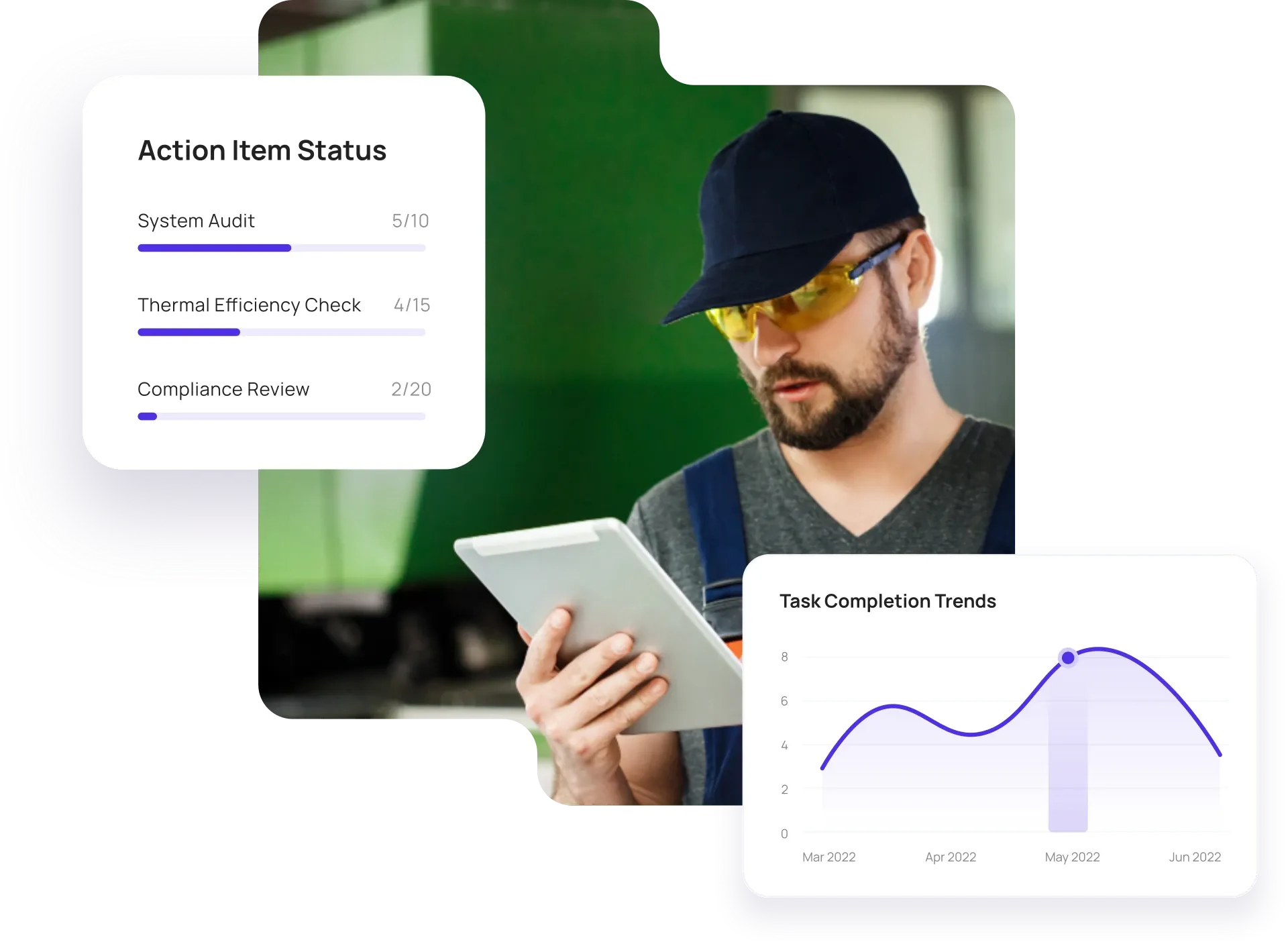
Configurable solutions that drive improvement across your organization.
Paper and spreadsheets make it hard to standardize criteria and track defects to closure. Inspectly360 standardizes checkpoints, captures defects with photo evidence, and tracks corrective actions and re-inspection so first-pass quality improves and rework drops.

Ad-hoc quality control checklists and verbal pass/fail lead to inconsistency. You need one standard checklist per product or process, required checkpoints and scoring, and the same criteria across shifts and sites.
The problem
The solution

Defects noted on paper or in spreadsheets lack context. Capture every defect with photos, location on the unit or line, and severity so quality and production can prioritize and track closure.
The problem
The solution

Open defects with no owner or due date stay open. Assign corrective actions, set due dates and reminders, and verify closure with re-inspection or sign-off so quality loops are closed.
The problem
The solution
Hand-picked templates for quality control inspections and defect tracking.
Internal and external audits with scoring, evidence, and corrective actions. Full audit trail and report generation.

Compliance-focused inspections with evidence capture and audit trails. Meet regulatory and internal requirements.
Digital-first inspection form with pass/fail, photos, e-signatures, and automated reports. Works offline, syncs when online.

Standard site-level inspections for construction, safety, and compliance. Capture conditions, photos, and follow-ups in one place.
Use these apps to run inspections, audits, and checklists in the field.

by Inspectly360
Simplify facilities inspections with forms, photos, and reports.

by Inspectly360
Building condition and compliance inspections with evidence and follow-ups.

by Inspectly360
Digitize building inspection apps workflows with forms, evidence capture, and automated reporting.

by Inspectly360
Run building inspections on phones and tablets with offline forms, photo evidence, and instant reports.

by Inspectly360
Audit buildings with structured scoring, photo evidence, and corrective action tracking across portfolios.
The best way to replace paper quality control checklists is to use a platform that supports standardized quality control checklists, defect capture with photos, and corrective action tracking. Many manufacturers and field teams still run quality control inspections and defect logs on paper or Excel, which leads to inconsistent criteria, lost defect details, and open loops. With Inspectly360 you define one checklist per product or process, require photos and sign-off for defects, and track every finding to closure. Inspectors use tablets or phones on the line or in the field, often offline, and data syncs when back online. Start by moving one high-volume quality control process (e.g. incoming or final inspection), then roll out to more lines and sites.
Yes. In Inspectly360 you can create quality control templates per product, process, or production line. Use required checkpoints, pass/fail or weighted scoring, and conditional logic so forms adapt to the inspection context. Clone and adapt templates from our library or build from scratch. This supports incoming, in-process, and final inspection stages with consistent data structure for quality analytics and non-conformance tracking across your operations. This is essential when moving from paper or generic spreadsheets: you keep your criteria but gain consistency and closure tracking.
Yes. Complete quality control checklists and capture defect photos in Inspectly360 offline. Data syncs when back online, and the full audit trail is preserved. This is critical for production floors or warehouses with limited connectivity. On-device AI can suggest defect classifications from photos even offline, so quality control workflows are not dependent on network availability. For teams moving away from paper, you get the same reliability as clipboards with the benefits of digital: no re-keying and instant visibility for quality and production.
In Inspectly360 you assign each defect to an owner with a due date. Track status, send reminders, and optionally require re-inspection or verification before closing so defects are not signed off without evidence. All of this is visible in the quality control report and dashboard, with escalation for overdue items. The link between defect, corrective action, and closure supports ISO and quality management system requirements and keeps your quality loop closed. This closes the loop that paper and spreadsheets often leave open: defects get logged but never followed through to verified closure.
Yes. Export inspection and defect data from Inspectly360 to Excel or push via API to your quality or BI tools. Dashboard trends and reports are available for quality reviews, and you can track defect rates, first-pass yield, and supplier quality over time. This supports SPC, Pareto analysis, and continuous improvement initiatives with data that flows directly from your quality control inspections, with no manual aggregation from paper or spreadsheets.
See Inspectly360 in action with a live demo tailored to your needs. No credit card required.