
Facilities Management
Asset Inspection Checklist
Inspect assets and equipment: condition, location, photos, and maintenance history. Track condition over time.
28,900+GET

Convert your checklist into Mobile App
Submit asset inspection forms from anywhere with Inspectly360. Build custom digital forms for asset condition checks and equipment inspections to complete on tablets and mobile devices in the field. Keep records of critical equipment and property with a single asset register and full inspection history.
0
Single asset register
0%
Inspection history
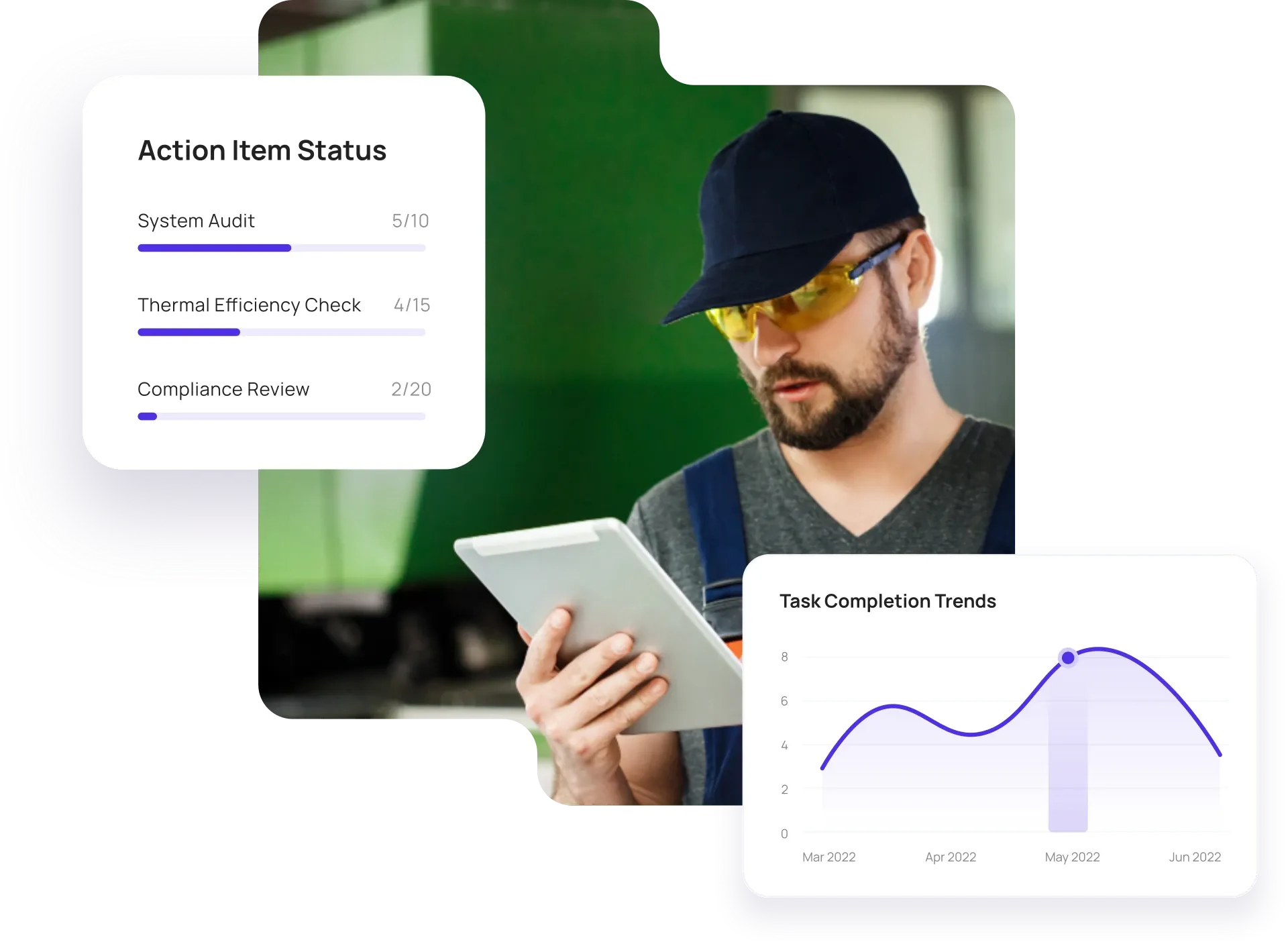
Configurable solutions that drive improvement across your organization.
Spreadsheets and paper logs make it hard to standardize condition checks and track history. Inspectly360 gives you one asset register, one inspection standard per asset type, and full history for maintenance and capital planning.

Asset lists in spreadsheets and paper inspection logs don't scale. You need a central asset register and one inspection checklist per asset type so condition is captured the same way everywhere.
The problem
The solution

Condition notes on paper or in separate systems lack context. Capture condition per asset with photos, location, and date so maintenance and planning have a clear picture and history.
The problem
The solution

Asset issues with no follow-up stay open. Log defects or issues from inspections, assign to maintenance or work orders, and track closure so asset condition and maintenance are connected.
The problem
The solution
Hand-picked templates for asset inspections and condition checks.
Inspect assets and equipment: condition, location, photos, and maintenance history. Track condition over time.

Preventive and corrective maintenance inspections. Log repairs, parts, and condition with photos and follow-ups.

Complete work orders with checklist items, photos, and sign-off. Track completion and proof of work.

Standard site-level inspections for construction, safety, and compliance. Capture conditions, photos, and follow-ups in one place.
Use these apps to run inspections, audits, and checklists in the field.

by Inspectly360
Simplify facilities inspections with forms, photos, and reports.

by Inspectly360
Building condition and compliance inspections with evidence and follow-ups.

by Inspectly360
Digitize building inspection apps workflows with forms, evidence capture, and automated reporting.

by Inspectly360
Run building inspections on phones and tablets with offline forms, photo evidence, and instant reports.

by Inspectly360
Audit buildings with structured scoring, photo evidence, and corrective action tracking across portfolios.
The best way to replace spreadsheets and paper logs is to use an asset management app that supports a central asset register and standardized asset inspections. Many facilities and operations teams still keep asset lists in Excel and run condition checks on paper - which leads to multiple versions of the truth and no single inspection history. A purpose-built asset inspection and asset management app lets you maintain one register, define one checklist per asset type, and capture condition with photos and location. Technicians use tablets or phones in the field, often offline, and data syncs when back online. Start by moving one asset type or site to the app, then roll out to more. This is how teams move off spreadsheets and paper without a long IT project.
Yes. Import assets into Inspectly360 via CSV or API. Map fields to asset attributes, location, and any custom properties. You can also add assets manually or via forms in the field (e.g. when inspecting a new piece of equipment). This lets you start with your current asset register and keep it updated as inspections and maintenance create or modify asset records. Integration with CMMS or EAM can sync asset data bidirectionally, so you don't have to maintain two lists.
Yes. Complete asset inspections and capture photos in Inspectly360 offline. Data syncs when back online; asset and location can be selected from previously synced data or entered on site. This is essential for remote or low-connectivity locations where assets are inspected in the field. The full inspection history and condition data are preserved and attached to the asset record for maintenance and capital planning. For teams moving away from paper logs, you get the same reliability as clipboards with the benefits of digital: no re-keying and one history per asset.
In Inspectly360 you log issues or defects from an asset inspection and assign them to a work order or corrective action. Status and closure are tracked, and the full history stays on the asset record. Work orders can be created automatically from inspection findings and pushed to your CMMS via API, so the link from inspection to maintenance is traceable. This supports preventive and condition-based maintenance and keeps asset condition and repair history in one place - closing the loop that paper and spreadsheets often leave open.
Yes. View inspection history per asset in Inspectly360 and use the dashboard for completion rates, open issues, and trends by asset type or location. Export data for capital planning, audits, or integration with your BI tools. Condition trends and degradation indicators support replacement planning and help prioritize maintenance spend. Reports can be scheduled or generated on demand for leadership and asset managers - no manual aggregation from paper or spreadsheets.
See Inspectly360 in action with a live demo tailored to your needs. No credit card required.