Facilities Management
Maintenance Checklist
Preventive and corrective maintenance inspections. Log repairs, parts, and condition with photos and follow-ups.
27,400+GET

Convert your checklist into Mobile App
Submit maintenance forms from anywhere with Inspectly360. Build custom digital forms for maintenance checks and repair tracking to complete on tablets and mobile devices in the field. Keep records of critical equipment and property with an easy-to-use maintenance and repair history for every asset.
0%
Less downtime
0%
Repair history
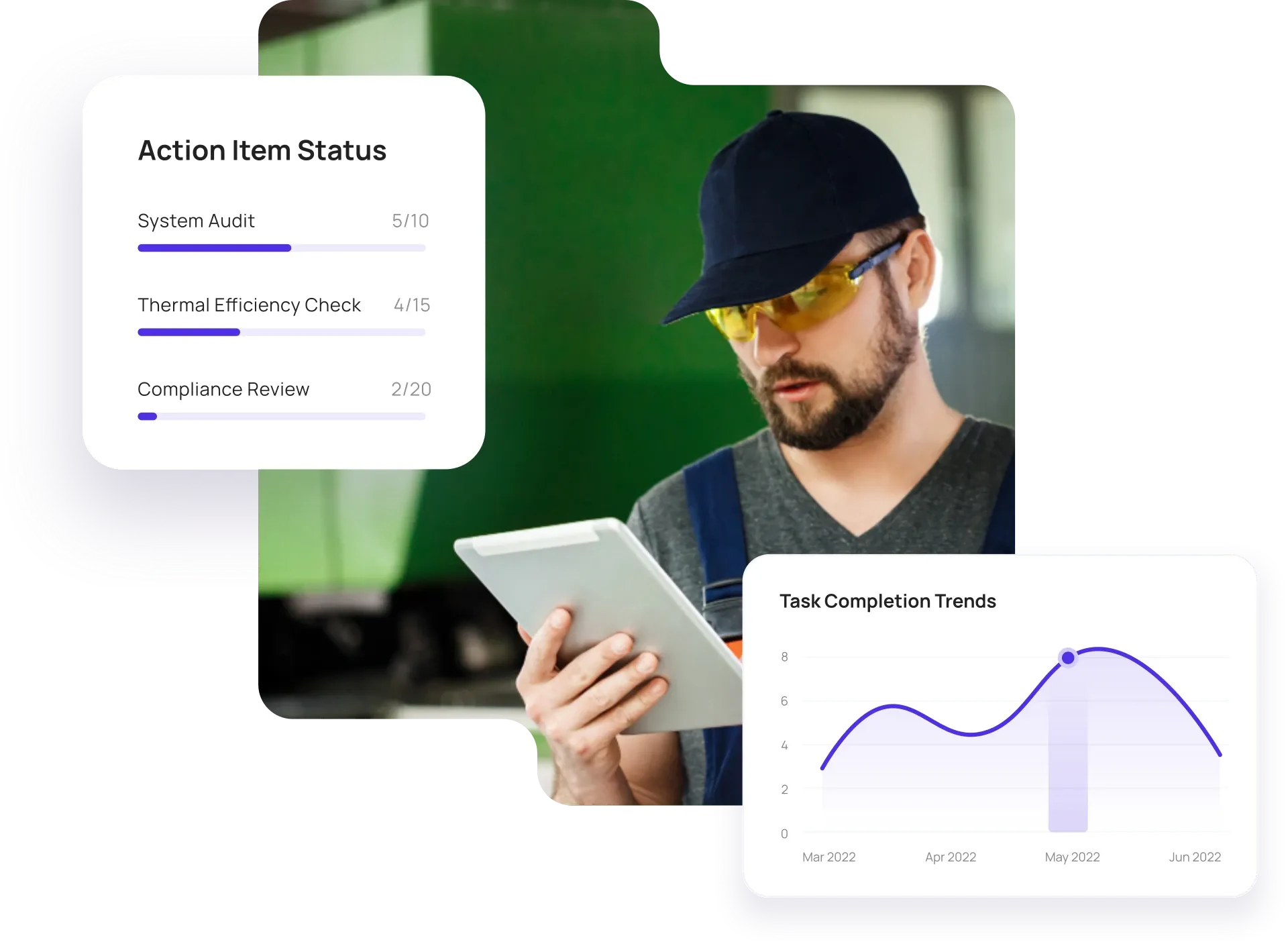
Configurable solutions that drive improvement across your organization.
Paper and spreadsheets make it hard to standardize checklists and track repair history per asset. Inspectly360 gives you one checklist per maintenance type, repair evidence and parts logging, and full history for assets and audits so nothing is lost when staff or systems change.

Ad-hoc maintenance and paper checklists lead to missed tasks and no history. You need one checklist per maintenance type or asset, optional scheduling, and the same process across every site and technician.
The problem
The solution

Repairs noted on paper or in separate systems lack evidence and parts traceability. Capture every repair with photos, parts used, and time so maintenance history is complete and auditable.
The problem
The solution

Maintenance work closed without proof leads to disputes and rework. Technicians should complete a checklist, attach photos, and sign off so every repair is traceable and verifiable.
The problem
The solution
Hand-picked templates for maintenance and repair tracking.
Preventive and corrective maintenance inspections. Log repairs, parts, and condition with photos and follow-ups.

Complete work orders with checklist items, photos, and sign-off. Track completion and proof of work.

Inspect assets and equipment: condition, location, photos, and maintenance history. Track condition over time.
Safety inspections with hazard identification, corrective actions, and compliance reporting. Offline capture and evidence.
Use these apps to run inspections, audits, and checklists in the field.

by Inspectly360
Simplify facilities inspections with forms, photos, and reports.

by Inspectly360
Building condition and compliance inspections with evidence and follow-ups.

by Inspectly360
Digitize building inspection apps workflows with forms, evidence capture, and automated reporting.

by Inspectly360
Run building inspections on phones and tablets with offline forms, photo evidence, and instant reports.

by Inspectly360
Audit buildings with structured scoring, photo evidence, and corrective action tracking across portfolios.
The best way to replace paper maintenance logs and spreadsheets is to use a maintenance and repair management app that supports standardized checklists, repair logging with photos and parts, and work order completion with evidence. Many facilities and field teams still run maintenance checklists on paper and log repairs in Excel or notebooks - which leads to no single history per asset and no proof of work. A purpose-built maintenance app lets you define one checklist per maintenance type, log repairs with photos and parts, and complete work orders with sign-off. Technicians use tablets or phones, often offline, and data syncs when back online. Start by moving one maintenance type or site to the app, then roll out to more. This is how teams move off paper and spreadsheets without a long IT project.
Yes. In Inspectly360 you can assign maintenance checklists to assets or locations on a schedule (e.g. weekly, monthly, or by runtime hours). The system creates tasks automatically and sends reminders. Track completion and overdue items in the dashboard, and work orders can be created from scheduled tasks or inspection findings so maintenance and repair are driven by both calendar and condition. This supports preventive maintenance and keeps asset history complete - replacing the old pattern of paper checklists and manual scheduling.
Yes. Complete maintenance checklists and log repairs in Inspectly360 offline. Data syncs when back online, and the full history is preserved. This is critical for workshops, remote sites, and any location where connectivity is unreliable. Technicians can record parts used, condition notes, and photos without signal; once synced, the data is attached to the asset and available for reporting and next inspection. For teams moving away from paper, you get the same reliability as paper logs with the benefits of digital: no re-keying and one history per asset.
Log parts used and repair details in the Inspectly360 completion form. All repairs are linked to the asset and stored in history, so you have a full maintenance and repair record per asset. Export data or use the dashboard for parts usage and cost analysis. This supports inventory planning, warranty tracking, and root cause analysis - and the history is available for audits and capital planning. This replaces the pain of repair history scattered across paper logs and spreadsheets.
Yes. Create maintenance work orders in Inspectly360 from inspection findings or asset condition. The link is preserved so you have full traceability from inspection to maintenance to completion. Work orders can be pushed to your CMMS via API, and closure can sync back. This keeps inspection-driven maintenance and scheduled maintenance in one workflow and ensures every finding can be tracked to resolution - closing the loop that paper and spreadsheets often leave open.
See Inspectly360 in action with a live demo tailored to your needs. No credit card required.