Facilities Management
Work Order Checklist
Complete work orders with checklist items, photos, and sign-off. Track completion and proof of work.
31,800+GET

Convert your checklist into Mobile App
Create, assign, and complete work orders from the field with Inspectly360. Build custom completion checklists for maintenance work orders and facility work to complete on tablets and mobile devices. Capture photo evidence and sign-off at completion. Keep digital records of every work order and proof of completion.
0x
Faster completion
0%
Completion proof
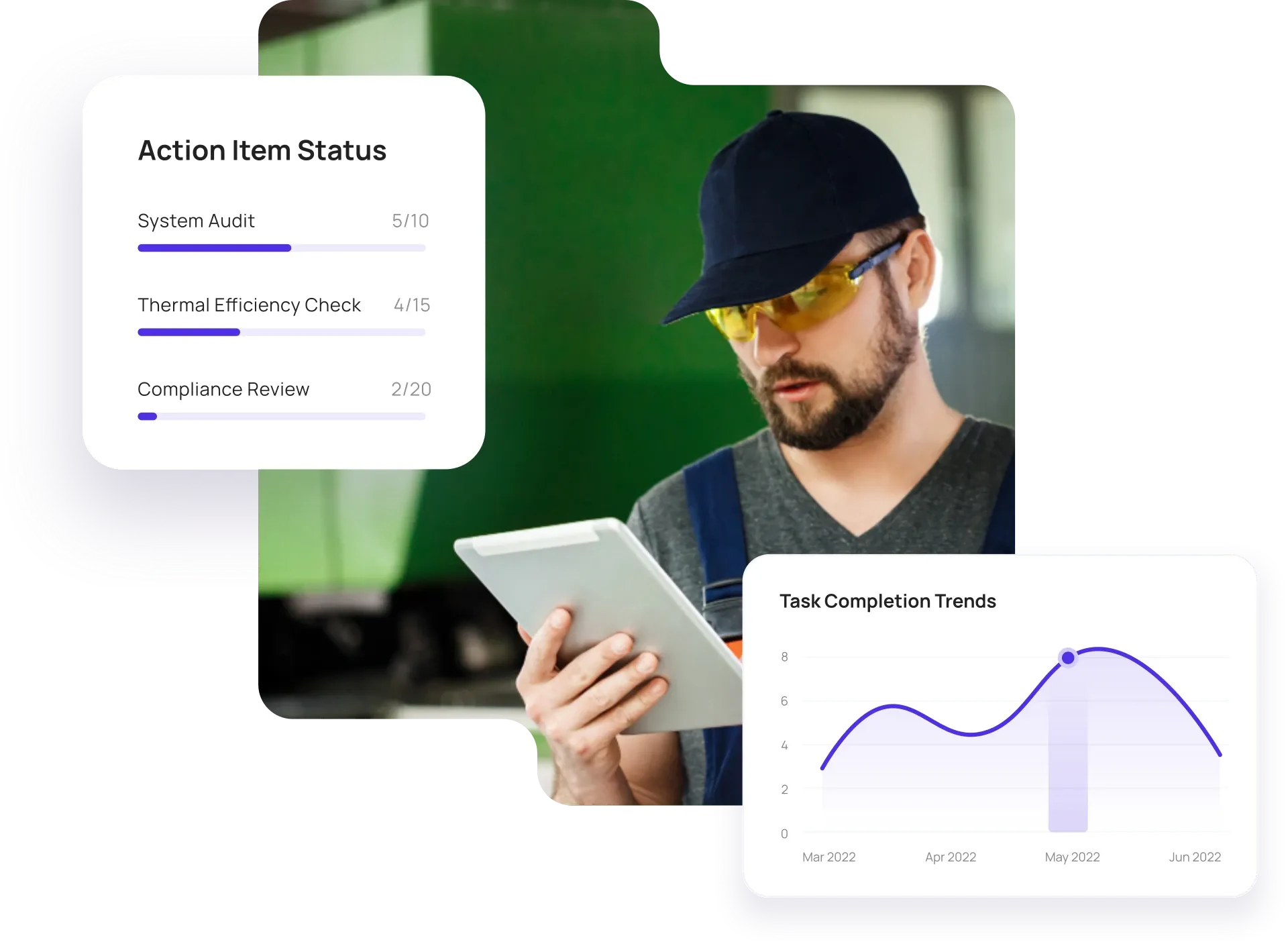
Configurable solutions that drive improvement across your organization.
Email and paper give no clear status or proof of completion. Inspectly360 gives you one list with assignees and due dates, completion checklists and photos on site, and full history so requesters and managers see what was done and have evidence for audits and disputes.

Work orders in email or paper don't have a clear status or owner. You need one place to create work orders, assign to a person or team, set priority and due date, and see status until closed.
The problem
The solution

Completion without proof leads to disputes. Technicians should complete a checklist and attach photos at close-out so requesters and managers see what was done and have evidence for audits.
The problem
The solution

Closed work with no verification can hide incomplete work. Require checklist completion and optional verification before close, and keep a full history so every work order is traceable.
The problem
The solution
Hand-picked templates for work orders and completion checklists.
Complete work orders with checklist items, photos, and sign-off. Track completion and proof of work.

Preventive and corrective maintenance inspections. Log repairs, parts, and condition with photos and follow-ups.

Inspect assets and equipment: condition, location, photos, and maintenance history. Track condition over time.

Standard site-level inspections for construction, safety, and compliance. Capture conditions, photos, and follow-ups in one place.
Use these apps to run inspections, audits, and checklists in the field.

by Inspectly360
Simplify facilities inspections with forms, photos, and reports.

by Inspectly360
Building condition and compliance inspections with evidence and follow-ups.

by Inspectly360
Digitize building inspection apps workflows with forms, evidence capture, and automated reporting.

by Inspectly360
Run building inspections on phones and tablets with offline forms, photo evidence, and instant reports.

by Inspectly360
Audit buildings with structured scoring, photo evidence, and corrective action tracking across portfolios.
The best way to replace email and paper work orders is to use a work order management app that supports creation, assignment, completion checklists, and proof of work. Many field and facility teams still create work orders in email or on paper and get completion updates via WhatsApp or phone - which leads to no single status view and no evidence when disputes arise. A purpose-built work order app lets you create and assign work orders in one place, require checklists and photos at completion, and track every order to closure. Technicians use phones or tablets, often offline, and data syncs when back online. Start by moving one work type or site to the app, then roll out to more. This is how teams move off email and paper without a long IT project.
Yes. In Inspectly360 you can create work orders from inspection findings or incident reports. The link is preserved so you have full traceability from issue to work order to completion - supporting audit and compliance. Work orders can be pushed to your CMMS via API so maintenance teams see the same tasks, and closure in either system can update status. This keeps inspection and maintenance workflows aligned without duplicate data entry and replaces the old pattern of re-typing issues from paper or email into a work order system.
No. Technicians can view and complete work orders in Inspectly360 offline. Checklist responses and photos are stored locally and sync when back online; sign-off and timestamp are preserved so completion proof is never lost. This is critical for technicians working in basements, remote sites, or facilities with poor connectivity. Once synced, status updates are visible to planners and managers in real time. For teams moving away from paper, you get the same reliability as paper with the benefits of digital: no lost forms and instant visibility.
In Inspectly360 you can require a completion checklist and photo attachment before closing a work order. Optional verification step (e.g. supervisor sign-off or re-inspection) can be added so work is not marked complete without evidence. All evidence is stored with the work order record for audit and dispute resolution. This supports quality and compliance where proof of work is required - and removes the pain of "he said, she said" when completion was only confirmed by email or phone.
Yes. Assign work orders in Inspectly360 to internal staff or external contractors. Role-based access lets you limit what vendors see - for example only their assigned work and relevant sites - so they can complete and close orders without accessing your full asset or inspection data. This supports multi-party maintenance and facilities workflows while keeping your data secure and auditable. Vendors get a clear list of their work and submit completion with proof, without needing access to your internal systems.
See Inspectly360 in action with a live demo tailored to your needs. No credit card required.