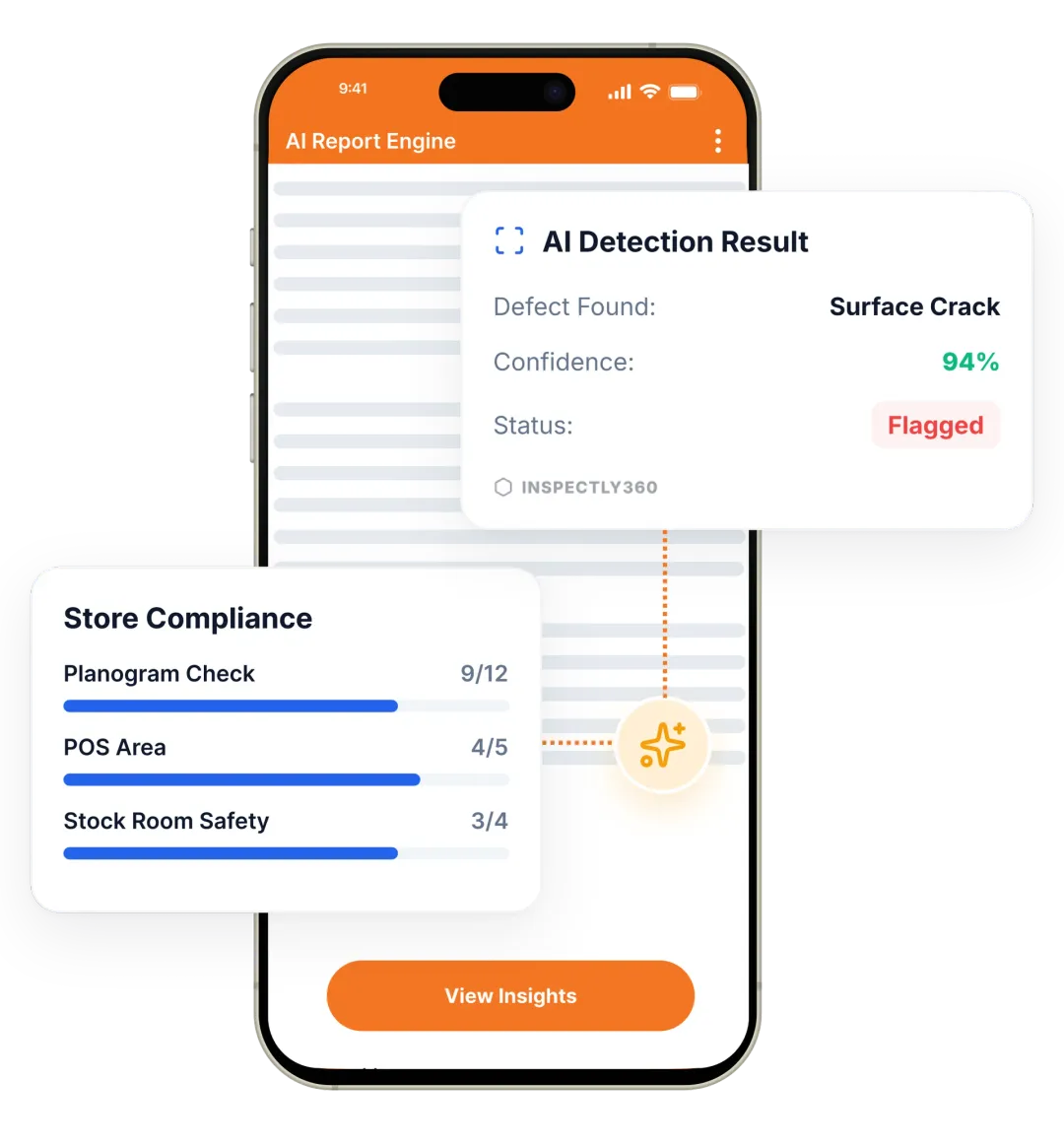

Take a Photo. AI Fills the Form
Your inspector takes a photo of any asset or defect. AI reads it and fills the inspection form automatically. No typing. No manual entry.

Convert your checklist into Mobile App
A building inspection mobile app lets your team run condition checks, fire NOC plant rounds, lift license records, and structural reviews on a phone or tablet across every floor and risers, even with no signal in basements. Inspectly360 captures photos and voice, scans asset QR codes, and pushes live updates to facilities heads and property owners so you stop chasing screenshots.

A building inspection mobile app is software inspectors and CE staff use on a phone or tablet to run condition checks, statutory plant rounds, and snagging across every floor and tower of a building portfolio. Inspectly360 is an AI-powered inspections and audits platform that replaces paper rounds and WhatsApp threads with offline mobile forms, AI photo and voice capture, and live multi-tower dashboards for heads of facilities, AFM leads, and asset managers.
The same app handles building handover snagging, fire NOC plant checks, lift license inspections, AMC governance, and tenant move-in or move-out reviews. Field teams stop typing in the field. Property owners stop waiting for end-of-week reports. Every submission carries a timestamp, geofenced location, and full audit trail so RERA, fire NOC, and lift license records hold up under scrutiny.
A strong building inspection mobile app covers structural and finish condition checks, life-safety plant rounds, lift and electrical asset inspections, snagging and handover defects, and tenant move-in or move-out records. It should support photo and voice evidence, work offline, scan asset QR codes, route failed items with verified closure, and produce branded PDF reports for owners, occupiers, and authorities.
Use one consistent mobile flow per building so every floor, tower, and inspector follows the same standard.

Inspectors run forms offline on Android or iOS across every floor, scan asset QR codes, and use AI photo and voice capture to reduce typing.

Failed items become tracked issues with named owners, due dates, and verified closure proof, not lost handover chat threads.

Branded PDFs and dashboards update in real time. Owners, occupiers, and authorities see the building's true state without waiting.
Everything your field team does on paper, Inspectly360 does automatically: faster, more accurate, and without the admin.
Your inspector takes a photo of any asset or defect. AI reads it and fills the inspection form automatically. No typing. No manual entry.

Inspectors speak their observations in any language. AI transcribes and fills the form in real time. Completely hands-free in the field.

The moment an inspection is submitted, a branded PDF, Excel, or CSV report generates automatically. No manual work. No waiting.

Inspectly360 integrates with the tools your team already uses, including Zoho, Microsoft 365, and SAP. No double entry.

Your operations team sees completion rates, open issues, and compliance scores across all sites in real time. No chasing updates.
From data collection to compliance: see how teams use Inspectly360 for every use case.
Capture field data once with digital forms that work even offline.
Explore use caseRun standardized inspections with photos, scoring, and instant reports.
Explore use caseConduct structured audits with evidence trails and pass or fail scoring.
Explore use caseLog hazards, near misses, and safety checks from any job site.
Explore use caseCatch defects early with repeatable quality checks and sign off.
Explore use caseReport incidents in the moment with photos and follow up actions.
Explore use caseTrack assets, service history, and condition across every location.
Explore use caseRaise work orders and close out repairs with a full audit trail.
Explore use caseStay audit ready with logged checks, timestamps, and shareable reports.
Explore use caseUse it as a digital workflow so your team captures consistent evidence, stays aligned in the field, and produces reports stakeholders can trust without retyping answers from paper.

Centre managers mark rounds done in email per tower. You cannot tell which floor missed a fire NOC plant check without calling each lead.
Problem
Solution

Inspectors lose data when signal drops; they retype the form upstairs and lose the on-site context.
Problem
Solution

When a property owner or fire authority asks for evidence, your team scrambles across folders, drives, and chat threads to compile it.
Problem
Solution
Inspectly360 is built for portfolio scale. Each building has its own assets, templates, vendors, and rounds, but the head of facilities sees one live dashboard with completion, open issues, and risk score by tower and floor. AI-generated daily briefings summarise which buildings had problems, which rounds are overdue, and which need attention today. Natural language dashboard queries let you ask plain questions, such as which towers missed fire NOC plant checks last week, and get an answer instantly. This replaces the usual scramble of compiling 12 building reports into one summary every Monday.
Yes. The mobile app captures photos and voice notes per item with timestamps and optional geofencing. AI photo analysis can detect cracks, corrosion, leaks, spills, damaged equipment, and other defects and pre-fill the relevant section. Inspectors can mark severity, attach multiple photos per finding, and route the item to the responsible vendor or AMC partner with a due date. The closure record requires verified photo proof of the fix. This is the same workflow whether the building is at handover snagging or in steady-state operation.
Templates can be configured to match fire NOC schedule requirements, lift license maintenance records, and electrical safety frequencies. Each round produces a structured digital record with photos, sign-off, and corrective actions tied to specific clauses. Dashboards surface upcoming statutory due dates and overdue checks so they are not separate from the operational data. When a fire department or lift authority visits, you produce a complete digital trail per tower, per asset, and per cycle. The same evidence supports RERA reporting where applicable for residential portfolios.
Yes. Inspectly360 is offline-first by design. Inspectors download their assigned rounds before going on site, then complete forms in basements, risers, plant rooms, and outdoor areas without any signal. Photos, voice notes, geotags, and form fields save locally on the device. When the phone or tablet returns to coverage, submissions sync automatically. Local validation flags incomplete sections before submission so nothing is missed. This is essential in tower environments where the most critical evidence often sits in places with the worst connectivity.
Yes. Multiple inspectors can run sections of the same building inspection in parallel from different floors or towers. Each inspector works on their assigned scope on their own device. Submissions roll up into the same building report, with the dashboard showing live completion across teams. This matters during handover snagging on a new tower and during portfolio audits when a single building cannot be covered by one inspector in one shift. Role-based access ensures each team member only sees and submits what they are authorised to.
Each completed inspection generates a branded PDF with site, asset, photo evidence, findings, and corrective actions. Reports can be shared via secure link, email, or downloaded directly. Portfolio reports roll up scores and recurring issues across towers. When a property owner, occupier, or fire authority asks for evidence, you produce a complete digital record in seconds, not days. Integrations can also push summaries to tools such as Microsoft 365, OneDrive, and Zoho Desk, while Inspectly360 remains the source of truth for what happened in each building.
Explore other inspection and audit apps for facilities management teams.
See Inspectly360 in action with a live demo tailored to your needs. No credit card required.

