Health Safety
Incident Report Form
Report incidents and near-misses with details, photos, location, and timeline. Ready for safety or quality review.
26,700+GET

Convert your checklist into Mobile App
Create and submit safety incident reports and near miss reports on mobile devices. Capture photos and location at the time of the incident, assign follow-up and corrective actions, and track to closure. Gain instant access to incident and near miss reports with Inspectly360.
0x
More reports captured
0%
Faster follow-up
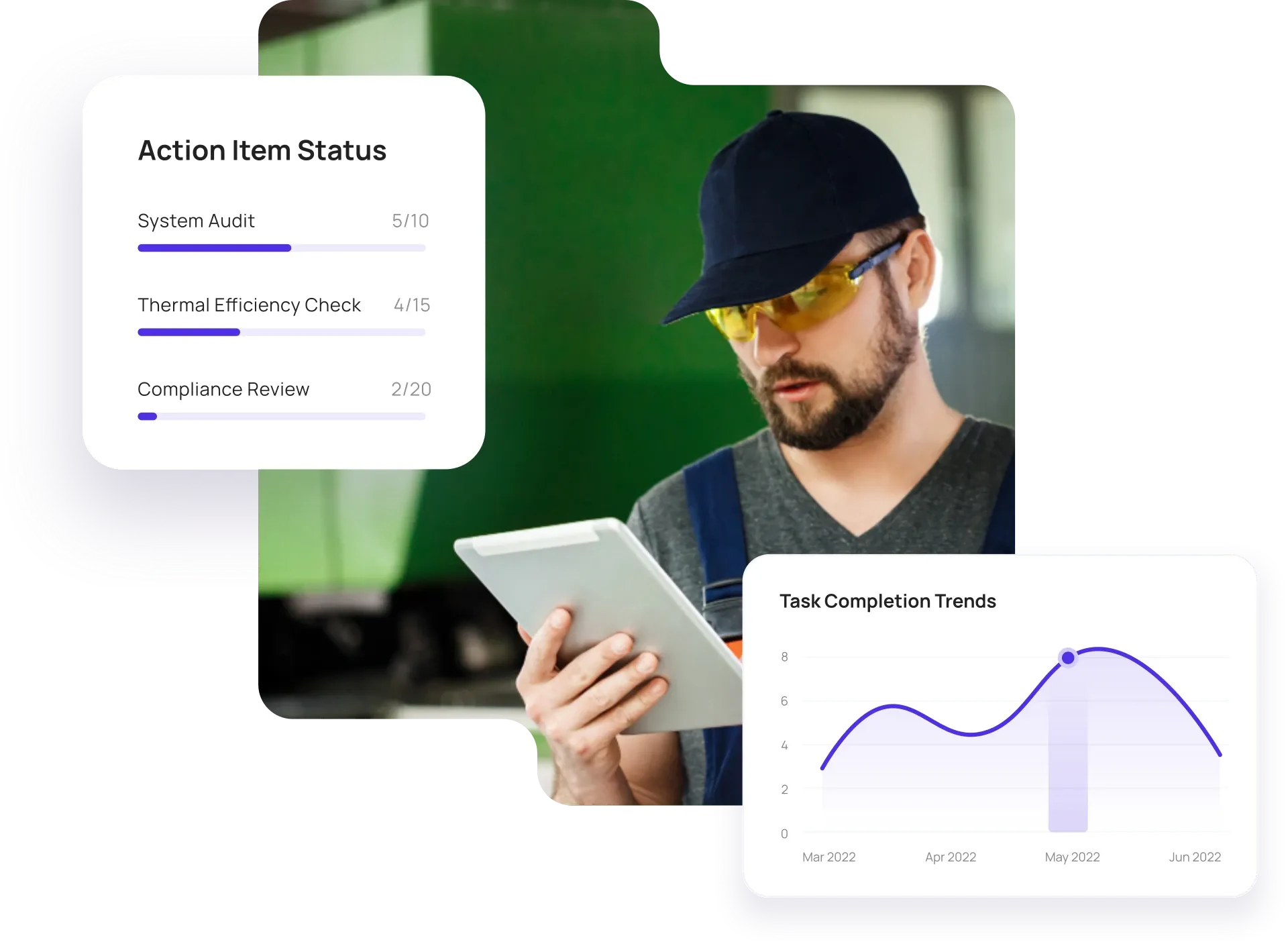
Configurable solutions that drive improvement across your organization.
Paper and verbal reports get lost; email and WhatsApp give no clear workflow or audit trail. Inspectly360 captures every report with evidence, assigns follow-up and corrective actions, and tracks closure so safety, quality, and compliance have a full record.

Paper incident forms and verbal reports get lost or lack detail. You need a simple incident form on mobile so anyone can report with photos, location, and time - and have it land in one system with a clear workflow.
The problem
The solution

Incidents with no owner or due date never get closed. Assign each incident to an owner, set due dates and severity, and track status so follow-up and corrective actions are visible and timely.
The problem
The solution

Open incidents with no verification stay on the list. Verify closure with re-inspection or sign-off, and keep a full audit trail so safety, quality, and compliance have a complete record.
The problem
The solution
Hand-picked templates for incident and near-miss reporting.
Report incidents and near-misses with details, photos, location, and timeline. Ready for safety or quality review.
Safety inspections with hazard identification, corrective actions, and compliance reporting. Offline capture and evidence.

Compliance-focused inspections with evidence capture and audit trails. Meet regulatory and internal requirements.

Internal and external audits with scoring, evidence, and corrective actions. Full audit trail and report generation.
Use these apps to run inspections, audits, and checklists in the field.

by Inspectly360
Simplify facilities inspections with forms, photos, and reports.

by Inspectly360
Building condition and compliance inspections with evidence and follow-ups.

by Inspectly360
Digitize building inspection apps workflows with forms, evidence capture, and automated reporting.

by Inspectly360
Run building inspections on phones and tablets with offline forms, photo evidence, and instant reports.

by Inspectly360
Audit buildings with structured scoring, photo evidence, and corrective action tracking across portfolios.
The best way to replace paper incident forms is to use an incident reporting app that supports mobile forms, photo and location capture, and follow-up tracking. Many field-intensive teams still report safety incidents and near-misses on paper, email, or WhatsApp - which leads to lost reports, no workflow, and no audit trail. A purpose-built incident report app lets anyone submit from their phone with photos and location; reports land in one system where you assign owners and due dates and track closure. Start by rolling out to one site or department, then expand once your team sees the increase in capture and the drop in time-to-close. This is how teams move off paper and email without a long IT project.
Yes. Inspectly360 incident reporting forms are available on any device - company or personal phones. Workers can report with photos and location; you control who sees and manages follow-up through role-based access. Optional anonymous reporting can be configured to encourage reporting without fear of attribution. Reports land in a central incident log and dashboard so safety and management can assign corrective actions and track closure, supporting a strong safety culture and regulatory compliance. This replaces the old pattern of incidents reported by word of mouth or lost in email.
Yes. Submit incident reports in Inspectly360 offline; they are stored locally and sync when the device is back online. This is critical for remote sites, construction, or any area with poor connectivity - workers can report as soon as an incident occurs without waiting for signal. Photos and location are captured and attached to the report, and the full audit trail is preserved for safety and compliance review. For teams moving away from paper, you get the same reliability as paper forms with the benefits of digital: no re-keying and instant visibility once synced.
In Inspectly360 you assign each incident to an owner with a due date. Track status, send reminders, and optionally require verification (e.g. re-inspection or sign-off) before closing. All of this is visible in the incident log and dashboard, with escalation rules for overdue items. The link between incident, corrective action, and closure is maintained so you can demonstrate to regulators and leadership that every incident was followed up and resolved. This closes the loop that paper and email often leave open: incidents get logged but never followed through to verified closure.
Yes. Export incident and follow-up data from Inspectly360 to Excel or PDF. The full audit trail is stored and can be included in exports. We can support custom report formats for regulators or internal review (e.g. OSHA, incident rate calculations, trend analysis). Data can also be pushed via API to your EHS or safety management system so incident reporting feeds your existing compliance and analytics workflows - no manual compilation from paper or email.
See Inspectly360 in action with a live demo tailored to your needs. No credit card required.