How does AI improve construction site safety inspections?
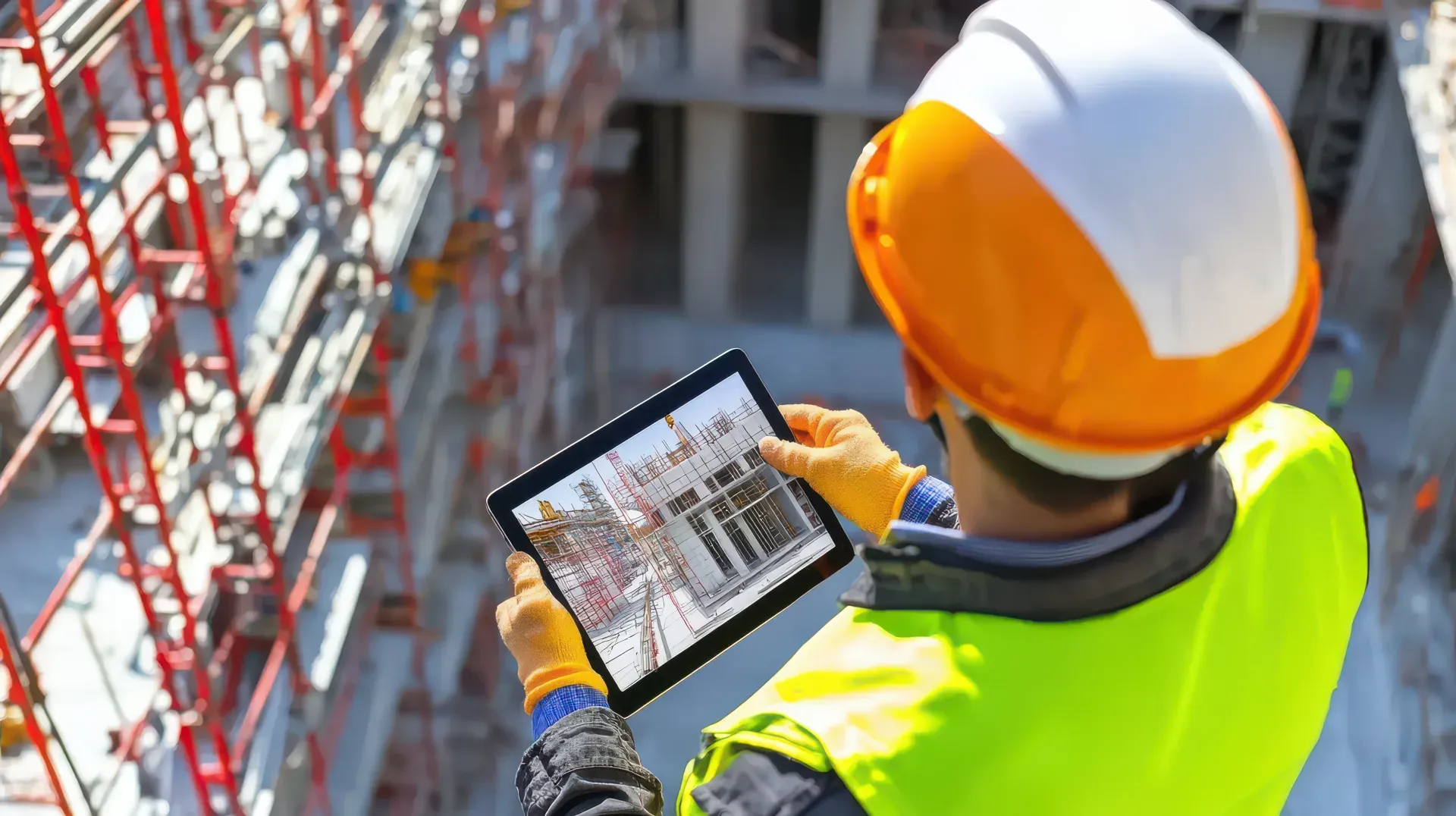
AI improves construction safety inspections by acting as a second set of eyes that never tires. When an inspector photographs an area during a walk-through, computer vision analyzes the image and flags likely hazards such as missing fall protection, blocked exits, exposed wiring, or improper scaffolding. On a large site with millions of square feet, a single inspector cannot see everything, and fatigue late in a shift causes real hazards to be missed. AI closes some of that gap by reviewing every photo consistently. It does not replace the inspector's judgment about whether a hazard is acceptable or how to control it, but it reduces the chance that an obvious, dangerous condition goes unrecorded.
Does AI replace human safety inspectors?
No. AI augments inspectors rather than replacing them. A model is good at spotting repetitive, visible hazards it has been trained on, but a trained inspector brings context the model lacks: whether a permit is valid, whether a method statement is being followed, and whether a given condition is a real risk in the situation. The reliable workflow has the AI propose candidate hazards and the qualified inspector confirm, dismiss, or escalate each one, with that decision recorded against their name. This keeps a person accountable for every official finding while using the software to remove the fatigue and volume problems that cause hazards to be overlooked on large sites.
What is Edge AI and why does it matter for site safety?
Edge AI runs the analysis directly on the inspector's phone or tablet instead of sending photos to a cloud server. For construction safety this matters for two reasons. First, many job sites have poor or no connectivity, so a tool that depends on the cloud simply will not work where inspections happen. Edge AI returns a hazard suggestion in seconds, on device, even with no signal. Second, keeping images on the device during analysis limits how much sensitive site imagery travels across external networks before the inspector chooses to sync. The result is AI assistance that is available in the basement, the plant room, and the remote plot, not only where the wifi reaches.
What hazards can AI safety inspection tools detect?
Current models are most reliable on common, visible hazards that appear often enough to train on: missing personal protective equipment such as hard hats and high-visibility clothing, unguarded edges and fall-protection gaps, blocked or obstructed emergency exits, exposed or damaged electrical wiring, and poorly erected scaffolding. They are weaker on rare, one-off conditions with little training data and on anything that depends on paperwork or process rather than what is visible in a photo. This is why teams get the most value by pointing AI at the handful of hazard types they photograph most, and continuing to rely on inspector judgment for unusual situations and for deciding what corrective action a flagged hazard requires.
How should a construction firm start using AI safety inspections?
Start with a parallel pilot rather than a full switch. Keep your existing manual walk-throughs running while the AI reviews the same photos, then compare the two sets of findings for a few weeks. This builds evidence of where the model helps and where it raises false alarms, and it lets inspectors get comfortable accepting or overriding suggestions before anything becomes official. Choose one or two active sites and the hazard types you photograph most for the pilot. Once the team trusts the tool and the override pattern is understood, make AI-flagged items part of the formal inspection record and extend the approach to more sites. Treat AI as an assistant to a trained inspector throughout, not a replacement for one.