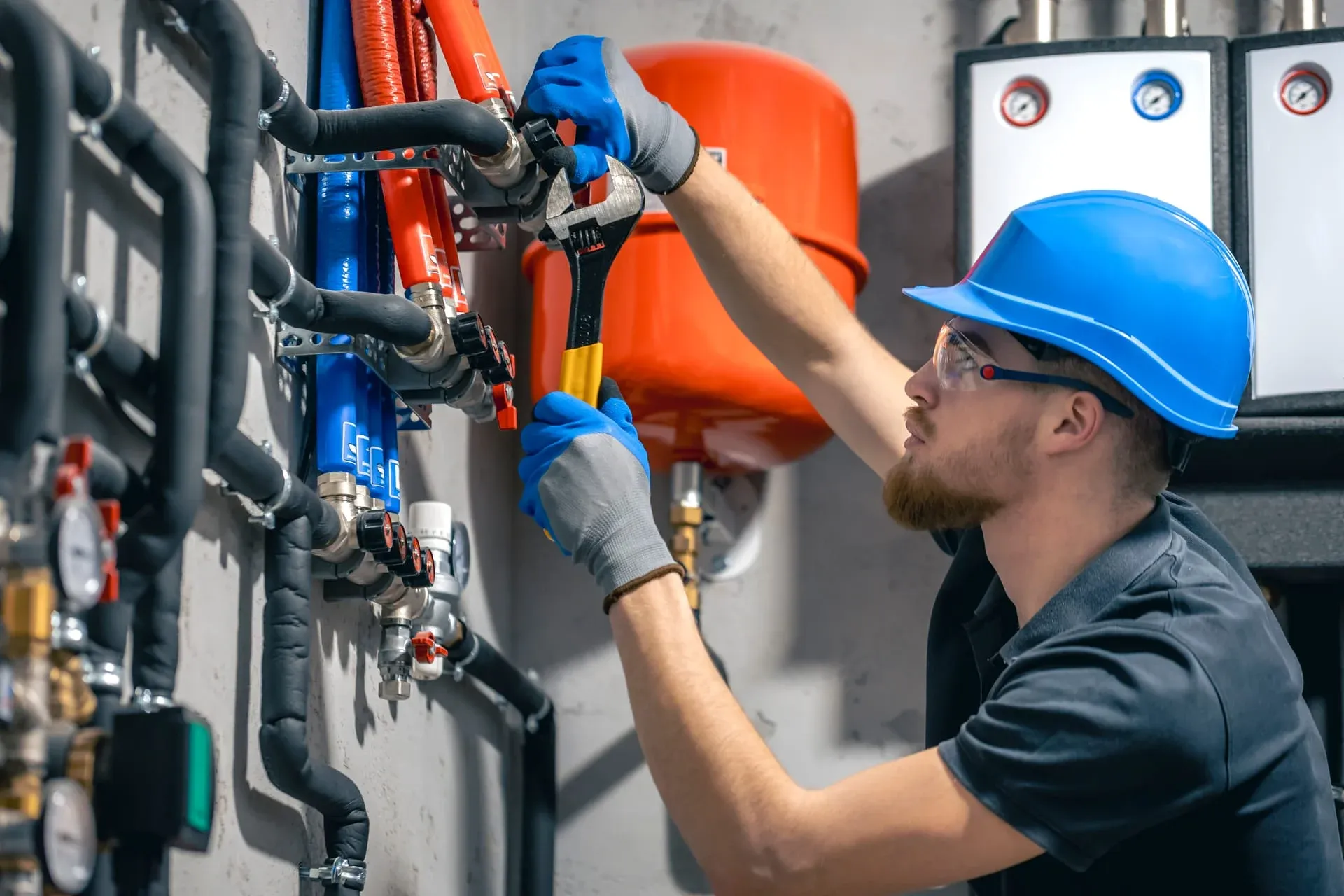
Take a Photo. AI Fills the Form
Your inspector takes a photo of any asset or defect. AI reads it and fills the inspection form automatically. No typing. No manual entry.

Convert your checklist into Mobile App
Centered on safety inspections, observations, and closed-loop corrective actions. HSE Audit Inspection Software is the platform Operations Directors, Compliance Managers, and Site Leads use to run hse audit inspection programmes with defensible field evidence across every site in the portfolio.
Available on Mobile
Inspect on iOS and Android with no internet required. Capture photos, let AI flag defects, and generate audit-ready reports in the field.
The pain it solves is familiar to multi-site hse & safety operators: inspections scattered across paper, chat, and spreadsheets; findings that nobody can reconstruct at audit time; and leadership visibility that arrives days late. Inspectly360 replaces that fragmentation with one record per asset, per site, and per programme.
What changes once hse audit inspection software runs on one mobile-first platform.
HSE & Safety rollout follows a measured sequence: prove the inspection layer on one cluster of sites, then scale templates and dashboards before the next audit or contract review.
Programme owners map hse audit inspection controls to Inspectly360 templates with required photos, severity rules, and asset QR tags aligned to your hse & safety standards.
Inspectors work the hse audit inspection template offline, and every entry syncs with its timestamp and author once connectivity returns.
Failed hse audit inspection items become owned tasks with deadlines and photo-verified closure before the next inspection cycle.
Operations Directors report hse audit inspection completion and open risk from the same record the field captured, so the numbers are never re-keyed.
Everything your field team does on paper, Inspectly360 does automatically: faster, more accurate, and without the admin.
Your inspector takes a photo of any asset or defect. AI reads it and fills the inspection form automatically. No typing. No manual entry.

Inspectors speak their observations in any language. AI transcribes and fills the form in real time. Completely hands-free in the field.

The moment an inspection is submitted, a branded PDF, Excel, or CSV report generates automatically. No manual work. No waiting.

Inspectly360 integrates with the tools your team already uses, including Zoho, Microsoft 365, and SAP. No double entry.

Your operations team sees completion rates, open issues, and compliance scores across all sites in real time. No chasing updates.
Manage every checklist in one connected workspace, capture evidence on mobile at the point of work, and let AI turn field inputs into clear, stakeholder-ready reports in minutes.





See which checklists your team has in progress across every site, jump into the same inspection with one tap, and keep field, supervisor, and back-office views in sync without sending screenshots on WhatsApp.






Every team reports differently. Build the report your operations, quality, or compliance leads actually want to read, share it as a branded PDF, and schedule delivery to the stakeholders who need it.



See completion, pass rate, and recurring findings across every checklist and every site, without pulling spreadsheets together at the end of the month.
What changes once hse audit inspection software is standardised on Inspectly360.







“Inspectly360 transformed how we manage site safety inspections. The offline capability alone saved us countless hours. Our compliance rate jumped from 72% to 96% in just three months.”
Sarah Mitchell
Meridian Construction Group
“The AI-powered defect detection has changed how we work. Our inspectors capture photos and the system flags issues we'd have missed. It's like having an expert reviewer on every site visit.”
James Chen
Pacific Manufacturing Co.
“Rolling out digital checklists across multiple projects gave us instant visibility into recurring safety issues. We now resolve critical findings in hours instead of days.”
Olivia Carter
Northbridge Infrastructure
Get started with inspection and audit checklist templates.

Catch defects before handover and generate punch list reports in minutes. Room-by-room finish checks, evidence, and corrective actions.

Pre-handover snagging for new build apartments. Room-by-room finish checks, MEP, and defect tracking before keys.

Utilize this Scaffolding Safety Inspection Checklist to spot hazards, verify stability, and ensure compliance with safety standards before work begins.

Capture job details, measurements, work performed, photos, and sign-offs in one structured field service report form.
Use these apps to run inspections and audits.
HSE Audit Inspection Software lets HSE & safety teams run HSE inspections the same way on every visit, with photos and a sign-off on each HSE. Each HSE inspections round is finished in the field, with the photos and a named sign-off attached before it submits. Because evidence is captured as the work happens, the HSE trail still stands up months after the visit. A failed HSE item becomes an assigned task with an owner, a deadline, and a severity.
HSE problems found in the field do not get lost in HSE Audit Inspection Software. Repeat failures on the same HSE are flagged, so teams address the cause instead of patching it again. Each issue stays open until photo proof of the fix is reviewed, so the repair is verified rather than assumed. Because evidence is captured as the work happens, the HSE trail still stands up months after the visit. Each entry is timestamped and tied to a named person and the asset, so a "done" tick always has evidence behind it.
HSE Audit Inspection Software usually begins on a single cluster of HSE & safety sites. Once one HSE workflow runs steadily, the next ones follow the same pattern with less friction. Scoped access keeps each contractor to their own sites, while Compliance Managers keep one view across the estate. HSE Audit Inspection Software is the mobile tool Operations Directors use to run HSE inspections across every HSE & safety site from one app. Because evidence is captured as the work happens, the HSE trail still stands up months after the visit.
HSE Audit Inspection Software complements your CMMS, ERP, or GRC rather than replacing it. It owns the field side those systems were never built for: offline capture, photo evidence, and fast HSE audit packs. Every HSE record carries the inspector, the time, and the photos needed to prove the check happened. New sites inherit the approved HSE templates on day one, so standards hold as the portfolio grows. Each entry is timestamped and tied to a named person and the asset, so a "done" tick always has evidence behind it.
HSE Audit Inspection Software is used by Operations Directors, contractors, and field inspectors across HSE & safety. Contractors get a scoped login for their own HSE work, with no access to other sites. Checks run fully offline in plant rooms and remote HSE & safety sites, so a dropped signal never costs you the HSE record. Over time the same data shows which HSE assets and sites generate the most work. Photos and a signature attach to every check, which is what a client or ISO 9001 assessor asks to see later.
HSE completion and risk show in HSE Audit Inspection Software as results sync. Every HSE check feeds live reporting: completion rate, overdue findings, and a risk score per site. Risk shows per site as results sync, so leadership stops reconciling site reports by hand. Each entry is timestamped and tied to a named person and the asset, so a "done" tick always has evidence behind it. The record shows what was checked, when, and by whom, so Compliance Managers can answer a query without rebuilding it from folders.
See Inspectly360 in action with a live demo tailored to your needs. No credit card required.