What is AI quality inspection software?
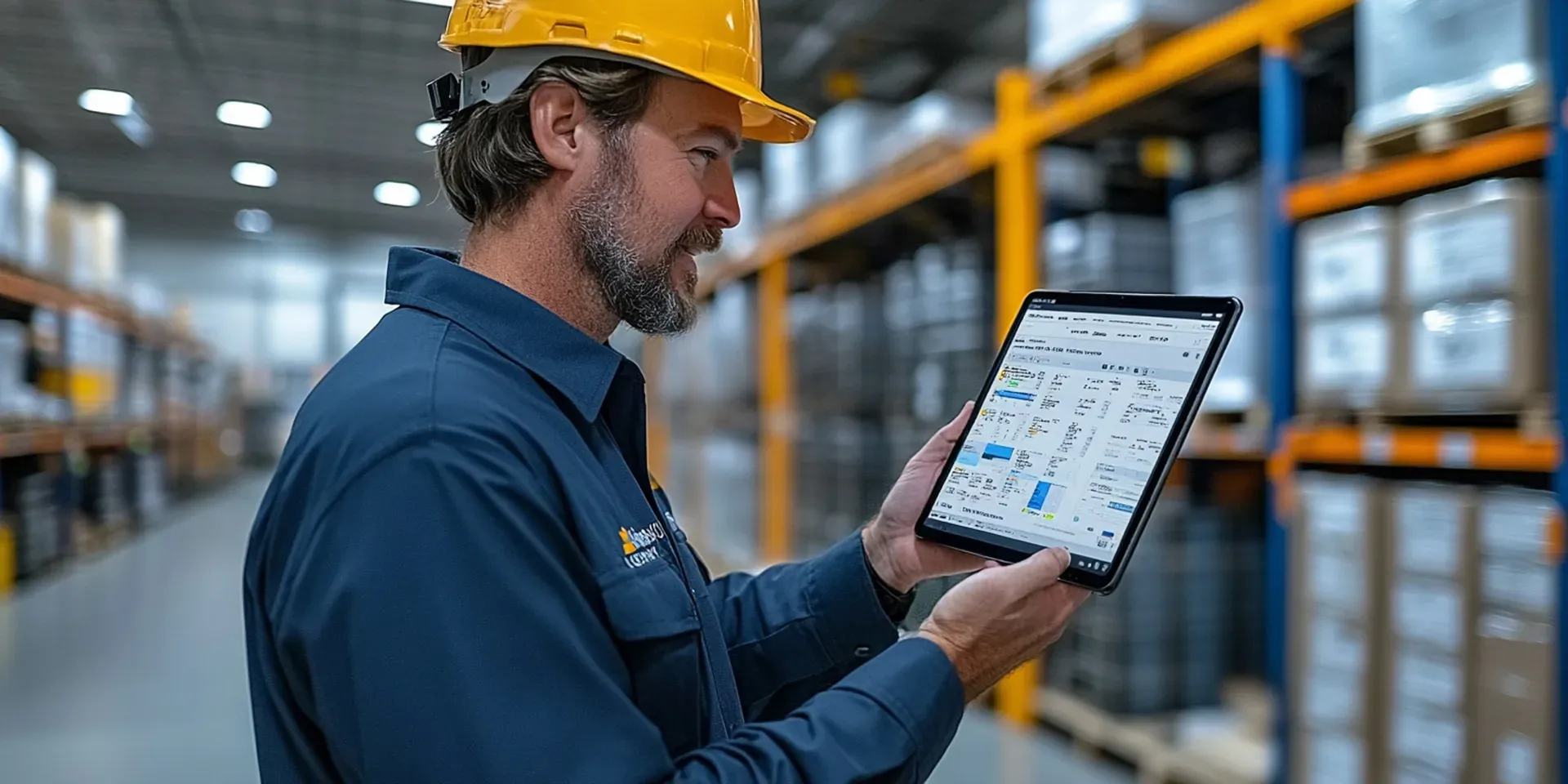
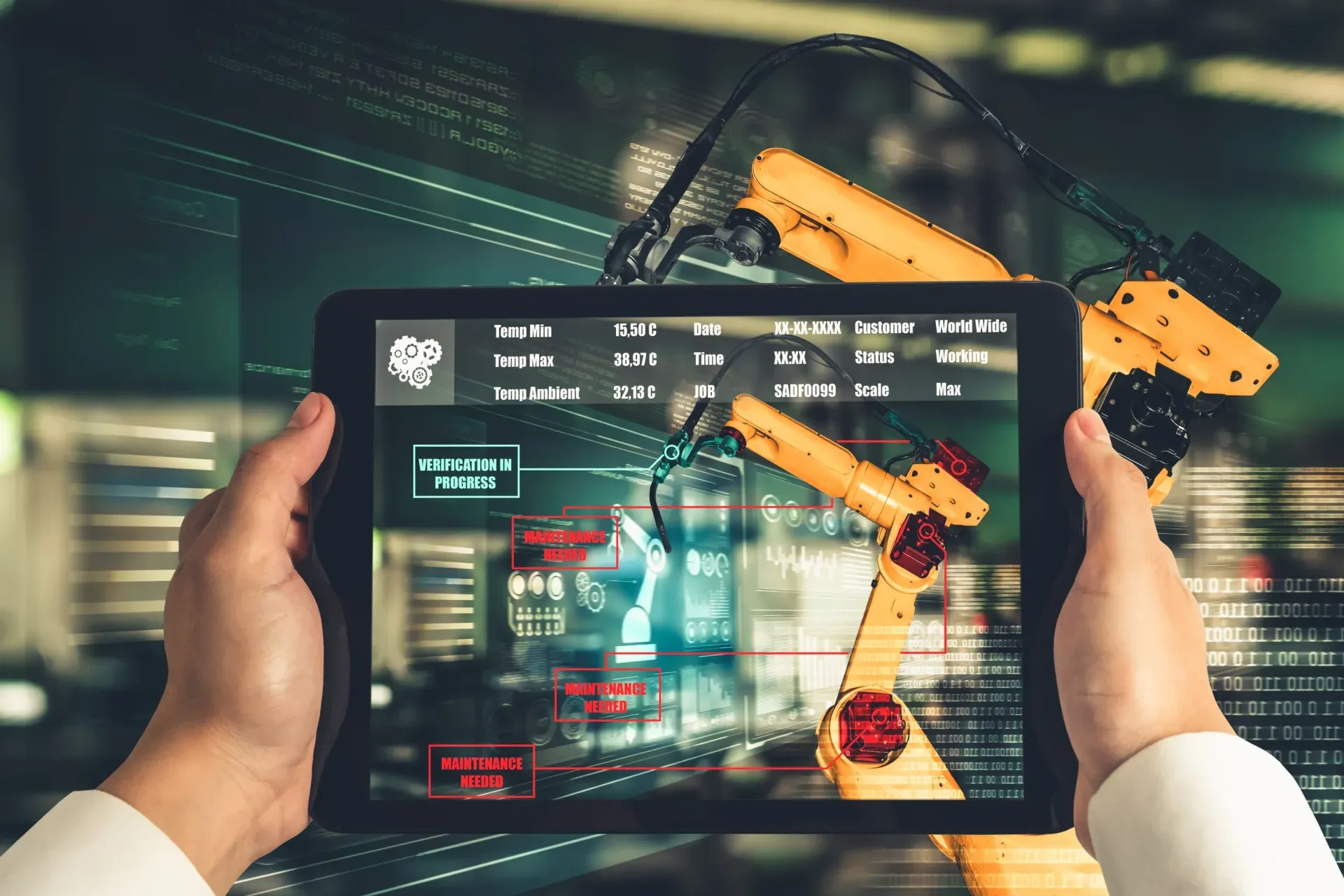
AI quality inspection software supports quality teams by analyzing inspection photos and data to flag likely defects and nonconformities, such as surface flaws, damage, or missing features. It sits on top of digital quality checklists and returns suggestions the inspector confirms or overrides, so findings are captured faster and labelled more consistently across shifts and lines. Crucially, it is a verification aid, not a replacement for a quality inspector, who still decides whether a finding is a genuine nonconformance and what corrective action it needs. Effective tools link AI findings to corrective actions, re-inspection, and audit trails, so quality work is closed-loop and defensible rather than a set of isolated scores.
What are the most common mistakes when adopting AI quality inspections?
The most common mistakes are adopting AI without a clear use case, skipping a pilot, and treating findings as complete without linking them to proof and re-inspection. Others include treating AI as a replacement for inspectors rather than an aid, and choosing cloud-only tools when inspections happen on the floor or in low-connectivity areas. Later on, teams stumble over missing acceptance criteria, ignoring the override feedback loop, overlooking data privacy, having no program owner, and expecting instant returns. Nearly all of these come back to the same principle: AI quality inspection works when it is scoped to specific defects, piloted, tied to corrective actions, and owned by someone who tunes it over time.
Can AI quality inspection replace human inspectors?
No. AI supports quality inspectors by flagging potential issues for review; it does not make the quality decision. A model is useful for repetitive visual checks it has been trained on, but a trained inspector judges whether a flagged item is truly a nonconformance, decides the disposition, and remains accountable for the record. Over-relying on AI without human verification risks both false negatives, where a real defect is missed, and a loss of accountability, where no one owns the call. The reliable approach is to let AI propose and the inspector dispose, with each official finding reflecting a human decision, and to use the technology to reduce missed items and inconsistency rather than to remove people from the loop.
Does AI quality inspection need an internet connection?
It depends on whether the AI runs on the device or in the cloud. On-device AI analyzes photos locally in seconds, so it works on the factory floor or in areas with poor connectivity without uploading images. Cloud AI needs a connection and can create bottlenecks or coverage gaps if inspections happen where signal is unreliable. For quality inspections carried out at the line or across a plant, on-device or reliably offline-capable AI is usually the better fit, because it keeps the assistance available where the work happens. The findings then sync into the quality system when the device reconnects, so dashboards and audit records stay complete.
How long before AI quality inspection shows results?
AI quality inspection tends to improve over the first few months rather than delivering full value on day one. Early on, teams refine which defects the AI targets, standardize photo angles and lighting so suggestions are reliable, and tune confidence thresholds based on real overrides. As that tuning settles, consistency improves and more genuine defects are caught earlier, which is where the return comes from. The teams that see the best results treat the first phase as a learning period, assign an owner to keep improving templates and models, and measure progress on consistency and closed-loop verification rather than expecting a finished system immediately. Judging the tool on its first week usually understates what it can do once it is tuned to the operation.