What is AI defect detection in inspections?
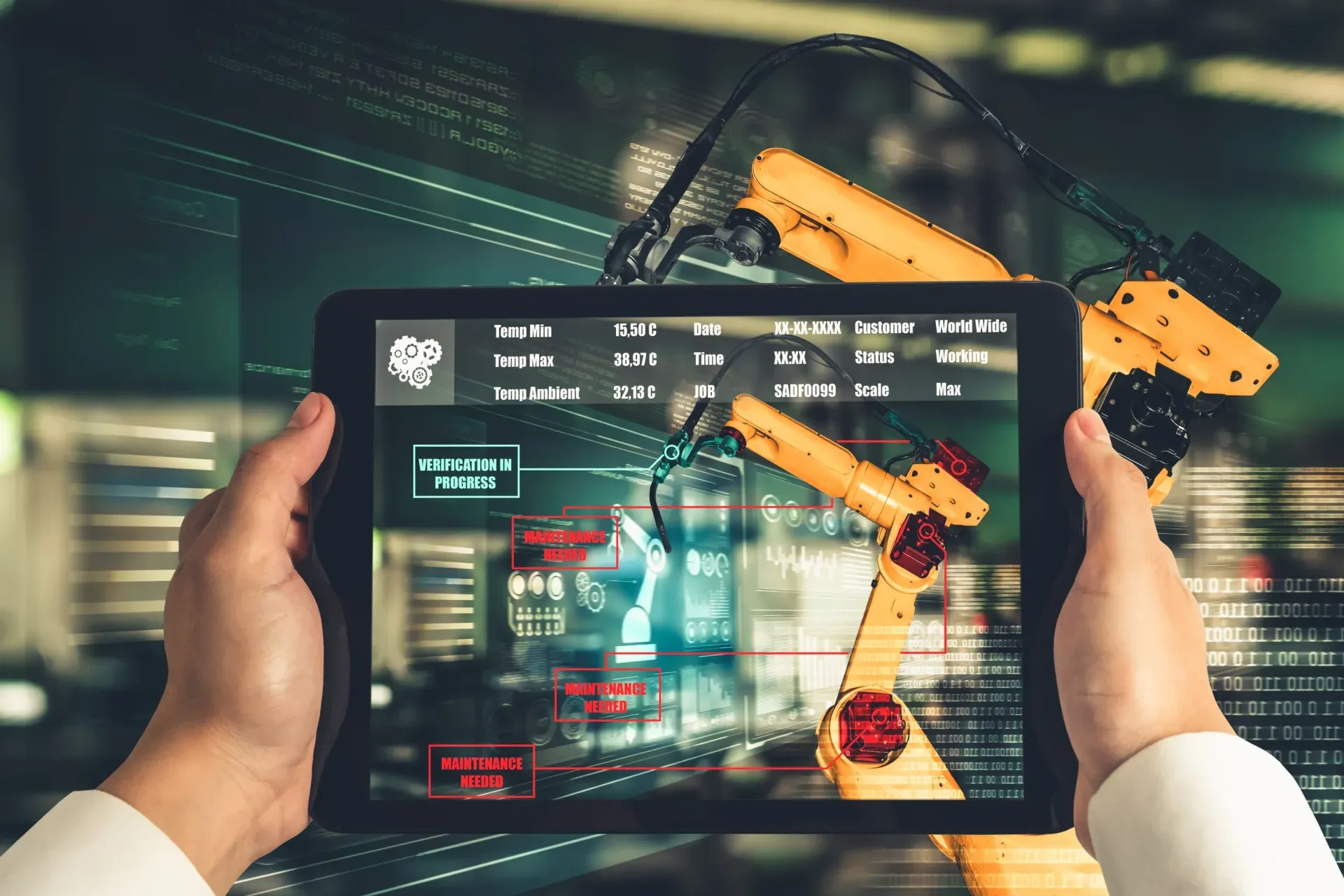
AI defect detection uses computer vision to analyze inspection photos and flag potential defects, damage, or hazards, often within one to three seconds and on the device. When an inspector takes a photo, the model compares it against learned patterns and highlights areas that may show a defect, returning a suggested finding the inspector can confirm, correct, or dismiss. The aim is to catch more issues and document them with less effort, not to make the final call. It gives inspectors a consistent second pass so fewer problems slip through, while the qualified person remains responsible for deciding whether a flagged item is a genuine defect and what corrective action it requires.
How accurate is AI defect detection?
Accuracy depends on the defect type, the lighting, and the quality of the photo. Models perform well on common, visible defects such as cracks, corrosion, water stains, and packaging damage when the image is clear, and less well on rare faults or anything needing measurement beyond a single photo. Just as important as raw accuracy is consistency, because a model that labels the same defect the same way every time makes trend analysis trustworthy. The right way to use it is as a draft: a low-confidence result should prompt the inspector rather than decide, and every official finding should carry a human confirmation. If a model is regularly wrong on a defect type, that shows in the data and can be improved, but the record always reflects a person's judgment.
Does AI defect detection work offline?
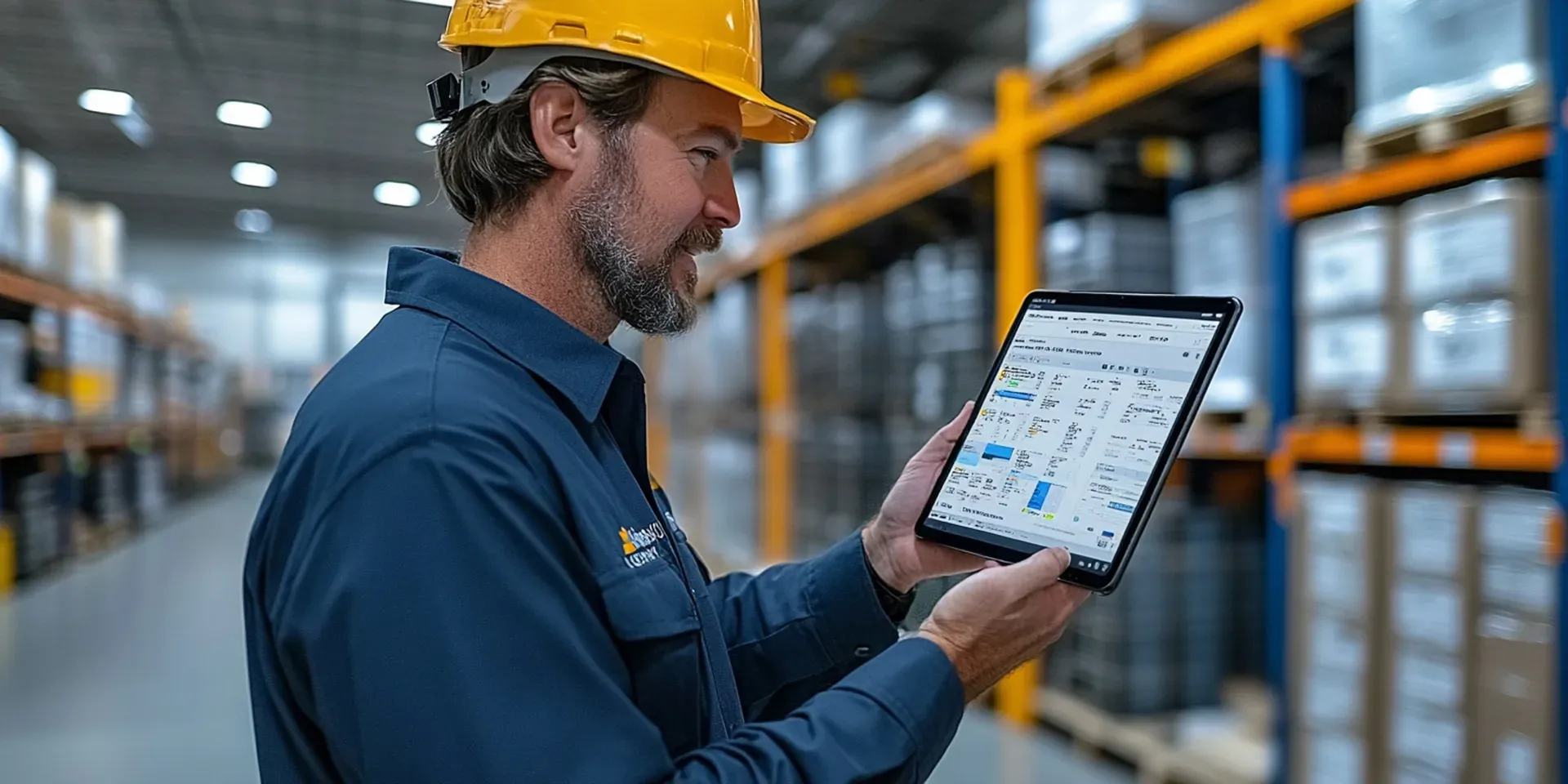
Yes, when it runs on the device. On-device defect detection analyzes the photo locally with no upload, so it works offline in basements, plant rooms, and remote sites, and keeps images local until the inspector chooses to sync. Cloud-based detection needs a connection to send images to a server, which makes it dependent on connectivity and can raise privacy or data-sovereignty concerns. For field inspections, on-device detection is usually the better fit because the assistance is available exactly where inspections happen. The suggestions and the rest of the record then sync automatically once the device reconnects, so the office view stays complete even for inspections carried out with no signal at the time.
Does AI defect detection replace the inspector?
No. AI defect detection surfaces possibilities for a human to review; it does not replace the inspector's judgment. The inspector should be able to accept, reject, or edit each suggestion and add context, and the reports and corrective actions should reflect both what the AI flagged and what the human confirmed, so audits and clients see a clear, accountable trail. This keeps a trained person responsible for every official finding while using the model to reduce the issues that get missed through fatigue or volume. Skilled inspectors also decide access, safety, scope, and whether a defect is acceptable or a nonconformance, all of which sit outside what a photo model can judge, which is why human judgment stays central to the process.
How should teams roll out AI defect detection?
Start on one checklist type, such as snag photos or a specific quality check, and run a short pilot comparing AI suggestions against human-only results for a couple of weeks. Use that period to standardize how the critical defects are photographed, since photo quality drives detection quality more than most teams expect, and to tune confidence thresholds based on real overrides. Train inspectors to override confidently when the model is wrong, and confirm that findings flow into corrective actions and reports. Expand to more sites and defect types once override rates settle and the client-facing reports read cleanly. Treating the first phase as a learning period, rather than expecting a finished system, is what turns AI defect detection into a dependable part of the inspection workflow.