Take a Photo. AI Fills the Form
Your inspector takes a photo of any asset or defect. AI reads it and fills the inspection form automatically. No typing. No manual entry.

Convert your checklist into Mobile App
Centered on structured pantograph checks, corrective actions, and clear reporting. Pantograph Compliance Software evidences pantograph compliance check covering carbon strip wear, contact force and geometry, springs and dampers, insulators and horns, and raising and lowering operation, with a photo and a sign-off required on each point.
Available on Mobile
Inspect on iOS and Android with no internet required. Capture photos, let AI flag defects, and generate audit-ready reports in the field.
Pantograph Compliance Software keeps one record per pantograph and per site, with photo evidence and a named sign-off. Each pantograph finding is tracked to verified closure. Operations Directors see pantograph completion and overdue actions across the railways portfolio. Every pantograph record proves what was checked, when, and by whom. It covers RISQS, Rolling Stock, Track Inspection, Signalling, and more.
What changes once pantograph compliance software runs on one mobile-first platform.
Pantograph Compliance Software runs as a short loop: configure the pantograph template, capture in the field, route findings to verified closure, then report performance to operations directors.
Across multi-site pantograph compliance rounds, your pantograph controls become a mobile template with required photos and readings on carbon strip wear, contact force and geometry, springs and dampers, insulators and horns, and raising and lowering operation, aligned to railway rolling stock standard, so every site inspects to the same standard from day one.
Inspectors complete the pantograph compliance check on iOS or Android, offline where signal is poor, recording carbon wear measurement, contact force reading, and condition photo against each point before a named sign-off can close the round.
On every pantograph compliance cycle, A failed item such as worn or chipped carbon strip becomes an owned task with a severity and a deadline, and stays open until photo proof of the fix is reviewed, so pantograph defects do not resurface unnoticed.
Every pantograph compliance check feeds live dashboards and branded exports, so operations directors see completion, overdue actions, and risk per site without assembling a report by hand.
Pantograph compliance evidences the required checks on carbon strip wear, contact force and geometry, springs and dampers, insulators and horns, and raising and lowering operation. The photos and readings each pantograph rule expects are mandatory fields. Pantograph renewals are flagged before they lapse. So pantograph compliance stays a documented fact, not an assurance.
Templates align to railway rolling stock standard.
Everything your field team does on paper, Inspectly360 does automatically: faster, more accurate, and without the admin.
Your inspector takes a photo of any asset or defect. AI reads it and fills the inspection form automatically. No typing. No manual entry.

Inspectors speak their observations in any language. AI transcribes and fills the form in real time. Completely hands-free in the field.

The moment an inspection is submitted, a branded PDF, Excel, or CSV report generates automatically. No manual work. No waiting.

Inspectly360 integrates with the tools your team already uses, including Zoho, Microsoft 365, and SAP. No double entry.

Your operations team sees completion rates, open issues, and compliance scores across all sites in real time. No chasing updates.
Manage every checklist in one connected workspace, capture evidence on mobile at the point of work, and let AI turn field inputs into clear, stakeholder-ready reports in minutes.





See which checklists your team has in progress across every site, jump into the same inspection with one tap, and keep field, supervisor, and back-office views in sync without sending screenshots on WhatsApp.






Every team reports differently. Build the report your operations, quality, or compliance leads actually want to read, share it as a branded PDF, and schedule delivery to the stakeholders who need it.



See completion, pass rate, and recurring findings across every checklist and every site, without pulling spreadsheets together at the end of the month.
What changes once pantograph compliance software is standardised on Inspectly360.







“Inspectly360 transformed how we manage site safety inspections. The offline capability alone saved us countless hours. Our compliance rate jumped from 72% to 96% in just three months.”
Sarah Mitchell
Meridian Construction Group
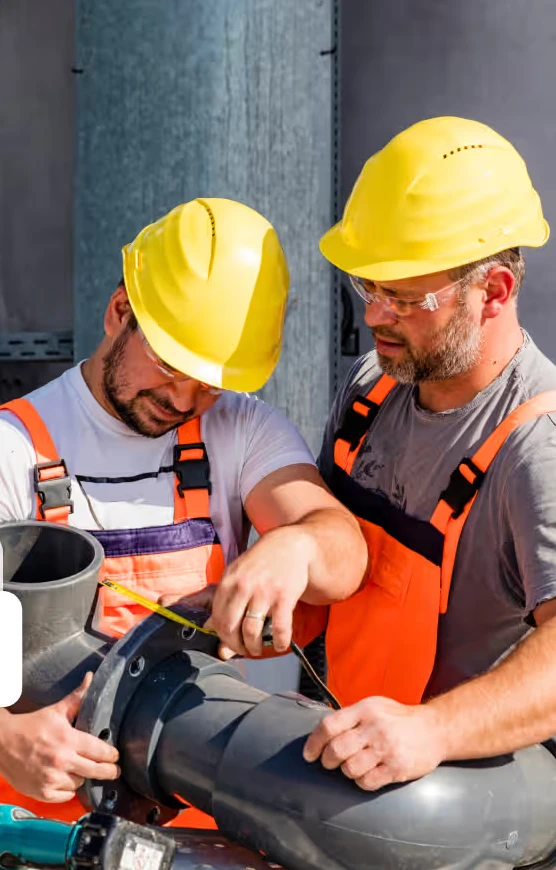
“The AI-powered defect detection has changed how we work. Our inspectors capture photos and the system flags issues we'd have missed. It's like having an expert reviewer on every site visit.”
James Chen
Pacific Manufacturing Co.
“Rolling out digital checklists across multiple projects gave us instant visibility into recurring safety issues. We now resolve critical findings in hours instead of days.”
Olivia Carter
Northbridge Infrastructure
Get started with inspection and audit checklist templates.

Catch defects before handover and generate punch list reports in minutes. Room-by-room finish checks, evidence, and corrective actions.

Pre-handover snagging for new build apartments. Room-by-room finish checks, MEP, and defect tracking before keys.
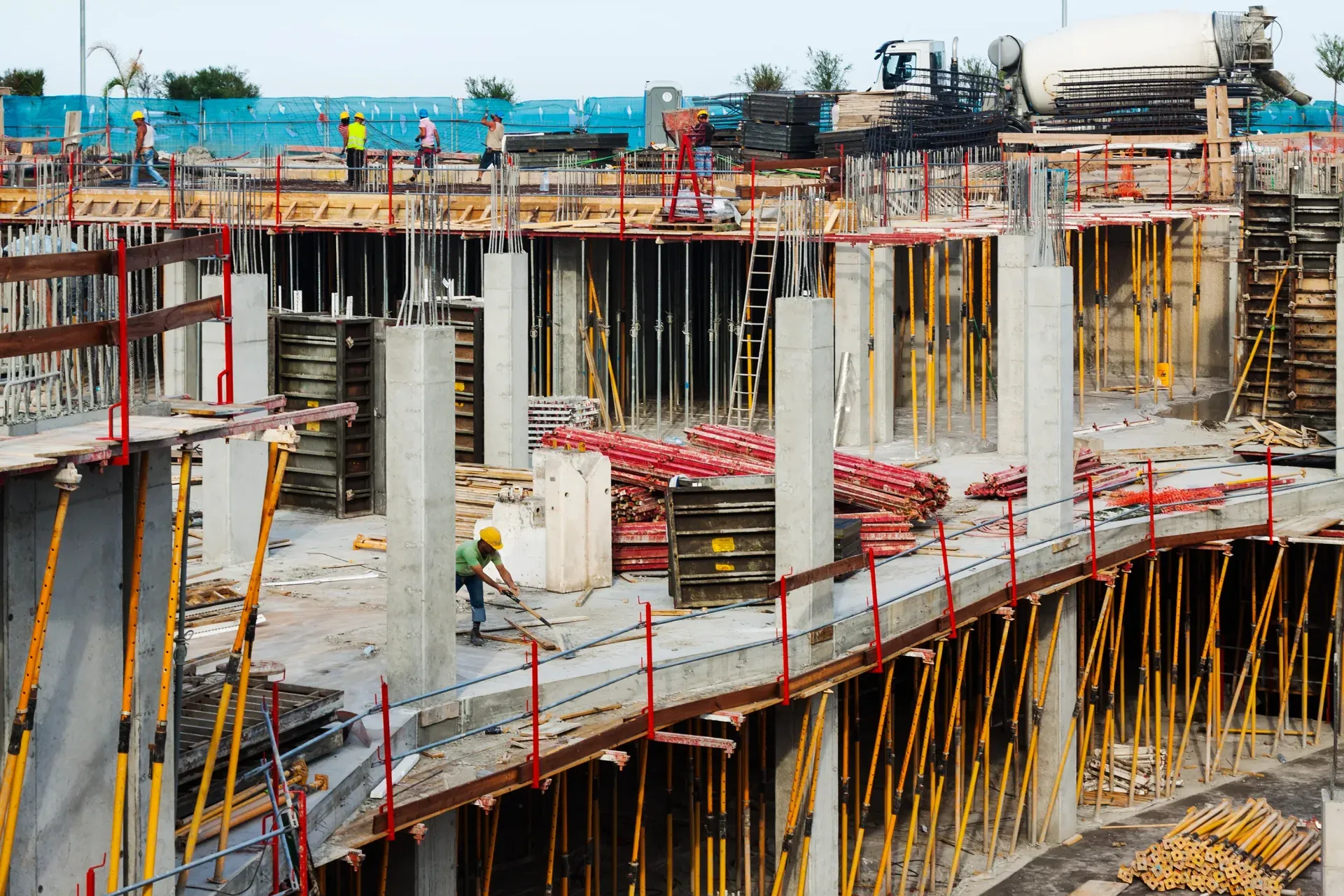
Utilize this Scaffolding Safety Inspection Checklist to spot hazards, verify stability, and ensure compliance with safety standards before work begins.

Capture job details, measurements, work performed, photos, and sign-offs in one structured field service report form.
Use these apps to run inspections and audits.
Pantograph Compliance Software keeps pantograph compliance current by evidencing carbon strip wear, contact force and geometry, springs and dampers, insulators and horns, and raising and lowering operation. The photos and readings each pantograph rule expects are mandatory fields. So an incomplete pantograph check cannot close. Pantograph renewals are flagged before they lapse. When an assessor asks, operations directors export a branded pantograph pack and history for the site in scope. Pantograph Compliance Software lets railways teams run pantograph compliance checks the same way on every visit, with photos and a sign-off on each pantograph.
Pantograph inspection frequency depends on duty, risk, and your pantograph standard. Some pantograph checks are daily or pre-use. Others run weekly, monthly, or at a statutory interval. Pantograph Compliance Software sets the pantograph cadence per site and reminds operations directors before a round is due. It flags overdue pantograph checks automatically. Each pantograph round is timestamped and signed, so the schedule is provably kept. Pantograph Compliance Software lets railways teams run pantograph compliance checks the same way on every visit, with photos and a sign-off on each pantograph.
The compliance check targets the pantograph failures that matter most: worn or chipped carbon strip, incorrect contact force, weak spring or damper, and cracked insulator. Left unchecked, a pantograph fault such as worn or chipped carbon strip causes real harm. It can mean downtime, a safety incident, or a failed pantograph audit. So every pantograph finding becomes an owned task with a deadline. It stays open until photo proof of the pantograph repair is reviewed. Repeat pantograph failures are flagged, so operations directors fix the cause.
Pantograph Compliance Software keeps pantograph checks aligned to railway rolling stock standard. The photos and readings each pantograph standard expects are required fields. So an incomplete pantograph check cannot close. A pantograph gap is caught before an assessor finds it. When a review is due, operations directors export a branded pantograph pack built from carbon wear measurement, contact force reading, and condition photo. So pantograph evidence stays defensible at any time. Pantograph Compliance Software lets railways teams run pantograph compliance checks the same way on every visit, with photos and a sign-off on each pantograph.
Every pantograph compliance check carries carbon wear measurement, contact force reading, and condition photo, a GPS location, a timestamp, and a named sign-off. The pantograph evidence is captured on the round, not typed up later. So operations directors show exactly what was checked on the pantograph, when, and by whom. When an assessor asks, that pantograph record exports in seconds. It comes out as a branded PDF or a searchable pantograph history. Pantograph Compliance Software lets railways teams run pantograph compliance checks the same way on every visit, with photos and a sign-off on each pantograph.
See Inspectly360 in action with a live demo tailored to your needs. No credit card required.