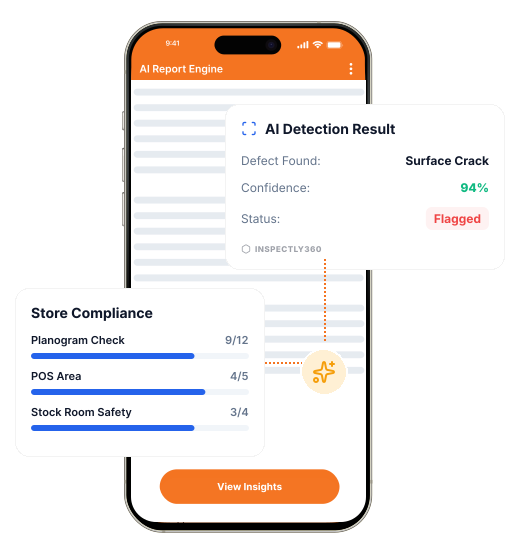

Take a Photo. AI Fills the Form
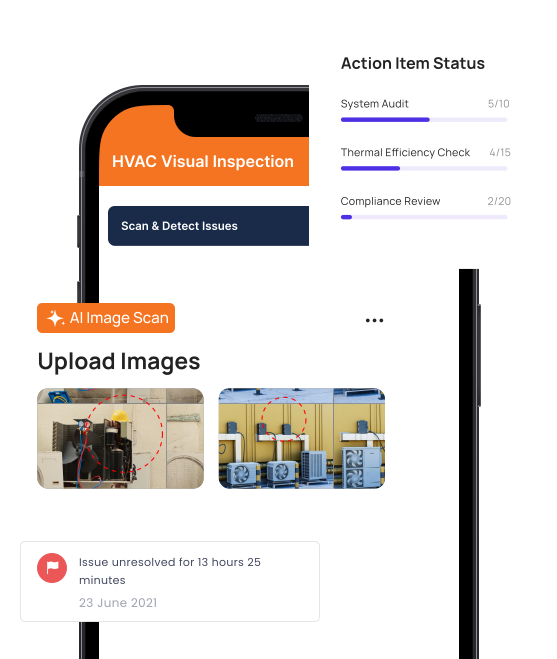
Your inspector takes a photo of any asset or defect. AI reads it and fills the inspection form automatically. No typing. No manual entry.

Convert your checklist into Mobile App
A facility inspection Android app lets your CE team run daily rounds, AMC visits, and PPM forms on the Android phones and rugged tablets they already carry. Inspectly360 works fully offline on Android 8 and above, captures photos and voice, scans asset QR codes, and pushes live updates to facilities heads so you can deploy across a large field team without buying new hardware.

A facility inspection Android app is software your CE team installs on Android phones and tablets to run inspections, AMC checks, and PPM rounds without paper. Inspectly360 runs natively on Android 8 and above, including rugged tablets used in plant rooms and basements. Field teams complete forms offline, capture photo and voice evidence, scan asset QR codes, and submit results that sync to a multi-site dashboard the moment they return to coverage.
Most FM teams already use Android devices because the unit cost is lower and rugged options are widely available. The same Android app supports housekeeping rounds, fire NOC plant checks, AMC visits, and snagging, so a single deployment covers daily operations, statutory compliance, and reactive work. Managers see a live picture of all sites without calling each centre lead.
An Android facility inspection app should support offline form capture, photo and voice evidence, QR and barcode scanning, geofenced submissions, push notifications for assigned rounds, and role-based access. It should run on a wide range of Android versions and hardware, including rugged industrial tablets, so FM operators can equip large field teams without standardising on premium devices.
Move from paper to Android in days, not months, by following a simple rollout sequence.
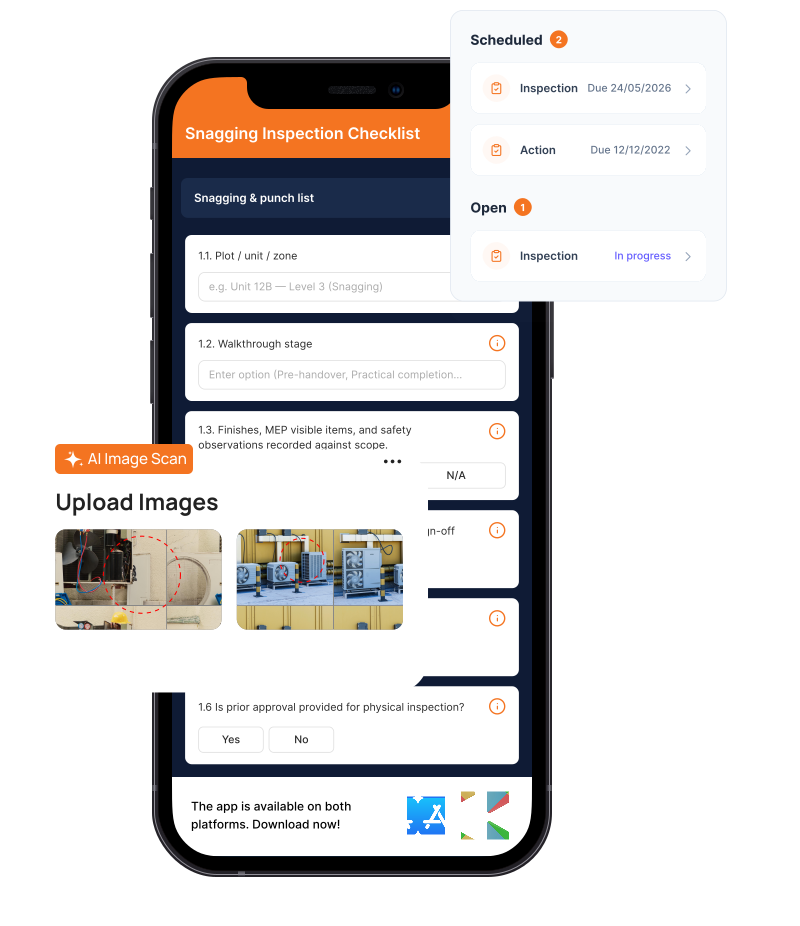
Inspectors install the Android app, sign in, and receive their assigned rounds, sites, and asset history on the device.
Forms, photos, voice notes, and QR scans capture without signal. The Android app validates entries before sync.
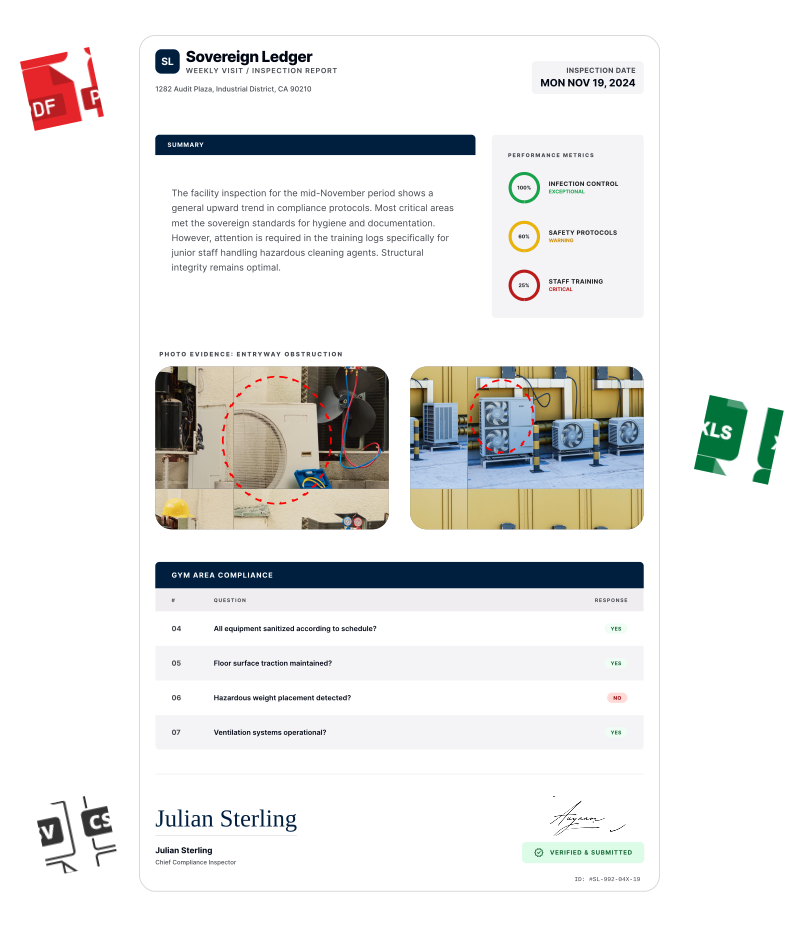
Submissions sync to the multi-site dashboard. Issues route to owners. Reports generate as branded PDFs without manual work.
Everything your field team does on paper, Inspectly360 does automatically: faster, more accurate, and without the admin.
Your inspector takes a photo of any asset or defect. AI reads it and fills the inspection form automatically. No typing. No manual entry.

Inspectors speak their observations in any language. AI transcribes and fills the form in real time. Completely hands-free in the field.

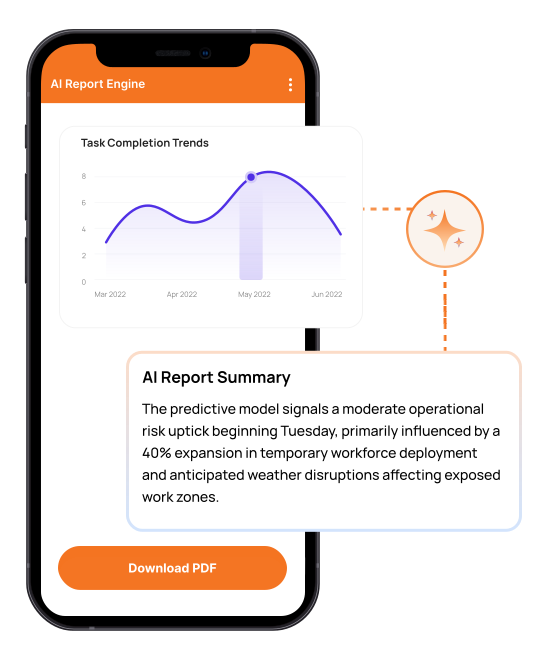
The moment an inspection is submitted, a branded PDF, Excel, or CSV report generates automatically. No manual work. No waiting.

Inspectly360 integrates with the tools your team already uses, including Zoho, Microsoft 365, and SAP. No double entry.

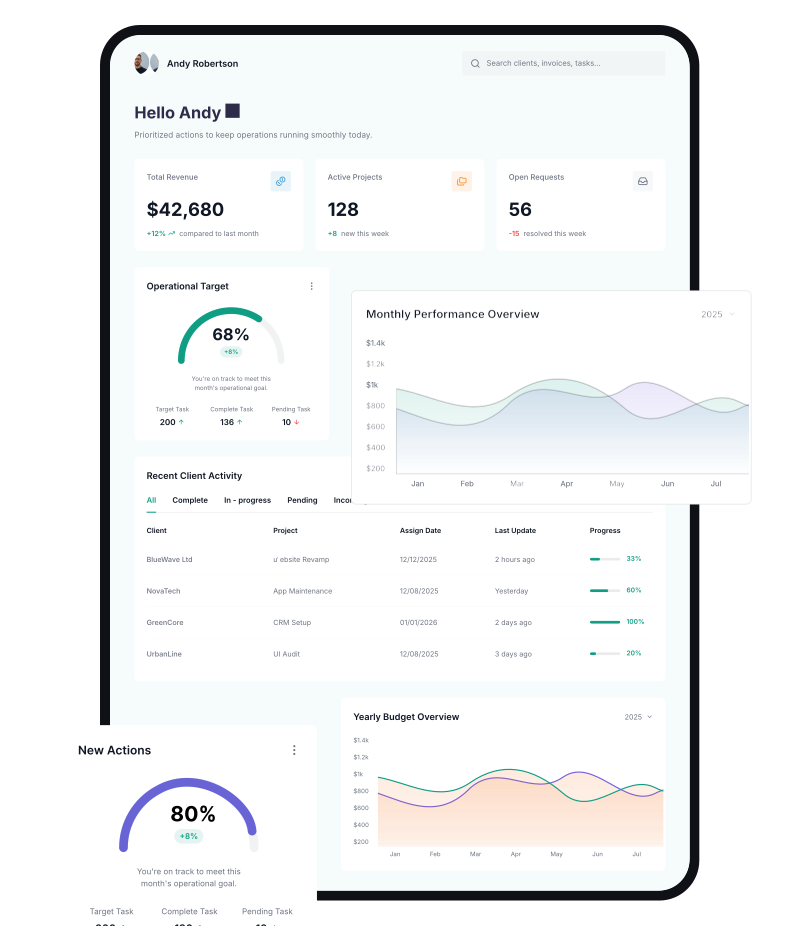
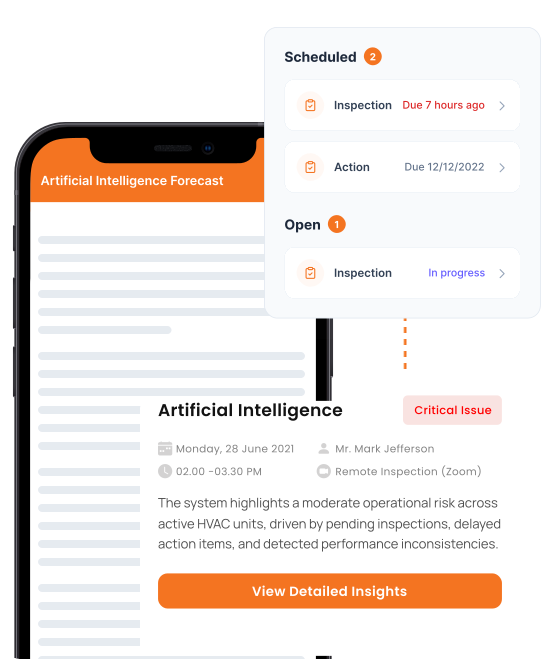
Your operations team sees completion rates, open issues, and compliance scores across all sites in real time. No chasing updates.
From data collection to compliance: see how teams use Inspectly360 for every use case.
Use it as a digital workflow so your team captures consistent evidence, stays aligned in the field, and produces reports stakeholders can trust without retyping answers from paper.
When the inspection software only runs well on iPhones, equipping 200 inspectors becomes a hardware budget problem before it becomes a software problem.
Problem
Solution
Many Android inspection apps were built for online retail use and crash in basements, plant rooms, and remote sites.
Problem
Solution
Long rollout projects mean paper checks continue while leadership waits for go-live.
Problem
Solution
Most FM teams equip large field crews with Android devices because the unit cost is lower and rugged options are widely available from Samsung, Honeywell, Zebra, and others. Forcing iOS pushes hardware budgets up and complicates vendor onboarding when third-party AMC partners bring their own Android phones. Inspectly360 is a first-class Android experience, not a port. Forms, offline sync, photo capture, voice notes, and QR scanning all work natively on Android. The same data syncs with the iOS app and the web dashboard, so managers and clients see one consistent picture regardless of which device the inspector used.
Yes. The Inspectly360 Android app is tested on Android 8 and above, which covers the vast majority of devices in active FM use, including budget phones, mid-range tablets, and rugged industrial tablets from Samsung Galaxy Tab Active, Honeywell, Zebra, and similar manufacturers. Battery, memory, and storage requirements are tuned for long shifts in plant rooms and outdoor sites. CE teams in basements, generator yards, and rooftop plant rooms can run a full inspection day without performance issues. Bring-your-own-device is supported with role-based access so vendor staff can use their own hardware safely.
The Android app is offline-first by design. Inspectors download their assigned forms, asset history, and reference documents at the start of the shift. They run rounds in basements, plant rooms, risers, and remote sites without any network connection. Photos, voice notes, geotags, and form fields all save locally. When the device returns to coverage, the app syncs in the background. Local validation flags incomplete sections before submission so nothing is lost. This is critical in real FM environments where signal drops are routine in the very places that need the most evidence.
Yes. The Android app uses the device camera to scan QR codes and barcodes on assets, equipment rooms, and inventory. Scanning the code opens the linked asset record, last service date, AMC status, and the right inspection form automatically. Manual fallback is available when a code is damaged or missing. This removes the typing step in the field and ensures that the data captured is tied to the correct asset, which matters when an auditor asks for the maintenance history of one specific chiller or lift.
Inspectly360 supports two deployment modes on Android. Smaller teams install directly from Google Play, sign in with their credentials, and start running rounds the same shift. Larger enterprise deployments use mobile device management to push the app, configure access, and standardise device policies across hundreds of inspectors. Both modes support role-based permissions, so vendor staff and in-house CE teams see only what they should. Onboarding takes one shift in most cases because the app is form-driven, not workflow-driven, and inspectors recognise the structure immediately.
Yes. The Android app, the iOS app, and the web platform are all clients on the same Inspectly360 backend. Inspectors on Android, supervisors on iOS, and managers on the web see the same submissions, issues, and reports in real time. There is no version skew or data island. This matters when a vendor uses an Android phone, a CE supervisor uses an iPhone, and the head of facilities uses a laptop. Everyone sees the same picture. Reports generate the same way regardless of which device the inspection started on.
Facility Inspection Android App works alongside the Inspectly360 checklist templates, platform solutions, and facilities management apps linked below, so teams plan, run, and report inspections in one connected system.
See Inspectly360 in action with a live demo tailored to your needs. No credit card required.

