
Take a Photo. AI Fills the Form
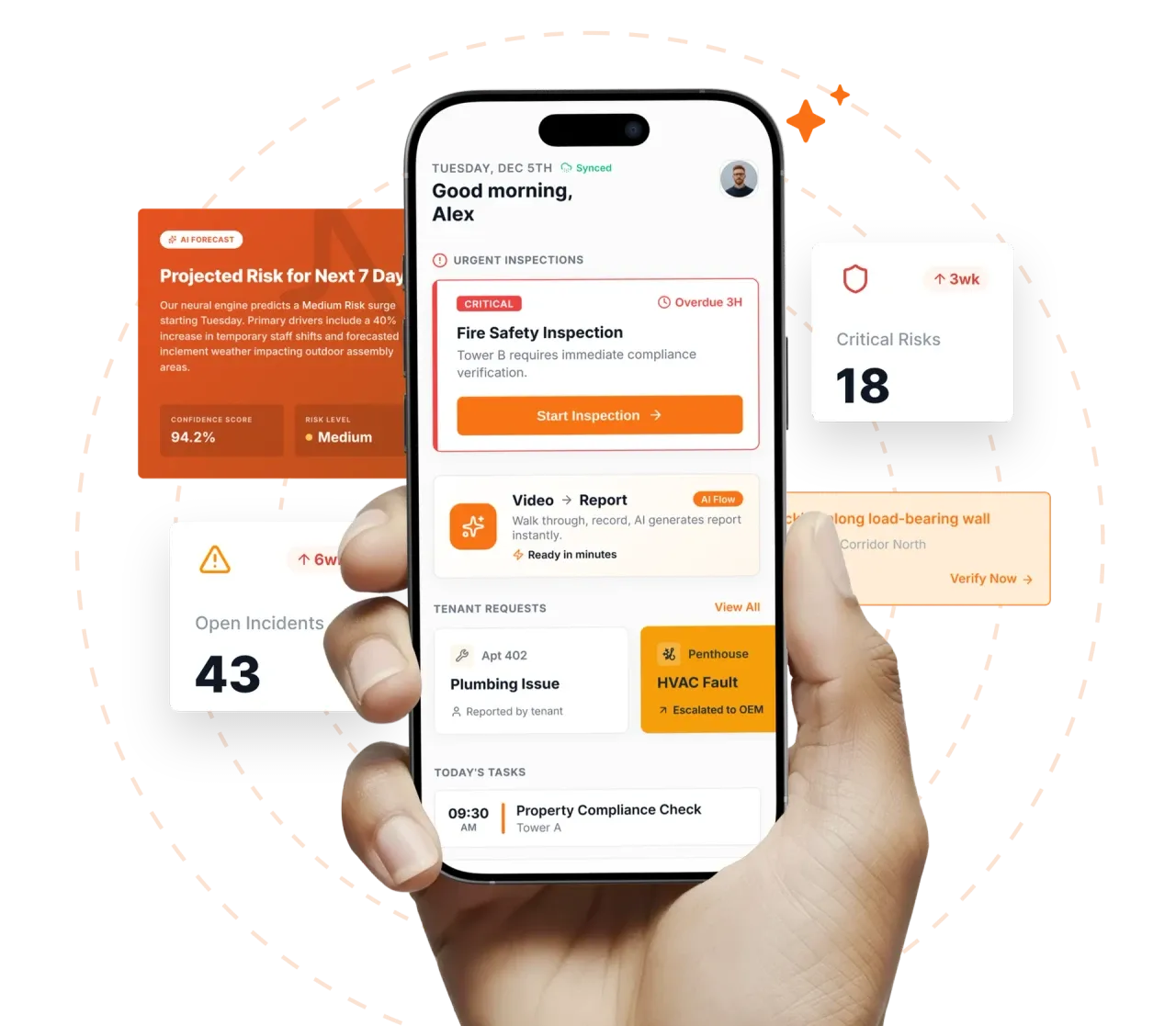
Your inspector takes a photo of any asset or defect. AI reads it and fills the inspection form automatically. No typing. No manual entry.

Convert your checklist into Mobile App
Facility inspection monitoring software is the real-time visibility layer that turns field-captured inspection data into a live operating picture of an FM portfolio. It differs from reporting (retrospective, compiled, weekly) by being continuous, automated, and forward-looking.
Facility inspection monitoring software is the real-time visibility layer that turns field-captured inspection data into a live operating picture of an FM portfolio. It differs from reporting (retrospective, compiled, weekly) by being continuous, automated, and forward-looking. Inspectly360 converts every captured round, finding, attestation, and CAPA into live dashboards, AI daily briefings, natural-language queries, and compliance risk scores that an FM director, regional FM lead, or board member can read without anyone compiling them. Monitoring tells you what is happening right now and what needs attention today; reporting tells you what happened last week.
What changes once facility inspection monitoring software runs on one mobile-first platform.
Most FM directors enable monitoring in this order before expanding the monitored signals across the full portfolio.
Mobile inspections, asset registries, AMC schedules, statutory document repositories, and CMMS work orders feed into the monitoring layer. No manual data entry; everything captured flows into the dashboard automatically with metadata intact.
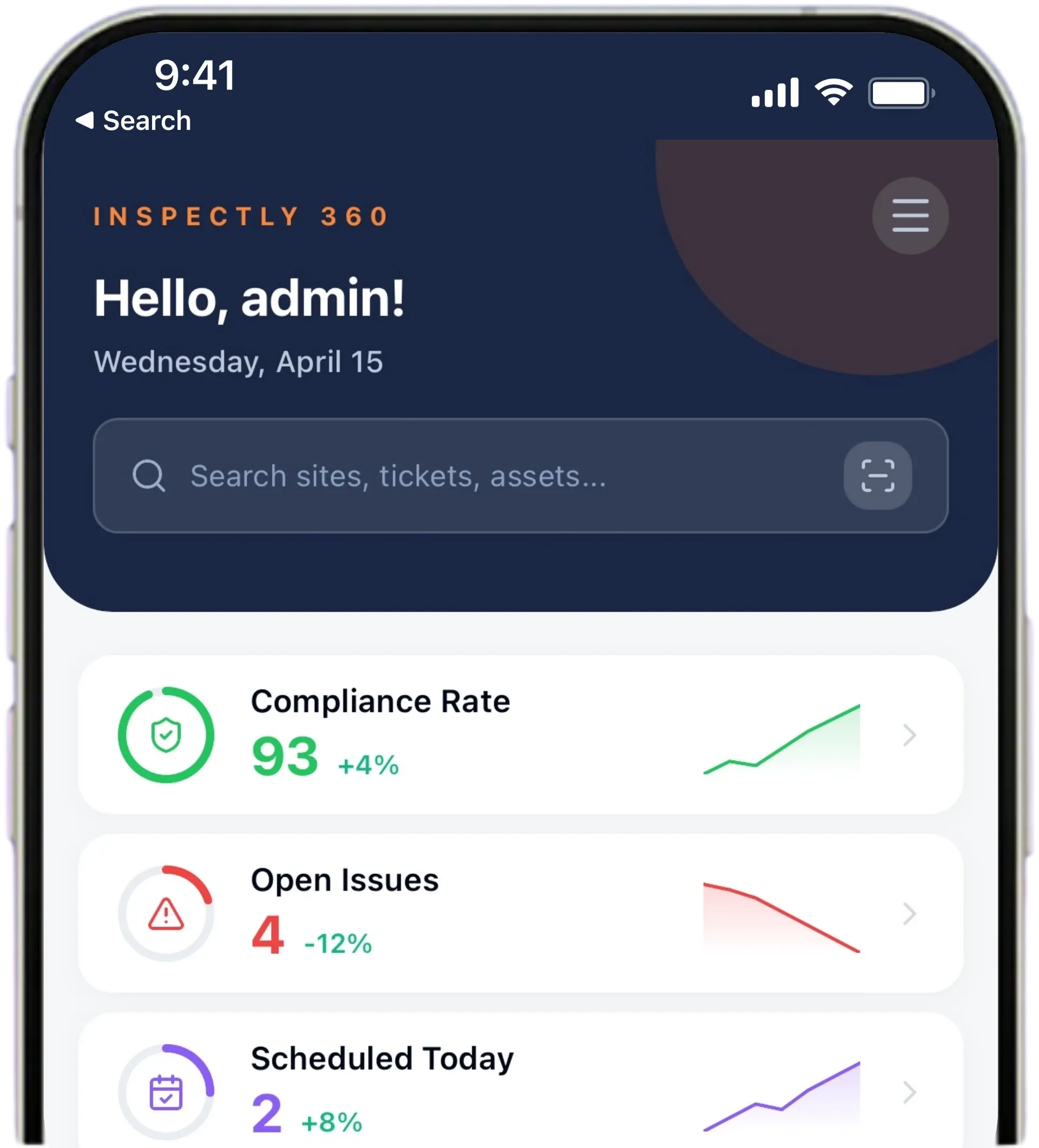
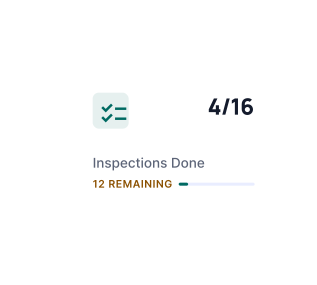
Site, region, and portfolio-level dashboards show round completion, open issues, compliance risk scoring, and trend lines. Role-based: FM Director sees portfolio, Regional FM sees region, Centre Manager sees site. Thresholds tune to the organisation's risk appetite so alert fatigue stays low.
Every morning, management receives a plain-language summary: which sites had issues, what is overdue, what was resolved, what needs attention today, which compliance deadlines are approaching this week. No raw data dump.
Directors type a question ('which sites missed inspections last week', 'which assets failed three times in 90 days') and get an answer instantly as a chart, table, or filtered view. No filter-builder learning curve.
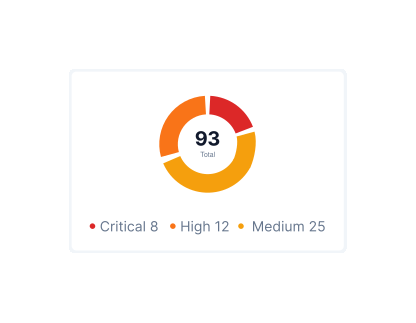
Compliance Risk Scoring continuously ranks sites by missed inspections, overdue CAPAs, and document expiry. Anomaly Detection flags suspicious submission patterns for management review. Board-pack export consolidates the live monitoring view into a one-click PDF for governance forums.
Everything your field team does on paper, Inspectly360 does automatically: faster, more accurate, and without the admin.
Your inspector takes a photo of any asset or defect. AI reads it and fills the inspection form automatically. No typing. No manual entry.

Inspectors speak their observations in any language. AI transcribes and fills the form in real time. Completely hands-free in the field.

The moment an inspection is submitted, a branded PDF, Excel, or CSV report generates automatically. No manual work. No waiting.

Inspectly360 integrates with the tools your team already uses, including Zoho, Microsoft 365, and SAP. No double entry.

Your operations team sees completion rates, open issues, and compliance scores across all sites in real time. No chasing updates.
Manage every checklist in one connected workspace, capture evidence on mobile at the point of work, and let AI turn field inputs into clear, stakeholder-ready reports in minutes.





See which checklists your team has in progress across every site, jump into the same inspection with one tap, and keep field, supervisor, and back-office views in sync without sending screenshots on WhatsApp.






Every team reports differently. Build the report your operations, quality, or compliance leads actually want to read, share it as a branded PDF, and schedule delivery to the stakeholders who need it.


See completion, pass rate, and recurring findings across every checklist and every site, without pulling spreadsheets together at the end of the month.
What changes once facility inspection monitoring software is standardised on Inspectly360.
Get started with inspection and audit checklist templates.

Standard site-level inspections for construction, safety, and compliance. Capture conditions, photos, and follow-ups in one place.

Inspect assets and equipment: condition, location, photos, and maintenance history. Track condition over time.

Complete work orders with checklist items, photos, and sign-off. Track completion and proof of work.

Preventive and corrective maintenance inspections. Log repairs, parts, and condition with photos and follow-ups.
Use these apps to run inspections and audits.

by Inspectly360
Simplify facilities inspections with forms, photos, and reports.

by Inspectly360
Audits and inspections with scoring, evidence, and reports.

by Inspectly360
Compliance-focused inspections with evidence and audit trails.

by Inspectly360
Building condition and compliance inspections with evidence and follow-ups.

by Inspectly360
Equipment inspections with maintenance triggers and condition scoring.
The dashboard is event-driven rather than batch-refreshed. When a field crew submits an inspection, captures a CAPA closure, or a document expiry crosses a threshold, the dashboard tile updates within seconds. There is no overnight ETL cycle and no scheduled report build. Most users see sub-second tile refresh on portfolio-scale dashboards. For very large portfolios (over 5,000 sites), some heavy aggregations cache for up to 60 seconds to control compute cost; the cache window is configurable. The point is that director decisions sit on current state, not on the most-recent batch.
The AI Daily Briefing is role-scoped and configurable. FM Directors typically receive a portfolio briefing covering yesterday's issues, today's priorities, this week's statutory deadlines, and the highest-risk sites. Regional FM Leads receive a regional cut. Centre Managers receive a site-level briefing focused on their own sites and their AMC vendor scorecards. Delivery time is configurable (typical default 7:00am local time per recipient). The briefing tone, length, and signal weighting can be customised per organisation; some teams prefer a five-bullet summary, others want a paragraph-form narrative.
Alert thresholds are configured per signal and per role. Critical-risk thresholds (life safety, statutory deadline within 7 days, AMC contract lapsed) escalate immediately. Medium-risk thresholds (round overdue by 24 hours, CAPA aged past deadline) escalate within working hours. Low-risk thresholds (anomaly detection signals, vendor scorecard drift) batch into the daily briefing rather than firing standalone alerts. Quiet-hours rules prevent overnight notifications outside critical-risk. Most teams start conservative and widen as incident-response capacity grows; the platform supports threshold tuning history so the team can see what changed when.
The Compliance Risk Score is a weighted composite of four signals: missed inspections (weighted by overdue duration), open CAPAs (weighted by age and severity), document expiry (fire NOC, lift licence, AMC, weighted by days to expiry), and anomaly density. Each signal is normalised to a 0-to-100 scale and combined into the site score. Weights are configurable per organisation so a healthcare portfolio can weight statutory document expiry heavily, while a logistics portfolio can weight CAPA closure heavily. The methodology is transparent and visible to the FM Director; auditors can see how the score is built.
The executive dashboard is a curated, leadership-grade view designed for the FM Director, Operations Director, and audit committee members. It shows portfolio compliance risk distribution, top-five sites by risk, vendor scorecard headlines, asset condition trend summary, and statutory deadlines for the next 60 days. It deliberately does not show every open issue or every inspection. The operational dashboard, used by Centre Managers and AFMs, shows the working layer: open issues, today's rounds, overdue CAPAs, vendor closures pending verification. Both run from the same data; the cut is what differs.
Yes. The full dashboard is mobile-accessible with optimised views for portfolio overview, site drill-down, open critical issues, and pending approvals. Most FM directors use the mobile dashboard daily for the morning briefing, site drive-bys, and airport-lounge reviews of overnight escalations. Push notifications surface critical escalations so the director does not have to actively check. The desktop dashboard is typically reserved for deeper analysis, configuration changes, and board-pack preparation. The split is intentional: mobile for awareness, desktop for analysis. Because both views read from the same live data, a director acting on a push notification from an airport lounge is working from the same picture they would see at their desk, so a decision made on the move is never based on a stale or partial snapshot.
Facility Inspection Monitoring Software on Inspectly360 connects directly to the inspection apps, checklist templates, forms, industries, and adjacent solutions linked below.
See Inspectly360 in action with a live demo tailored to your needs. No credit card required.