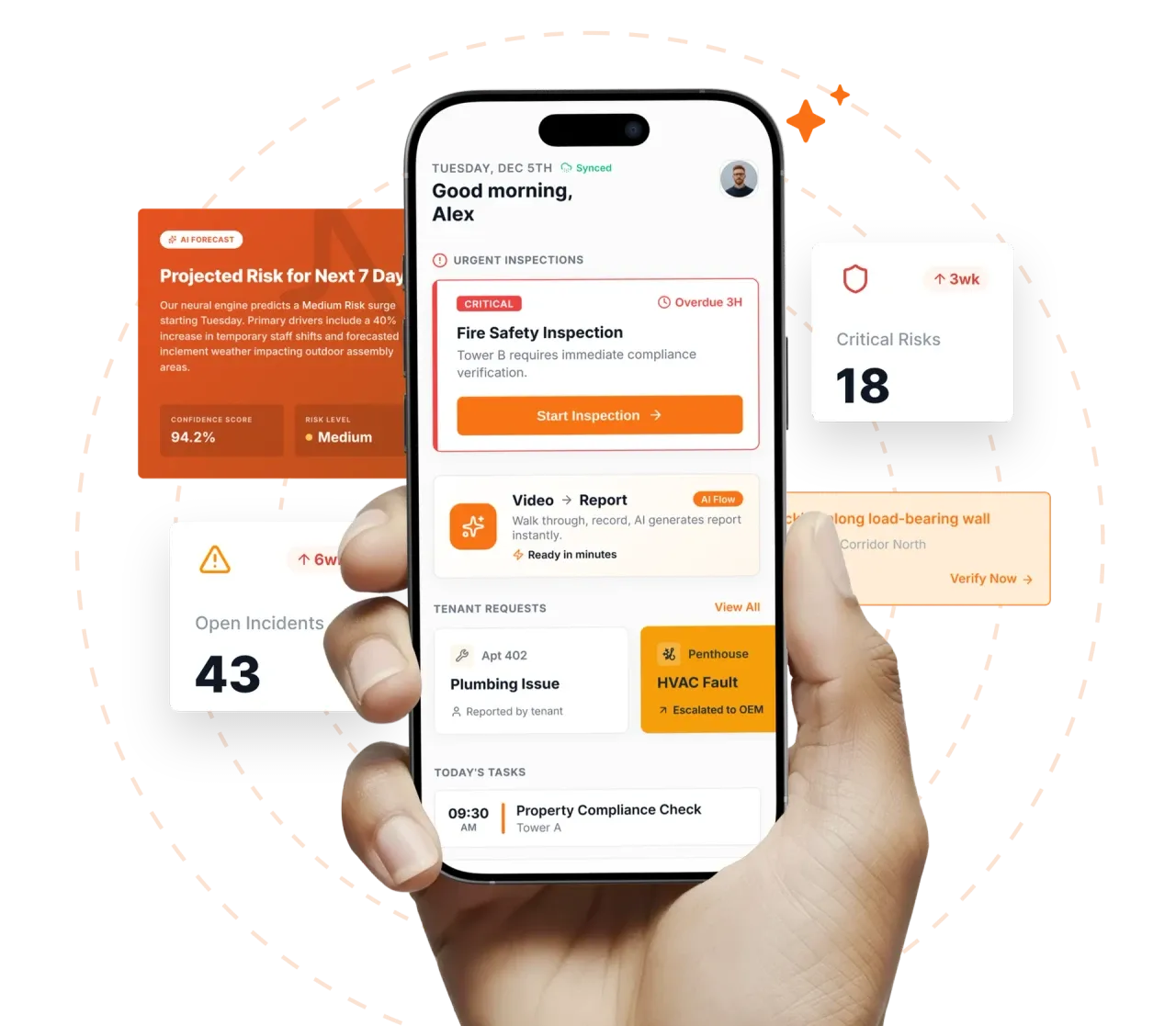

Take a Photo. AI Fills the Form
Your inspector takes a photo of any asset or defect. AI reads it and fills the inspection form automatically. No typing. No manual entry.

Convert your checklist into Mobile App
Facility inspection management software is the governance layer above the round itself: who must inspect what, when each inspection is due, which checklist version is current, who reviews findings, and how exceptions close across a multi-site FM portfolio.
Facility inspection management software is the governance layer above the round itself: who must inspect what, when each inspection is due, which checklist version is current, who reviews findings, and how exceptions close across a multi-site FM portfolio. Inspectly360 ties recurring scheduling, role-based access, versioned templates, and programme analytics into one operating system for FM directors who run between five and several hundred sites and need consistency across regions, shifts, and contractors.
What changes once facility inspection management software runs on one mobile-first platform.
Most FM directors implement these controls in this order before scaling governance across the full portfolio.
Publish every checklist template through one approval workflow with version control, rollback, and audit logging. End the era of three different versions of the same round drifting across three regional drives.
FM Director, Regional FM, Centre Manager, AFM, AMC Vendor, External Auditor, Tenant each become roles with explicit data scopes. SAML or OIDC SSO drives identity; SCIM drives lifecycle so a vendor offboarded in the IdP loses access automatically.
Daily housekeeping, weekly safety, monthly PPM, quarterly statutory checks, and AMC-aligned cadences publish to every site as one programme. The scheduler flags clashes, holidays, and shift handovers before they reach the field.
AMC vendors and external contractors get access bounded by the assets, sites, and date range they are contracted for. Access expires at contract end automatically; no manual revocation queue.
Coverage heatmaps and anomaly detection surface only the variance worth a director's time. Escalations fire on overdue rounds, ageing CAPAs, and contractor SLAs without anyone running a report.
Everything your field team does on paper, Inspectly360 does automatically: faster, more accurate, and without the admin.
Your inspector takes a photo of any asset or defect. AI reads it and fills the inspection form automatically. No typing. No manual entry.

Inspectors speak their observations in any language. AI transcribes and fills the form in real time. Completely hands-free in the field.

The moment an inspection is submitted, a branded PDF, Excel, or CSV report generates automatically. No manual work. No waiting.

Inspectly360 integrates with the tools your team already uses, including Zoho, Microsoft 365, and SAP. No double entry.

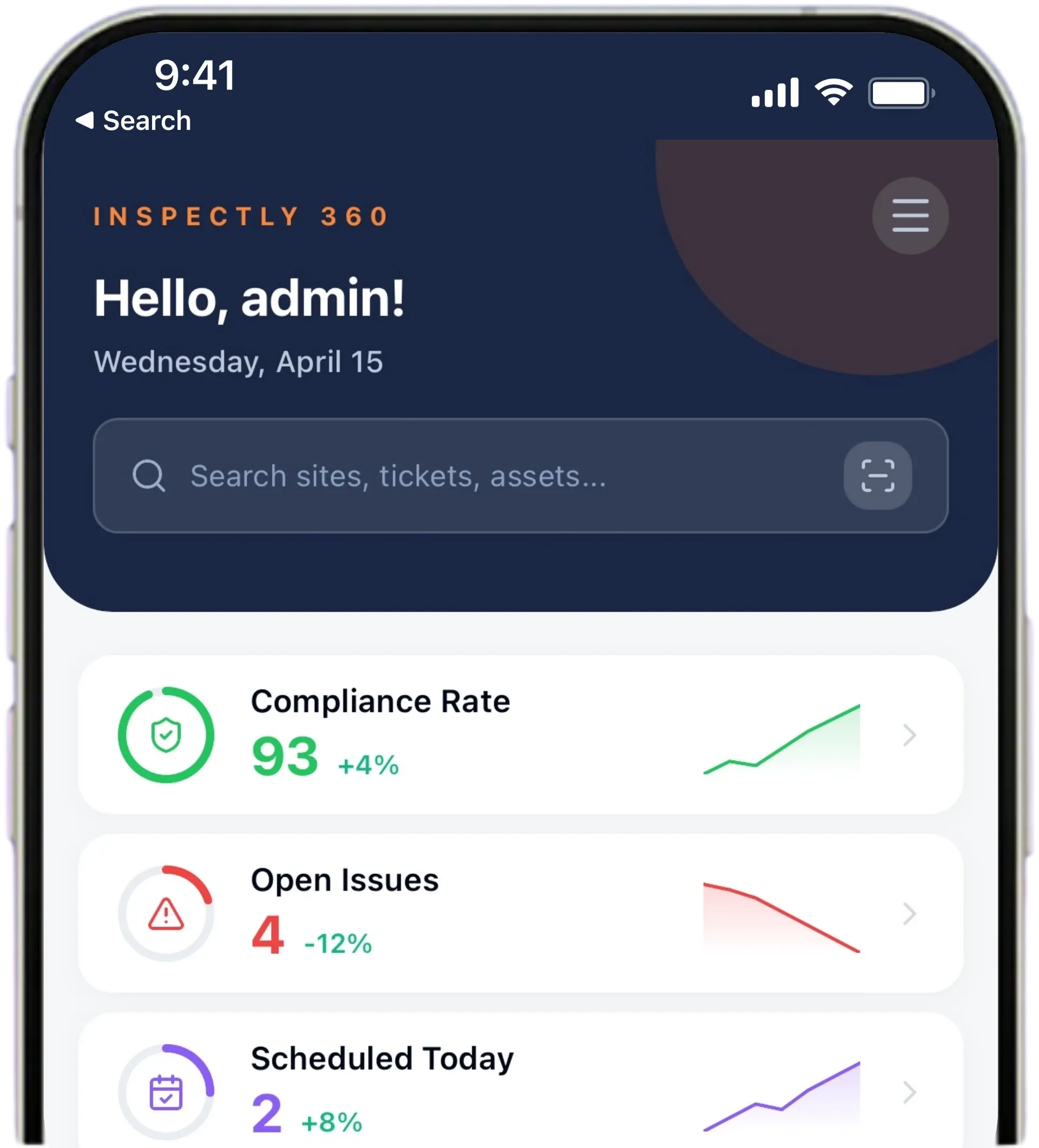
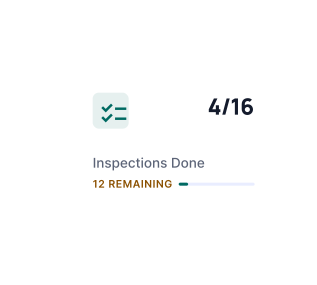
Your operations team sees completion rates, open issues, and compliance scores across all sites in real time. No chasing updates.
Manage every checklist in one connected workspace, capture evidence on mobile at the point of work, and let AI turn field inputs into clear, stakeholder-ready reports in minutes.





See which checklists your team has in progress across every site, jump into the same inspection with one tap, and keep field, supervisor, and back-office views in sync without sending screenshots on WhatsApp.






Every team reports differently. Build the report your operations, quality, or compliance leads actually want to read, share it as a branded PDF, and schedule delivery to the stakeholders who need it.


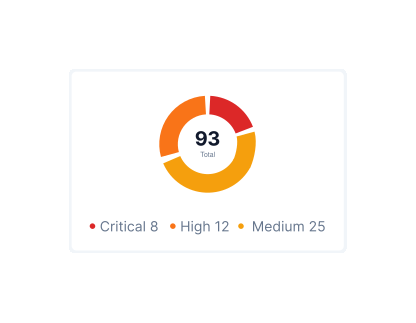
See completion, pass rate, and recurring findings across every checklist and every site, without pulling spreadsheets together at the end of the month.
What changes once facility inspection management software is standardised on Inspectly360.
Get started with inspection and audit checklist templates.

Standard site-level inspections for construction, safety, and compliance. Capture conditions, photos, and follow-ups in one place.

Inspect assets and equipment: condition, location, photos, and maintenance history. Track condition over time.

Complete work orders with checklist items, photos, and sign-off. Track completion and proof of work.

Preventive and corrective maintenance inspections. Log repairs, parts, and condition with photos and follow-ups.
Use these apps to run inspections and audits.

by Inspectly360
Simplify facilities inspections with forms, photos, and reports.

by Inspectly360
Building condition and compliance inspections with evidence and follow-ups.

by Inspectly360
Audits and inspections with scoring, evidence, and reports.

by Inspectly360
Compliance-focused inspections with evidence and audit trails.

by Inspectly360
Equipment inspections with maintenance triggers and condition scoring.
Programme library ownership typically sits with the FM compliance lead or a senior centre manager nominated by the FM director. Inspectly360 supports a named-owner model per programme so a single accountable person publishes every change; regional FM leads sit on the approval workflow rather than the publish action. Consistency is enforced by RBAC (only owners can publish, only approvers can sign off) and by the version control history attached to every template. The library never becomes 'whoever opened the spreadsheet last'; it becomes a governed artefact with an audit chain.
Every published checklist carries a version number, a publish timestamp, a named publisher, and a named approver. When a round executes, the platform records the exact version that was in force that day. Rollback is supported: if a v3 published on March 1 introduces a regression that surfaces March 5, an FM compliance lead can roll back to v2 with one click and the new rounds inherit v2 automatically. The site teams never see version mechanics; the audit trail sees all of it. Change history is exportable for ISO 41001 surveillance.
Out of the box, Inspectly360 ships with the standard FM roles: FM Director (portfolio read, programme approval), Regional FM (region read and write), Centre Manager (site read and write), AFM (site write within shift), Inspector (assigned rounds only), AMC Vendor (assigned assets and issues only), External Auditor (scoped time-bound read), and Tenant (scoped report read). Scopes can combine: a contractor can be limited to specific assets at specific sites for a specific date range. Custom roles can be defined; permission boundaries are server-enforced rather than UI-only.
Vendor onboarding follows a templated workflow: select the vendor organisation, attach the contract scope (sites, assets, date range), assign the AMC programmes the vendor will execute, and the platform provisions scoped user accounts under the vendor org. SCIM provisioning is available for vendors with their own identity provider; for smaller vendors, magic-link enrolment works. Offboarding is automatic at contract end, with audit-trail retention preserved. Shadow accounts (one shared login for a vendor team) are blocked by the operating model because every action needs an actor identity.
The scheduler detects clashes at publish time and at runtime. When two programmes target the same asset on the same date, the platform surfaces the clash to the approver with a recommended resolution (move PPM by one day, batch the statutory and AMC visit if scopes overlap, or flag a contractor reschedule). Priority weighting per programme drives the default outcome so statutory checks win over discretionary PPM by policy. The clash log feeds annual scheduling reviews so recurring collisions become a calendar fix rather than a daily fire drill.
Multi-region FM portfolios run different statutory regimes, different working languages, and sometimes different operating models. Inspectly360 supports per-region programme variants forked from one corporate parent: a region inherits the standard programme, layers its local statutory controls on top, and publishes its regional version while staying connected to the parent for upstream updates. RBAC scopes regional FM leads to their region only; the portfolio dashboard rolls up consolidated coverage without leaking jurisdictional data. Audit logs record every regional deviation. That lets a global FM function run one corporate standard while each region still meets its own statutory regime, so the portfolio stays consistent where it should be and diverges only where local law actually requires it, rather than fragmenting into a separate system per country.
Facility Inspection Management Software on Inspectly360 connects directly to the inspection apps, checklist templates, forms, industries, and adjacent solutions linked below.
See Inspectly360 in action with a live demo tailored to your needs. No credit card required.