
Take a Photo. AI Fills the Form
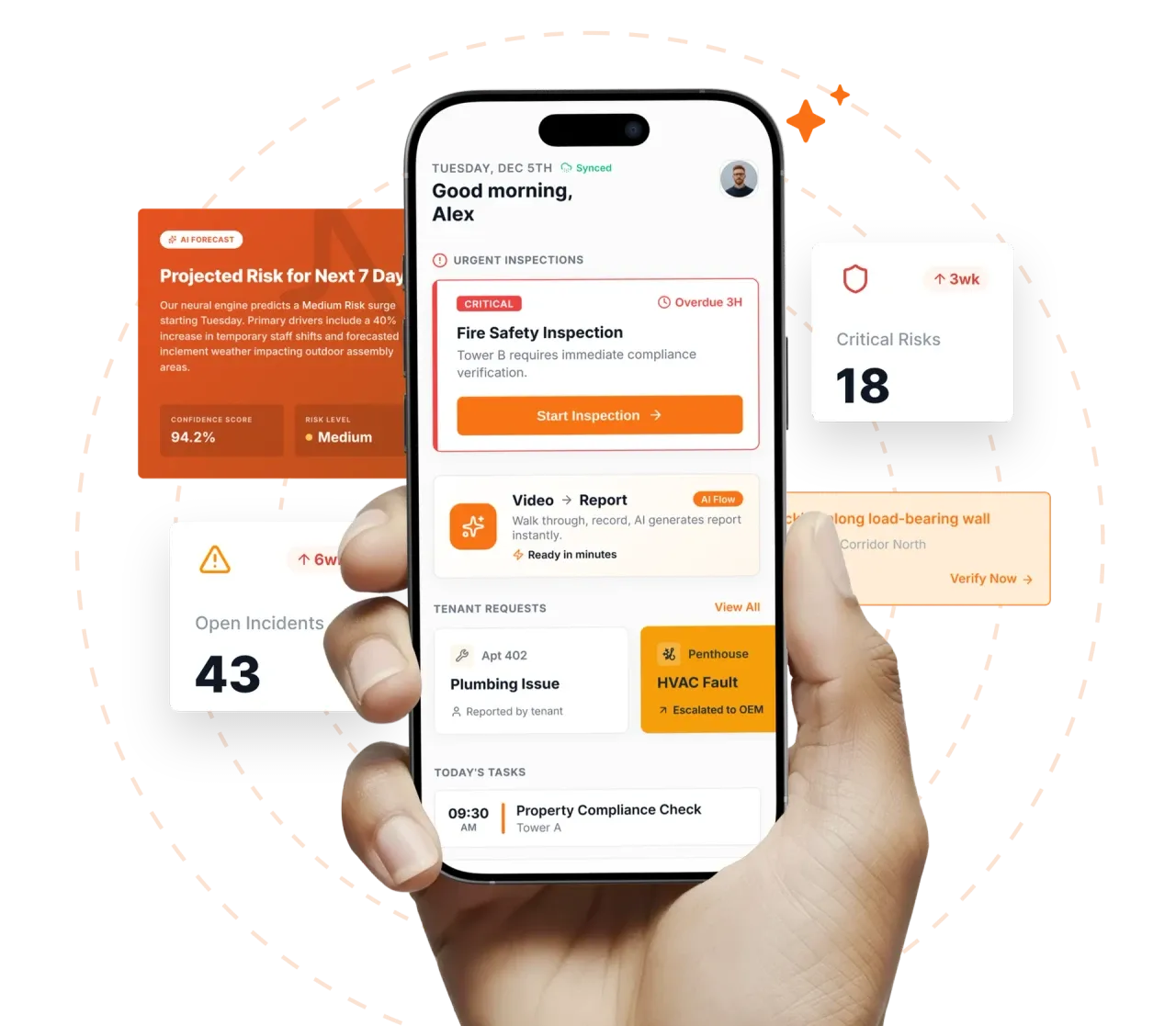
Your inspector takes a photo of any asset or defect. AI reads it and fills the inspection form automatically. No typing. No manual entry.

Convert your checklist into Mobile App
Facility inspection compliance software is the platform FM compliance leaders use to prove that the statutory inspections their licences and contracts depend on actually happened, with the right evidence, at the right time, by the right person.
Facility inspection compliance software is the platform FM compliance leaders use to prove that the statutory inspections their licences and contracts depend on actually happened, with the right evidence, at the right time, by the right person. Inspectly360 turns fire NOC renewals, lift licences, AMC obligations, OSHA general-industry safety checks, ISO 41001 management requirements, and local statutory obligations into mobile-ready inspections with required photos, digital attestations, and immutable timestamps held per site and per asset.
What changes once facility inspection compliance software runs on one mobile-first platform.
Most facilities compliance programmes follow this rollout sequence before expanding to the full regulatory footprint.
Build the obligation register: fire NOC per building, lift licence per lift, electrical certificate per panel, AMC per asset, OSHA general-industry, ISO 41001 management requirements. Each obligation carries jurisdiction, renewal cadence, evidence requirement, and responsible role.
Translate each obligation into a mobile inspection template with required photos, attestation rules, scoring, and conditional branches. Templates inherit the obligation's evidence and signature requirements automatically.
Inspectors capture photos, scan QR codes on extinguishers, lifts, and electrical panels, and digitally sign attestations offline. Every record carries timestamp, geolocation, inspector identity, and signed chain-of-custody from capture to retention.
Fire NOC renewal, lift licence renewal, AMC renewal, and statutory certificate renewals trigger 90-, 60-, and 30-day alerts to named owners. The workflow tracks document submission, regulator response, and the new certificate back into the obligation register.
Compliance Risk Scoring per site ranks lapses, overdue CAPAs, and document expiry. Regulator submission packs export in one click with full evidence trail and signed attestations when an authority visit, insurer review, or client audit lands.
Everything your field team does on paper, Inspectly360 does automatically: faster, more accurate, and without the admin.
Your inspector takes a photo of any asset or defect. AI reads it and fills the inspection form automatically. No typing. No manual entry.

Inspectors speak their observations in any language. AI transcribes and fills the form in real time. Completely hands-free in the field.

The moment an inspection is submitted, a branded PDF, Excel, or CSV report generates automatically. No manual work. No waiting.

Inspectly360 integrates with the tools your team already uses, including Zoho, Microsoft 365, and SAP. No double entry.

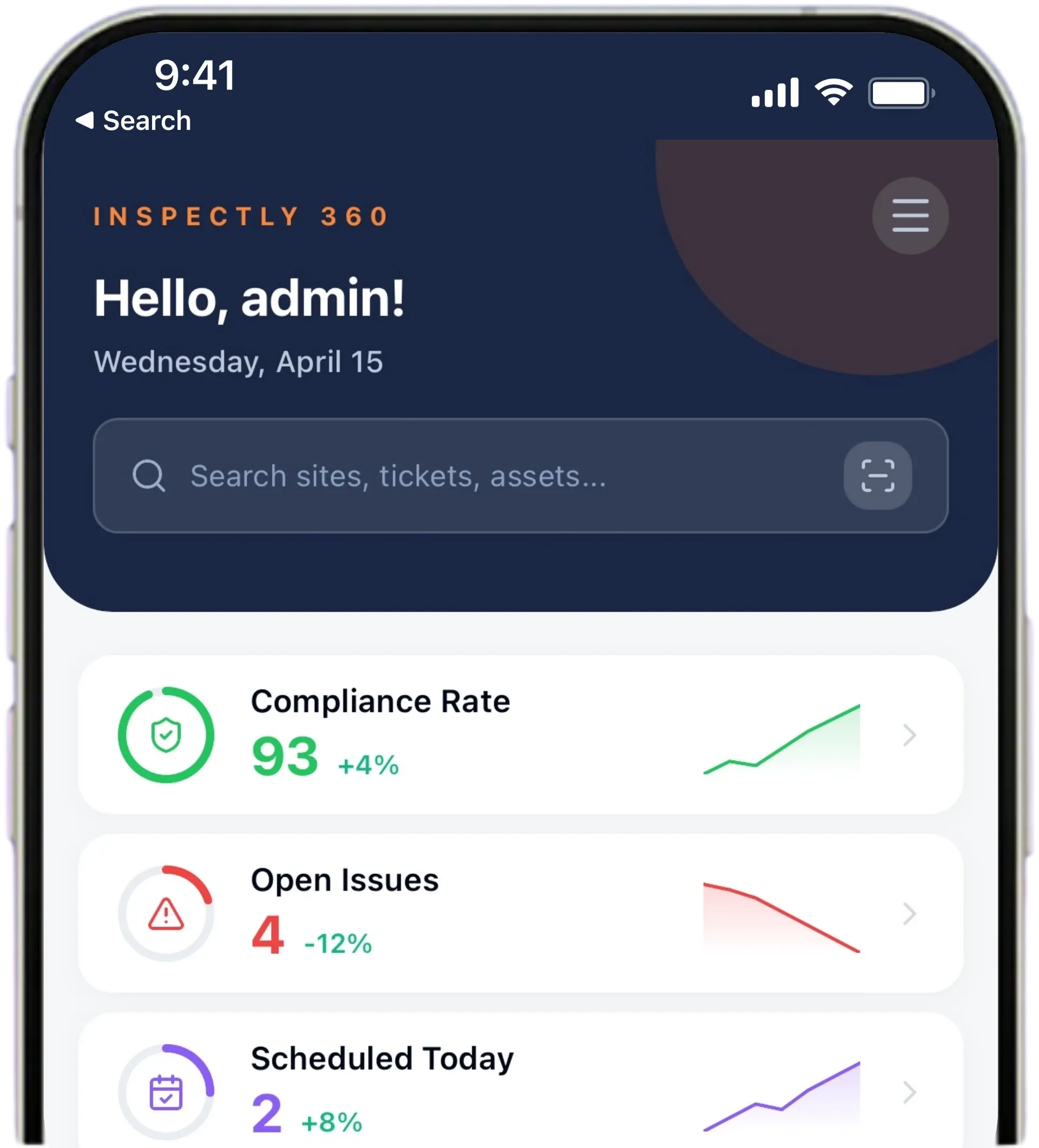
Your operations team sees completion rates, open issues, and compliance scores across all sites in real time. No chasing updates.
Manage every checklist in one connected workspace, capture evidence on mobile at the point of work, and let AI turn field inputs into clear, stakeholder-ready reports in minutes.





See which checklists your team has in progress across every site, jump into the same inspection with one tap, and keep field, supervisor, and back-office views in sync without sending screenshots on WhatsApp.






Every team reports differently. Build the report your operations, quality, or compliance leads actually want to read, share it as a branded PDF, and schedule delivery to the stakeholders who need it.


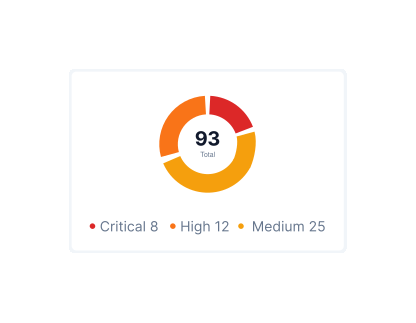
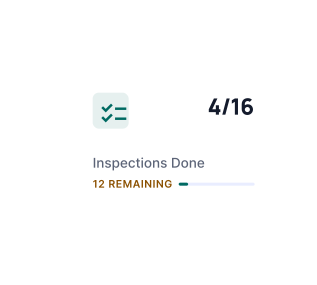
See completion, pass rate, and recurring findings across every checklist and every site, without pulling spreadsheets together at the end of the month.
What changes once facility inspection compliance software is standardised on Inspectly360.
Get started with inspection and audit checklist templates.

Standard site-level inspections for construction, safety, and compliance. Capture conditions, photos, and follow-ups in one place.

Inspect assets and equipment: condition, location, photos, and maintenance history. Track condition over time.

Complete work orders with checklist items, photos, and sign-off. Track completion and proof of work.

Preventive and corrective maintenance inspections. Log repairs, parts, and condition with photos and follow-ups.
Use these apps to run inspections and audits.

by Inspectly360
Compliance-focused inspections with evidence and audit trails.

by Inspectly360
Simplify facilities inspections with forms, photos, and reports.

by Inspectly360
Fire safety inspections with extinguisher, exit, and alarm checks.

by Inspectly360
Audits and inspections with scoring, evidence, and reports.

by Inspectly360
Building condition and compliance inspections with evidence and follow-ups.
Fire NOC renewal in Inspectly360 is a structured workflow rather than a calendar reminder. Each building's fire NOC carries its issue date, expiry date, issuing authority, and the pre-audit inspection programme that must run before renewal. The workflow fires 90 days before expiry to the named owner: schedule pre-audit, run the pre-audit programme (typically NFPA 101 aligned), close any open findings, prepare the submission pack with photo evidence and attestations, submit to the fire department, and track the response into the obligation register. If the regulator requests remediation, the workflow loops back without losing the audit chain. The new NOC certificate uploads against the original obligation record.
Every lift carries its own asset record with the lift licence number, statutory inspection cadence (typically annual or biannual depending on jurisdiction), assigned AMC vendor, last inspection date, next due date, and certificate file. The platform alerts the building manager and the lift AMC vendor 60 and 30 days before each statutory inspection is due, schedules the inspection automatically, and tracks the signed certificate back into the asset record on completion. The portfolio dashboard ranks lifts by days-to-next-inspection so the operations director sees the rolling renewal pipeline rather than discovering lapses on inspection day.
AMC contracts attach to the asset (HVAC unit, lift, fire suppression system, DG set) with start date, end date, vendor, and contracted scope. Renewal alerts fire to the facilities team 90, 60, and 30 days before expiry. If a vendor lets the contract lapse, the asset's AMC status flips to expired, the asset's compliance risk score rises, and the platform surfaces the gap on the director dashboard. Lapsed AMC also flags any open CAPAs tied to that asset because closure verification typically requires the AMC vendor to sign off, so the gap is visible before it becomes an audit finding.
Each obligation in the obligation register carries its jurisdiction, the regulator that owns it, the cadence (annual, biannual, quarterly, monthly), and the renewal lead time the regulator typically requires. A fire NOC in one Indian state may renew annually with a 60-day pre-audit window; in another it may renew biennially with a 90-day window. EICR in the UK runs on a 5-year cycle for commercial buildings, OSHA general-industry recordkeeping is continuous. The platform stores the cadence per obligation and surfaces upcoming deadlines per regulator so regional compliance leads see what is approaching in their jurisdiction.
A regulator submission pack typically includes the obligation history (all inspections run against the obligation in the requested window), photo evidence with timestamps and geolocation, signed attestations with inspector and approver identity, the chain-of-custody log, any CAPAs raised and closed against the obligation, and the cover page with site address and contact details. Inspectly360 generates the pack as a signed PDF in one click; for a single site with one obligation the export typically takes under 60 seconds. Multi-site, multi-obligation packs for insurer audits take a few minutes. The pack format can be customised per regulator's preferred layout.
Chain of custody records every event in the evidence lifecycle: the inspector who captured the photo and the device they used, the timestamp and geolocation at capture, the AFM or supervisor who reviewed and approved, the timestamp of approval, any edits or annotations applied with the editor's identity, the retention policy applied to the record, and the export events when the record was included in a regulator submission pack. The chain is immutable for the retention window, so entries cannot be backdated or deleted. When a regulator or insurer challenges authenticity, the chain answers the challenge from the record itself.
Facility Inspection Compliance Software on Inspectly360 connects directly to the inspection apps, checklist templates, forms, industries, and adjacent solutions linked below.
See Inspectly360 in action with a live demo tailored to your needs. No credit card required.