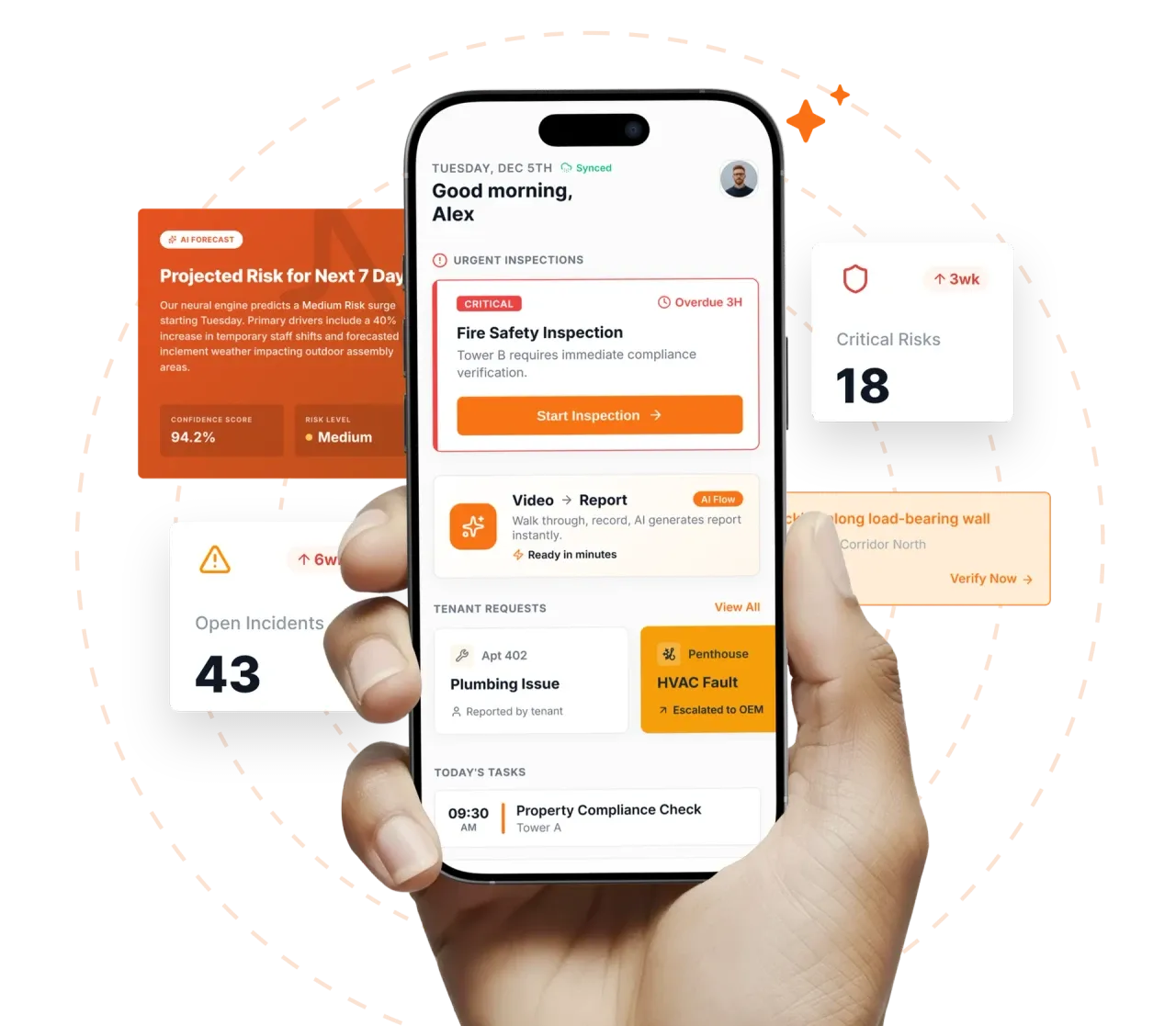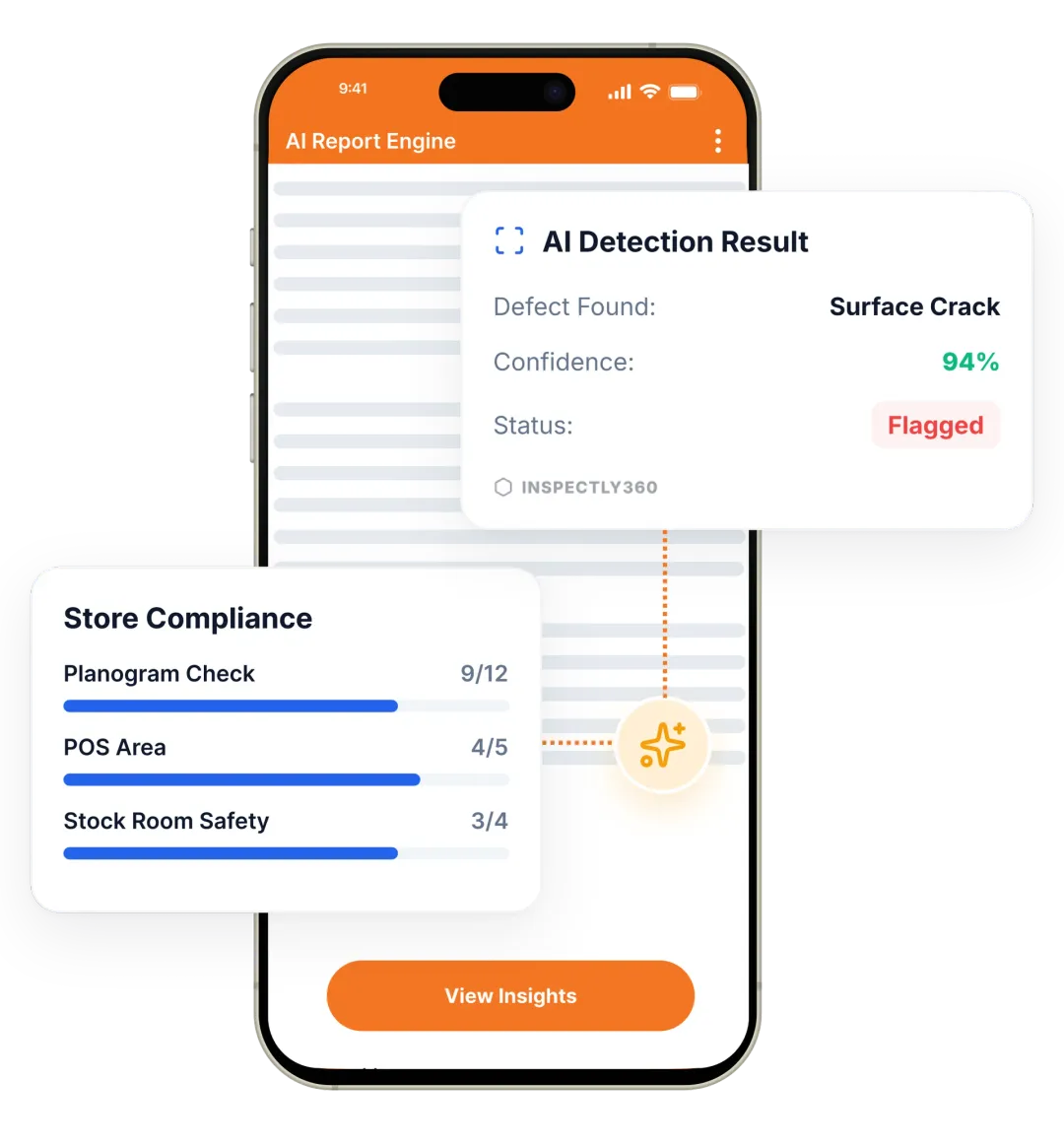

Take a Photo. AI Fills the Form
Your inspector takes a photo of any asset or defect. AI reads it and fills the inspection form automatically. No typing. No manual entry.

Convert your checklist into Mobile App
Use a dedicated inspection app to run consistent inspections, capture evidence, and automate reporting. Replace paper and spreadsheets with an inspection app that runs checklists on mobile, captures photo evidence offline, and delivers automated reports. Digital checklists, photo evidence, and automated reports, all in one place.

The Inspection app is Inspectly360’s mobile-first solution for running inspections and checklists in the field. Inspectors complete forms on phone or tablet, with or without connectivity; photos and inspection data sync when back online. The inspection app helps teams standardize processes, attach photo and location evidence to every finding, and close corrective actions with verification. It replaces paper checklists, WhatsApp follow-ups, and manual reports with one mobile workflow and live dashboards showing compliance status, open issues, and performance across every site.
A comprehensive inspection checklist covers the key areas that affect safety, compliance, and quality. Your checklist should include sections for condition checks, pass/fail or scoring criteria, photo and location evidence, corrective action assignment, and sign-off so that nothing is missed and every finding is traceable.
Using the Inspection app correctly helps prevent oversights and keeps processes consistent. Follow these steps to run effective inspections and improve day-to-day operations:
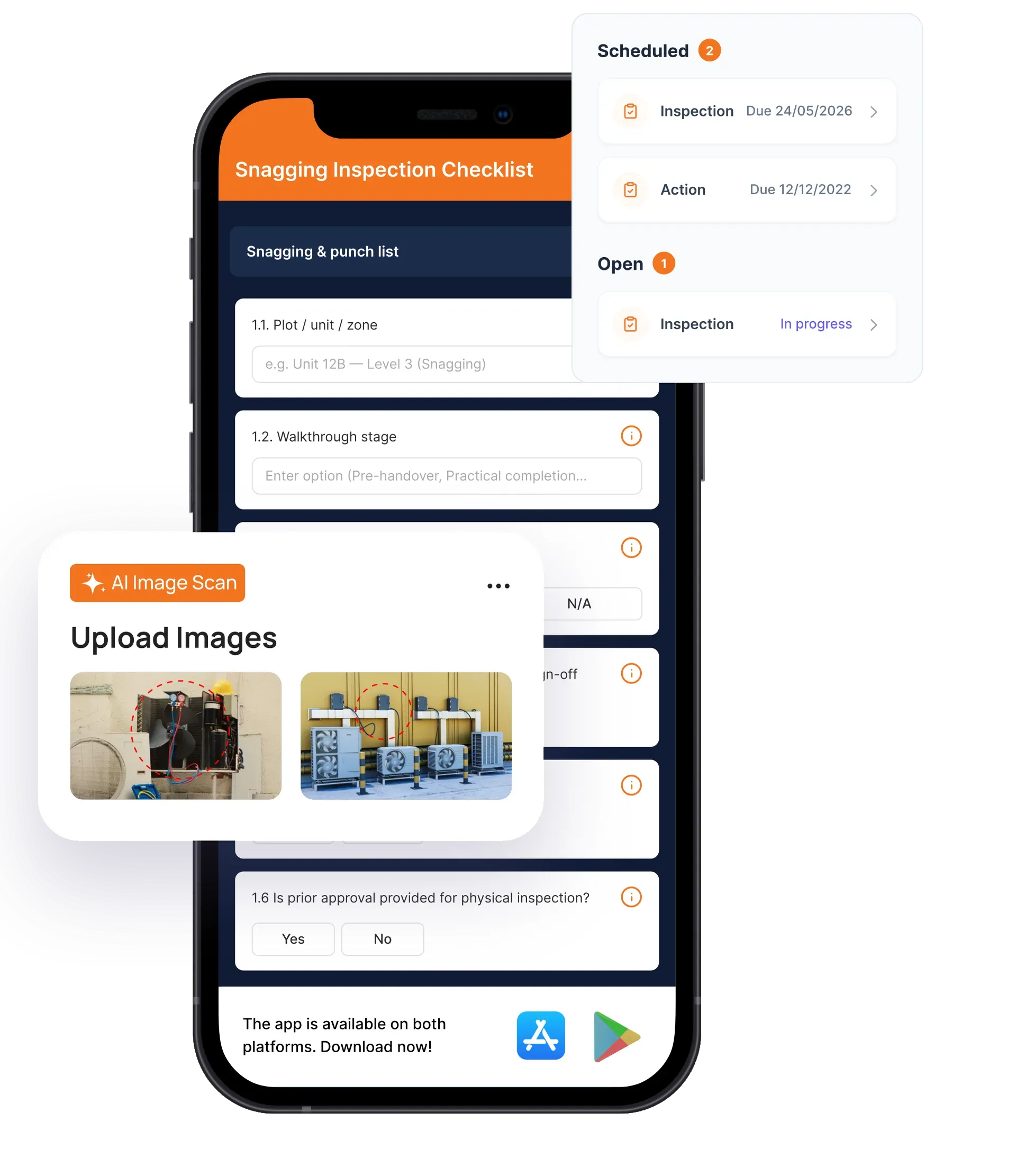
Build smart check sheets with objective conditions and deploy schedules to mobile teams instantly.
AI analyzes photos against standards, verifying execution and triggering instant corrective actions.
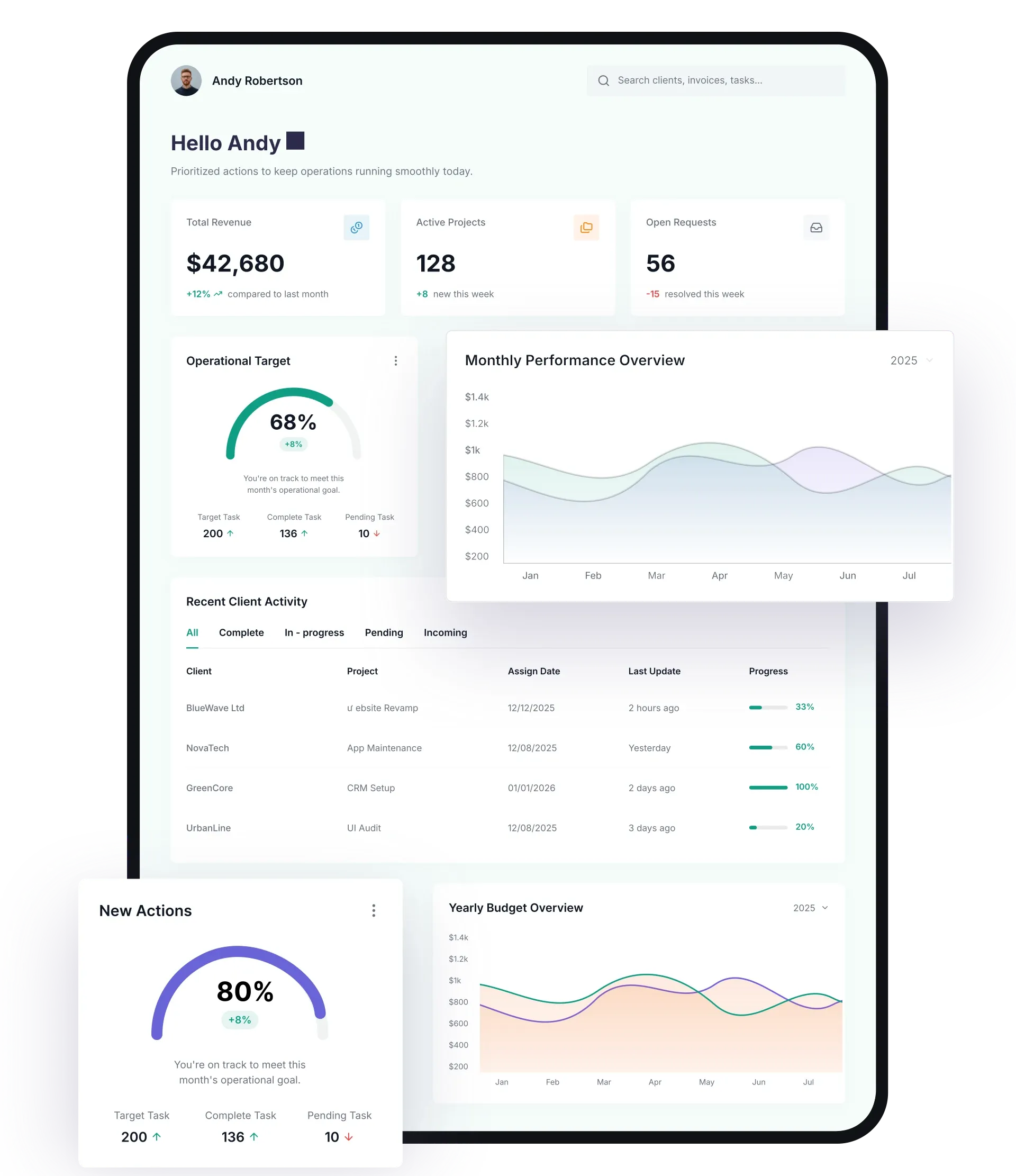
Real-time dashboards built on verified data reveal recurring patterns to optimize operations.
Everything your field team does on paper, Inspectly360 does automatically: faster, more accurate, and without the admin.
Your inspector takes a photo of any asset or defect. AI reads it and fills the inspection form automatically. No typing. No manual entry.

Inspectors speak their observations in any language. AI transcribes and fills the form in real time. Completely hands-free in the field.

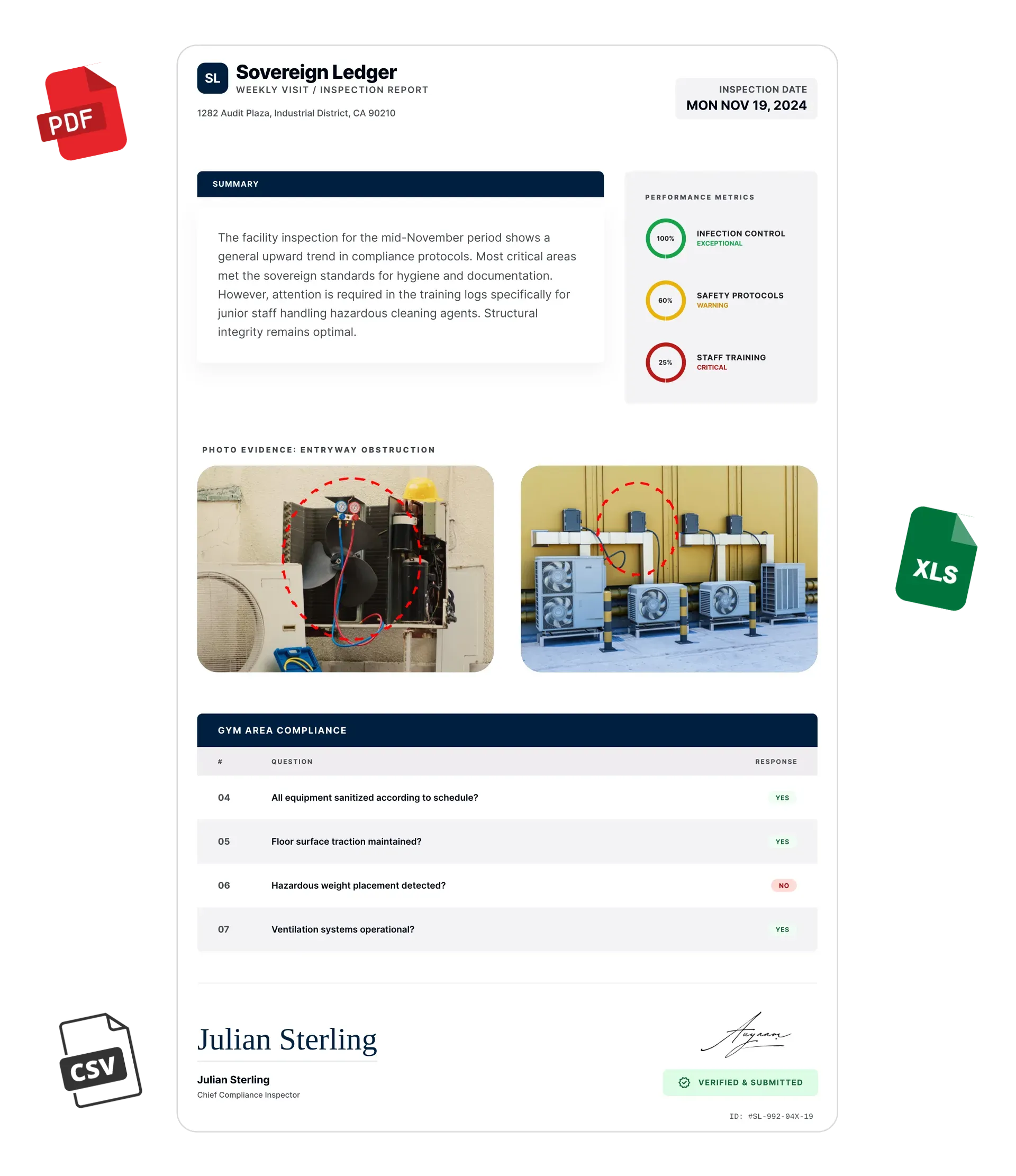
The moment an inspection is submitted, a branded PDF, Excel, or CSV report generates automatically. No manual work. No waiting.

Inspectly360 integrates with the tools your team already uses, including Zoho, Microsoft 365, and SAP. No double entry.

Your operations team sees completion rates, open issues, and compliance scores across all sites in real time. No chasing updates.
From data collection to compliance: see how teams use Inspectly360 for every use case.
Use it as a digital workflow so your team captures consistent evidence, stays aligned in the field, and produces reports stakeholders can trust without retyping answers from paper.
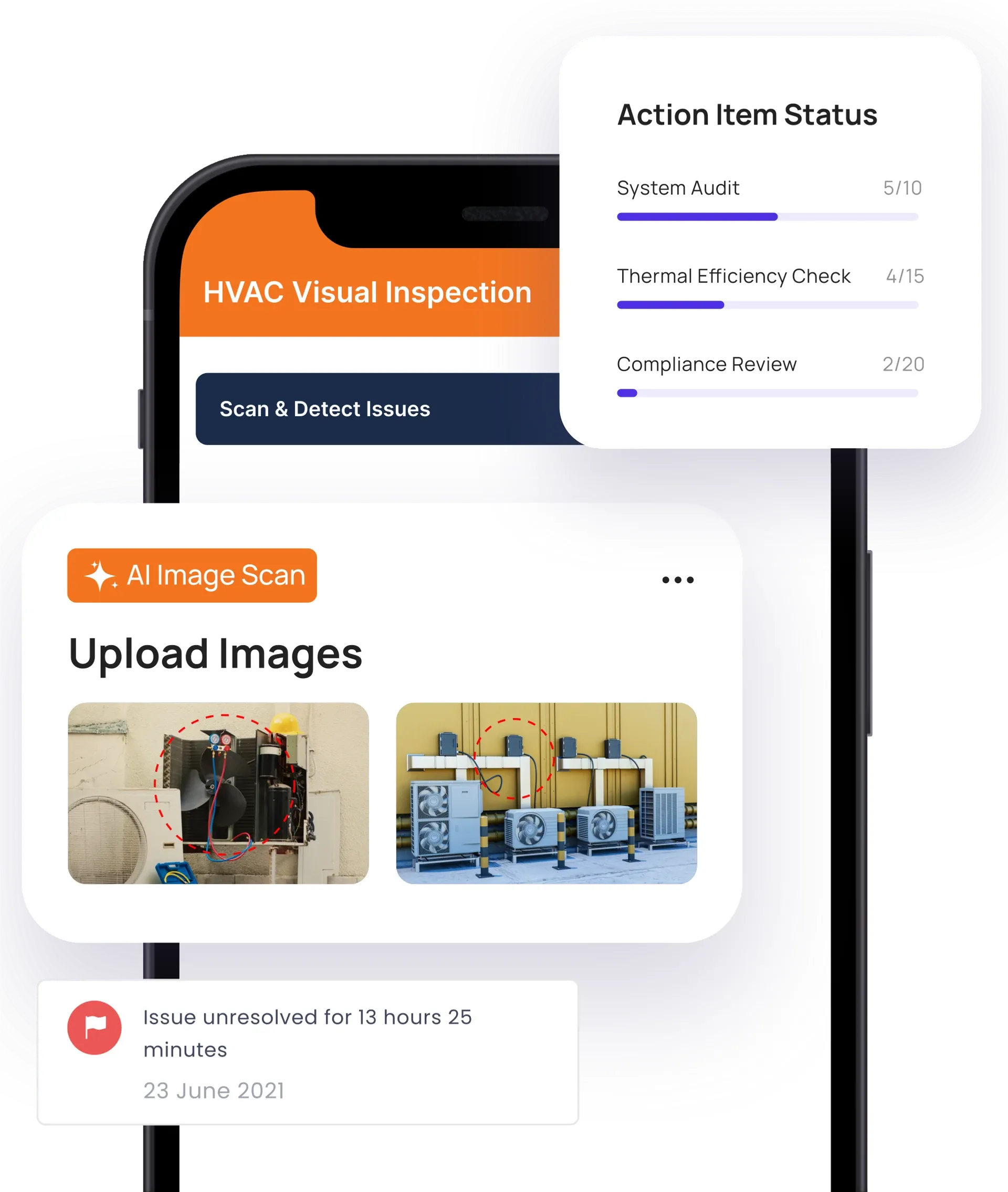
Paper forms and Excel spreadsheets force double entry and version chaos. Field teams need one digital form that captures the right data, validates on the spot, and syncs to a single source of truth.
Problem
Solution
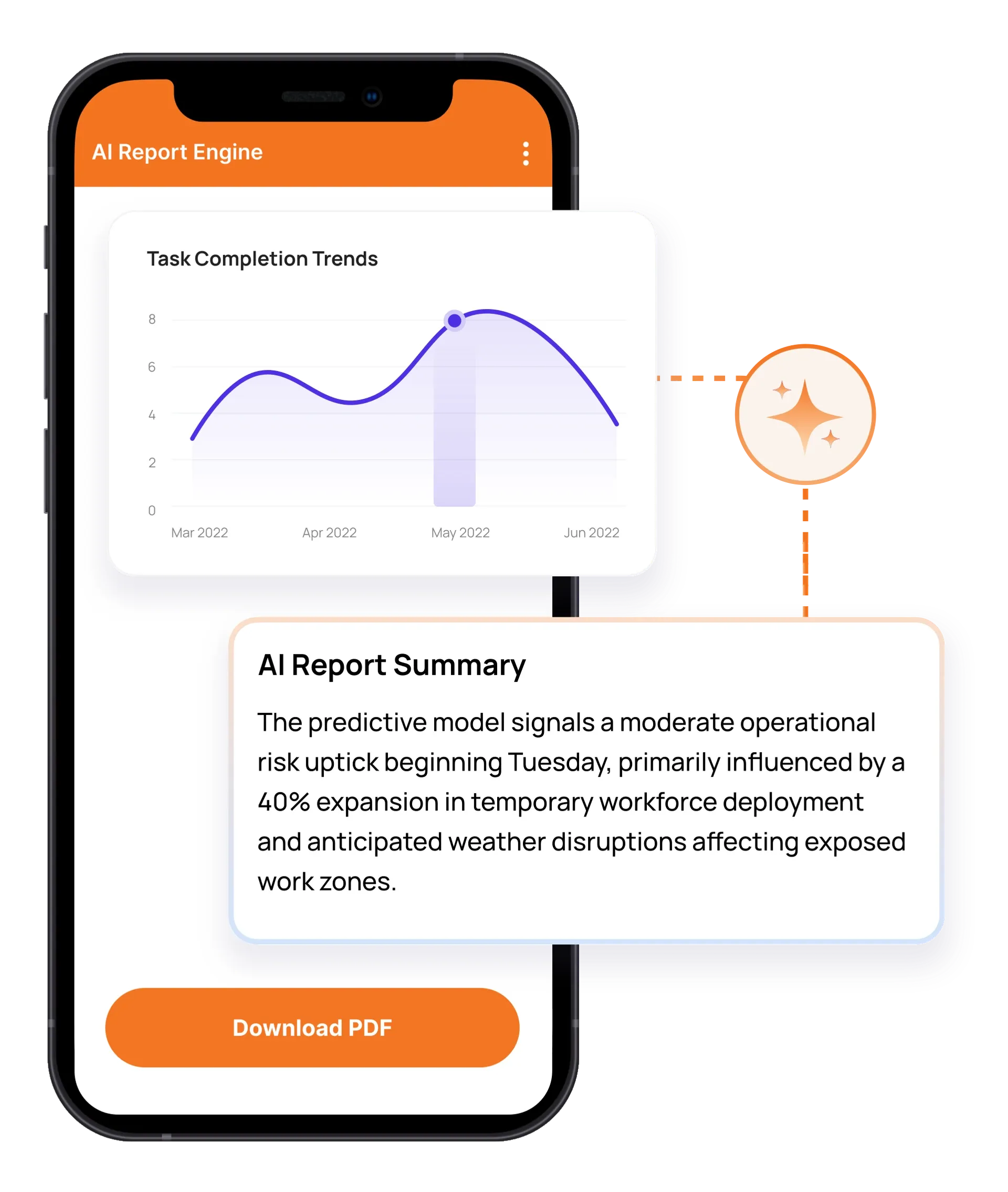
Claims about what was found or fixed are hard to verify. You need timestamped, location-stamped evidence and closure proof so everyone can trust the results.
Problem
Solution
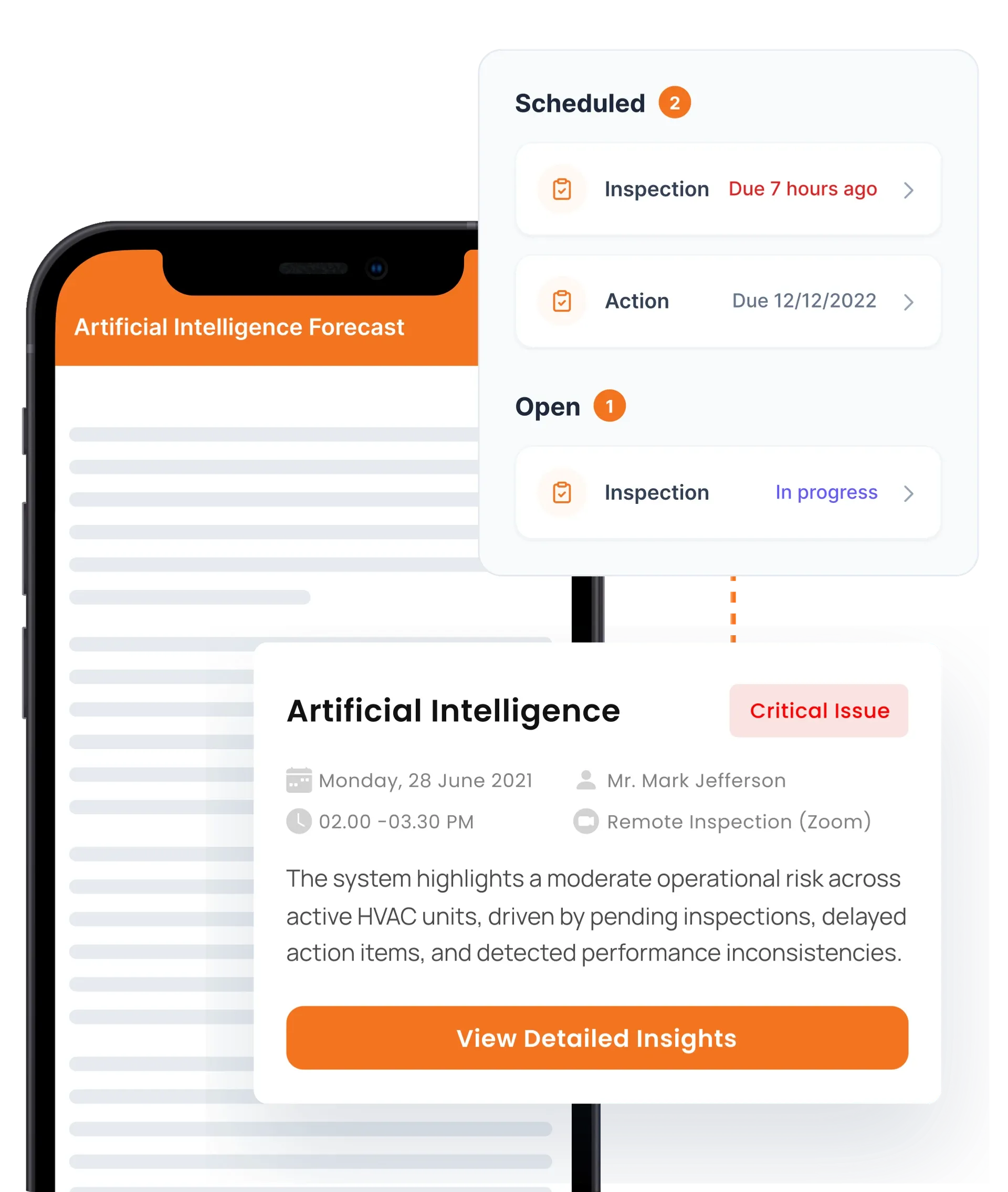
Actions are logged but no one confirms the fix. You need to assign owners, set due dates, and verify closure before sign-off.
Problem
Solution
Yes. The Inspectly360 inspection app is built for offline-first use. Inspectors can complete full checklists, capture photos, add annotations, and use on-device AI defect detection without any internet connection. All data is stored locally and syncs automatically when connectivity returns, so inspections in remote sites, basements, or low-signal areas are never blocked. This is essential for construction, facilities, and field inspection teams. Sync is incremental and conflict-aware, so large photo sets upload reliably over weak connections, and every submission shows a clear synced or pending indicator so nothing is silently lost.
Yes. Use the Inspectly360 checklist builder to create or edit inspection templates with required fields, pass/fail or weighted scoring, and conditional logic that shows or hides questions based on previous answers. You can clone from our library of safety, quality, and compliance templates and adapt them to your process. Templates support photo capture points, digital signatures, and multi-language options so your inspection app matches your operations. Template changes are versioned and can be rolled out to selected sites or teams at once, so every location runs the current standard without manual redistribution.
Inspectly360 uses on-device Edge AI to analyze inspection photos in real time. The AI can highlight potential defects, hazards, or anomalies directly on the image; inspectors review, confirm, or edit the suggestions before submission. Because processing runs on the device, AI annotation works offline and keeps photo data private. It augments human judgment rather than replacing it, helping catch issues that might otherwise be missed. It flags common issues such as cracks, corrosion, leaks, and missing safety equipment, and every accepted or rejected suggestion is logged so the audit trail shows exactly what the inspector decided.
Yes. Every inspection in Inspectly360 can generate a branded PDF report with checklist results, photos, scores, and action items. Reports can be created on demand or scheduled for automatic delivery. You can also push reports to Slack, Microsoft Teams, Google Drive, or SharePoint via integrations, so inspection reports reach stakeholders without manual export. PDFs are audit-ready for compliance and client handover. You control logo, cover page, and section layout, and exported reports retain photos, timestamps, GPS, and signatures so they stand up as evidence during audits and client handover months later.
Yes. Roll out the same inspection checklist to many sites with role-based access per site. Each location or team can see only their assigned inspections and reports. Bulk user provisioning and template assignment make it easy to scale from a few sites to hundreds. Inspectly360 supports multi-site dashboards so leadership sees completion and issues across the portfolio while keeping data scoped correctly for each user. Recurring schedules and reminders can be set per site so daily, weekly, or statutory inspections run on time everywhere, and new sites inherit the standard template set on creation.
When an inspection item fails, Inspectly360 can automatically create a corrective action. You assign an owner and due date; the system tracks status and can send reminders and escalation for overdue items. Closure can require verification, such as a re-inspection or photo proof of fix, before sign-off. The full flow from finding to assignment to resolution to verification is auditable, supporting OSHA, ISO, and client reporting. Severity drives SLA timers and escalation paths, and repeat failures on the same asset are flagged so teams fix root causes instead of closing the same issue every month.
Inspectly360 uses role-based access control. You define who can create or edit templates, run inspections, view which sites and reports, and manage users. Roles can be scoped by site, region, or template so inspectors, site managers, and executives each see the right data. Vendors and contractors can be limited to their assigned work without accessing the rest of your inspection program. Access changes and sign-offs are logged with user and timestamp, and Inspectly360 supports SSO so joiner and leaver access stays aligned with your identity provider and security policy.
Inspectly360 connects to Slack, Microsoft Teams, Google Drive, SharePoint, and more so you receive inspection alerts and reports where your team works. Integrations can send completed reports, failed items, and corrective action updates automatically. Webhooks and API access allow custom integrations with your CMMS, ERP, or project management tools. Setup is typically quick with OAuth and documented APIs. Failed deliveries are retried and queued so alerts are not lost during outages, and you choose which events, sites, and severity levels trigger each integration to avoid notification noise.
Audit App works alongside the Inspectly360 checklist templates, platform solutions, and risk management & compliance apps linked below, so teams plan, run, and report inspections in one connected system.
See Inspectly360 in action with a live demo tailored to your needs. No credit card required.