Convert your checklist into Mobile App

Contact Now
Blog & Insights

Why AI Field Inspections Need Offline and On-Device AI

AI field inspections are most useful when they work where inspectors work: offline and on-device. Learn why connectivity shouldn’t limit. Book a free demo.

Inspectly360 Team March 16, 2025 7 min read
Why AI Field Inspections Need Offline and On-Device AI

Why AI Field Inspections Need Offline and On-Device AI

Field inspections often happen in places with little or no connectivity: basements, rooftops, remote sites. If your AI inspection tool only works in the cloud, it won’t help when it matters most. Here’s why offline and on-device AI are essential for real-world AI field inspections.

Key Takeaways

  • Field inspections often happen offline; AI must work on-device to be useful there.
  • On-device AI gives immediate feedback and avoids dependency on connectivity.
  • Combine offline capture, on-device AI, and sync for a complete field inspection workflow.

Where Field Inspections Actually Happen

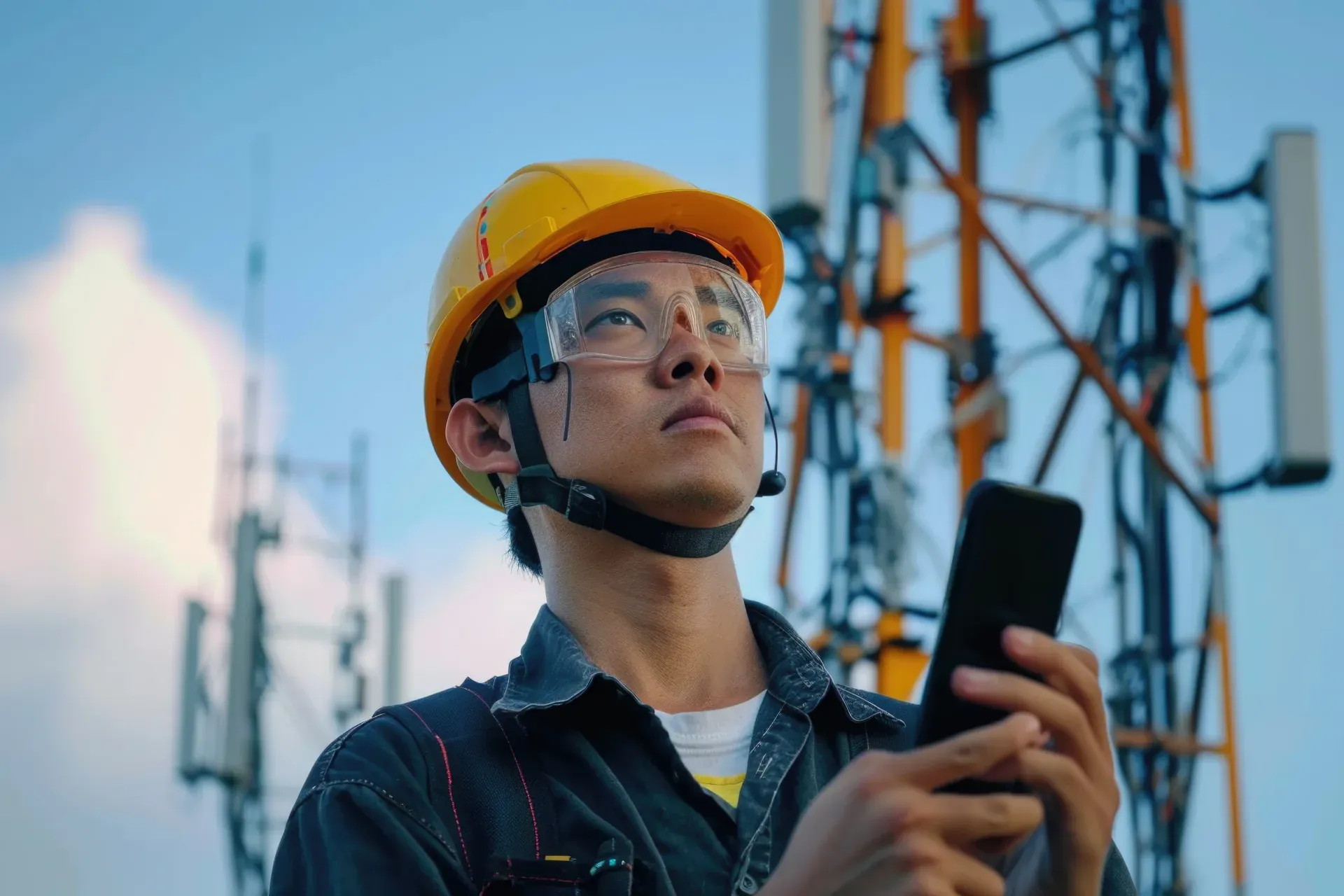
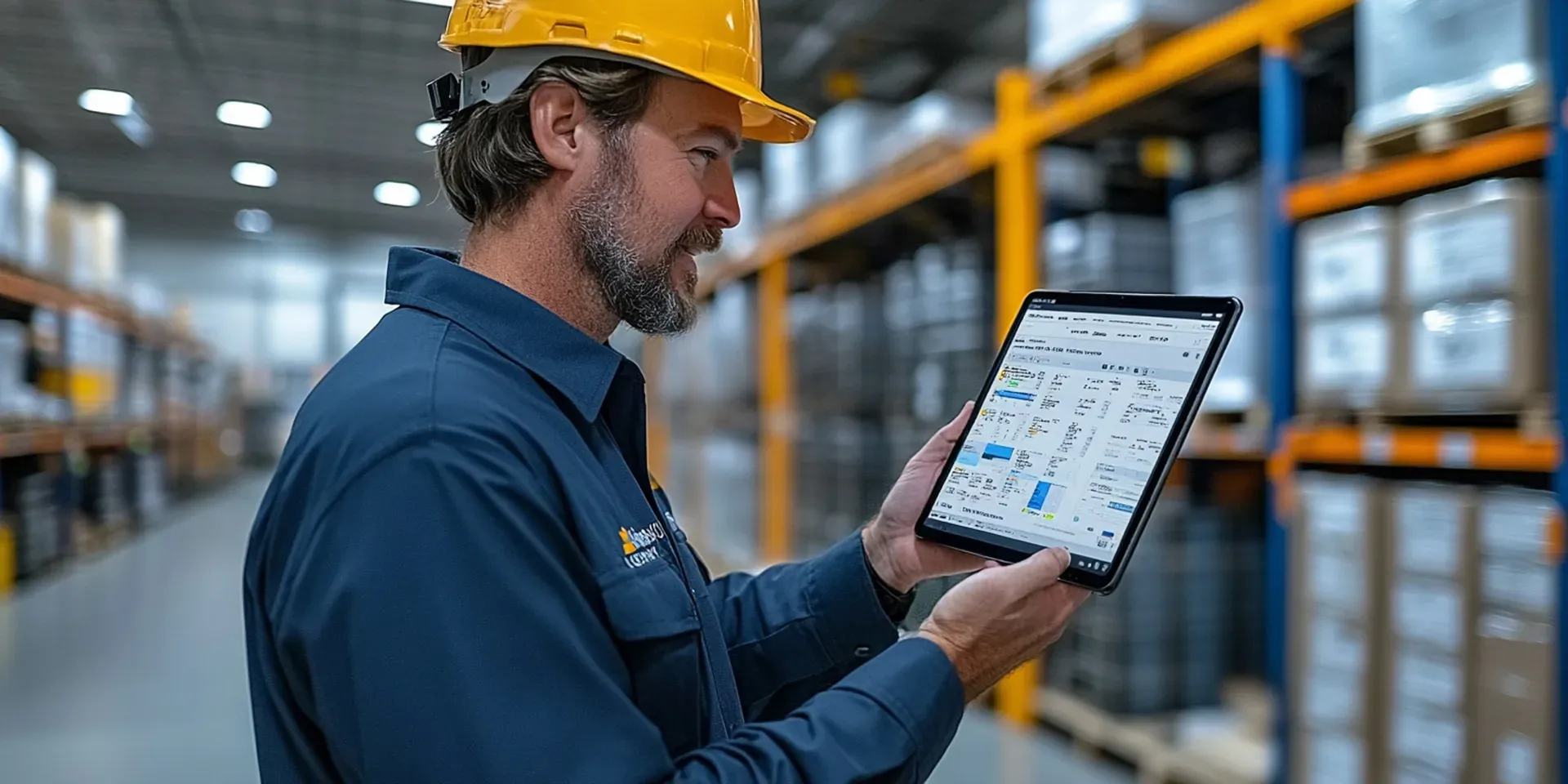
Inspectors work in warehouses, construction sites, utility substations, and facilities, many with spotty or no internet. Relying on cloud-only AI means delays, failed uploads, or skipped checks. On-device AI runs the moment a photo is taken, so inspectors get immediate feedback and proof without waiting for connectivity.

What On-Device AI Delivers

On-device AI analyzes photos locally: defect detection, hazard flagging, or anomaly detection in seconds. Results are stored with the inspection and sync when the device is back online. That keeps the workflow fast and reliable and avoids sending sensitive site photos to the cloud if your policy restricts it.

Building Proof in the Field

AI field inspections should feed into the same proof-based workflow as the rest of your program: findings become corrective actions, re-inspection closes the loop, and reports build automatically. Choose a platform that combines offline capture, on-device AI, and sync so nothing is lost when the signal drops.

The Hidden Cost of Cloud-Only AI in the Field

When an AI inspection tool depends on the cloud, its failures are quiet and expensive. In a basement or on a remote site, an upload stalls, a suggestion never arrives, and the inspector does the practical thing under time pressure: they revert to notes, photograph findings on the camera roll, or skip the AI step entirely and mean to redo it later. The result is a record that is incomplete or reconstructed from memory, and the gaps land in exactly the hard-to-reach places that most need documented proof. Over time the field team learns the tool cannot be relied on where they actually work, and adoption erodes. On-device AI avoids this by running the analysis the moment a photo is taken, so the assistance is there whether or not there is a connection. The inspection is completed and evidenced on site, and everything syncs cleanly once the device reconnects, so managers see one complete picture instead of a patchwork.

Data Control as a Field Requirement

Beyond reliability, where images go is a growing concern for field inspection programs. Site photos can capture confidential layouts, equipment detail, or identifiable people, and every transfer to an external server is a point that has to be governed. On-device AI keeps images local during analysis, so a defect or hazard suggestion is produced without the raw photo leaving the device until the inspector chooses to sync. For organizations with data-residency rules or client-confidentiality clauses, that materially reduces exposure and simplifies compliance. It also means the decision to use AI in the field does not force a separate conversation about uploading sensitive imagery just to obtain a suggestion. The practical question to ask any vendor is whether an image is ever sent off the device purely to get a field hint, because on-device processing keeps that step under your control while still giving inspectors the immediate feedback that makes AI worth using in the first place.

Frequently Asked Questions

Why do AI field inspections need offline and on-device AI?

Field inspections happen in warehouses, on construction sites, in substations, and across facilities, many of which have spotty or no connectivity. If the AI only runs in the cloud, it cannot help in exactly those places, leading to delays, failed uploads, or skipped checks. On-device AI runs the analysis the moment a photo is taken, so inspectors get immediate feedback and proof without waiting for a connection. This keeps the workflow fast and reliable where the work actually happens, and the results sync automatically when the device is back online. For any program where inspectors regularly work in low-signal environments, offline and on-device AI is the difference between a tool that helps in the field and one that only works back at the office.

What does on-device AI deliver for field inspectors?

On-device AI analyzes photos locally, providing defect detection, hazard flagging, or anomaly detection in seconds without an upload. The inspector sees a suggestion at the asset, confirms or corrects it, and moves on, and the result is stored with the inspection and syncs when the device reconnects. Because the image is processed on the device, sensitive site photos do not have to leave it just to get a hint, which helps where data policy restricts uploads. The overall effect is a faster round with a more consistent record, since the same defect gets labelled the same way each time, and no dependency on connectivity in the places where signal is weakest and evidence matters most.

Does on-device AI reduce accuracy compared to the cloud?

For the common inspection tasks that make up most field work, on-device AI is accurate enough to be genuinely useful, and the gap with cloud models keeps narrowing as mobile processors improve. Cloud models retain an edge on rare or highly complex cases that need very large datasets, but those are the minority of field checks. More important than a small accuracy difference is availability: a slightly stronger model that cannot run where the inspection happens provides no value at all, while a capable on-device model that works everywhere provides consistent assistance on every round. Since a human confirms each official finding regardless, the practical choice for field programs favors on-device AI that is always available over cloud accuracy that is often out of reach.

How do AI field inspections build audit-ready proof?

AI field inspections should feed the same proof-based workflow as the rest of the program rather than sitting apart from it. A flagged finding becomes a corrective action with an owner and a due date, a re-inspection verifies the fix, and the report builds automatically from the captured data. Each record carries a timestamp, the inspector's identity, and the photos behind the finding, so there is a clear, attributable trail from what was found to how it was resolved. Because on-device capture works offline, none of this depends on connectivity at the moment of inspection. The result is that even inspections completed in a basement or on a remote site produce the same audit-ready evidence as those done with a full connection.

How do we choose a platform for AI field inspections?

Start from where your inspectors work and how reliable the signal is there. If they regularly operate in low-connectivity areas, prioritize a platform that combines offline capture, on-device AI, and dependable sync, so nothing is lost when the signal drops. Confirm that AI findings flow into corrective actions, re-inspection, and automatic reporting, rather than producing a standalone score. Check how the tool handles image data, ideally keeping photos on the device during analysis if you have confidentiality or residency obligations. The right platform makes AI assistance available in the field exactly as it would be at a desk, and turns each field inspection into complete, proof-based evidence regardless of whether there was a connection at the time.


Less Paperwork. More Visibility.

See Inspectly360 in action with a live demo tailored to your needs. No credit card required.

  • 14 Days Free Trial
  • 1000+ Templates
  • Unlimited Integration