
Take a Photo. AI Fills the Form
Your inspector takes a photo of any asset or defect. AI reads it and fills the inspection form automatically. No typing. No manual entry.

Convert your checklist into Mobile App
Facility inspection tracking software is the operational visibility layer for FM portfolios: it tracks every inspection round against schedule, every open issue from log to verified closure, every asset's condition history over time, and every AMC vendor's closure performance against SLA.
Facility inspection tracking software is the operational visibility layer for FM portfolios: it tracks every inspection round against schedule, every open issue from log to verified closure, every asset's condition history over time, and every AMC vendor's closure performance against SLA. Inspectly360 consolidates the four dimensions FM operations leaders actually need to govern (round completion, issue lifecycle, asset trend, vendor scorecard) into one structured record per site, per asset, per vendor, per cycle.
What changes once facility inspection tracking software runs on one mobile-first platform.
Most multi-site FM teams enable tracking in this order before expanding the tracked dimensions across the full portfolio.
Before turning on any dashboard, agree the five KPIs that matter to the FM director: time-to-close by severity, SLA adherence per AMC contract, vendor scorecard weights, round completion against schedule, and asset condition trend. Tracking discipline starts with the KPI definition, not with the dashboard.
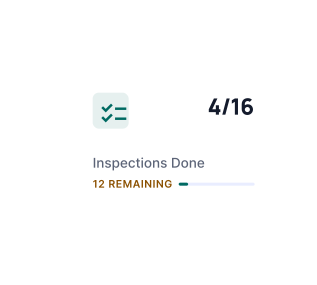
Every recurring round (daily housekeeping, weekly safety, monthly PPM) tracks against the published schedule with completion percentage per site, per inspector, per shift. Variance surfaces before it accumulates.
Failed inspection items become tracked issues with owner, deadline, severity, and verification rule. Status moves from open to in-progress to in-verification to closed; photo proof is required at the verification gate before closure registers.
Each AMC vendor builds up a scorecard over time: on-time closure rate, mean time to respond, re-open rate, evidence quality, SLA breach frequency. The scorecard surfaces at renewal review with the full underlying breach trail.
Site-level tracking aggregates into regional and portfolio dashboards configured around the agreed KPI set. Filters by region, asset class, vendor, and issue category let directors slice without compiling. Tracking-to-CAPA workflow links open items into the next audit cycle automatically.
Everything your field team does on paper, Inspectly360 does automatically: faster, more accurate, and without the admin.
Your inspector takes a photo of any asset or defect. AI reads it and fills the inspection form automatically. No typing. No manual entry.

Inspectors speak their observations in any language. AI transcribes and fills the form in real time. Completely hands-free in the field.

The moment an inspection is submitted, a branded PDF, Excel, or CSV report generates automatically. No manual work. No waiting.

Inspectly360 integrates with the tools your team already uses, including Zoho, Microsoft 365, and SAP. No double entry.

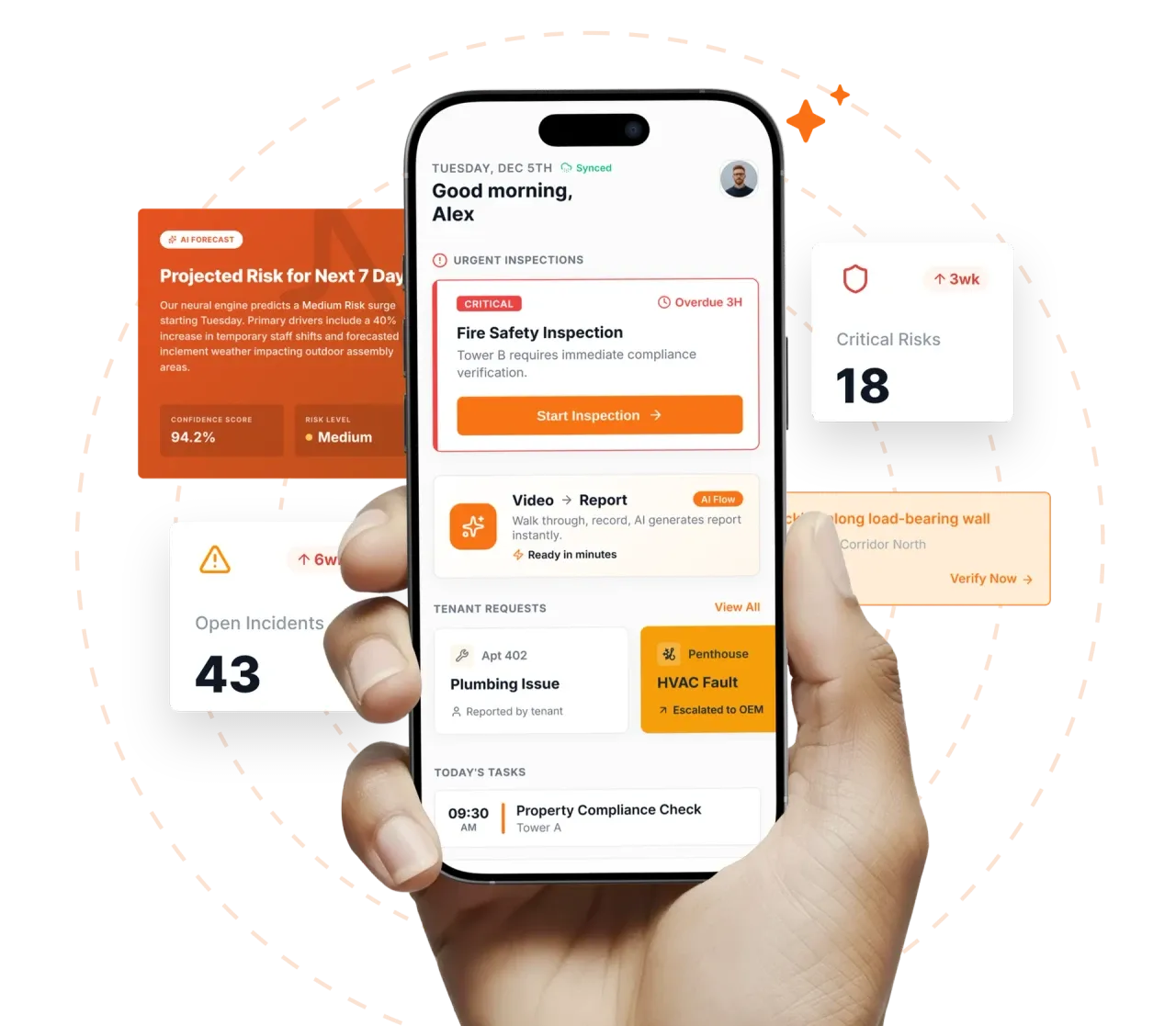
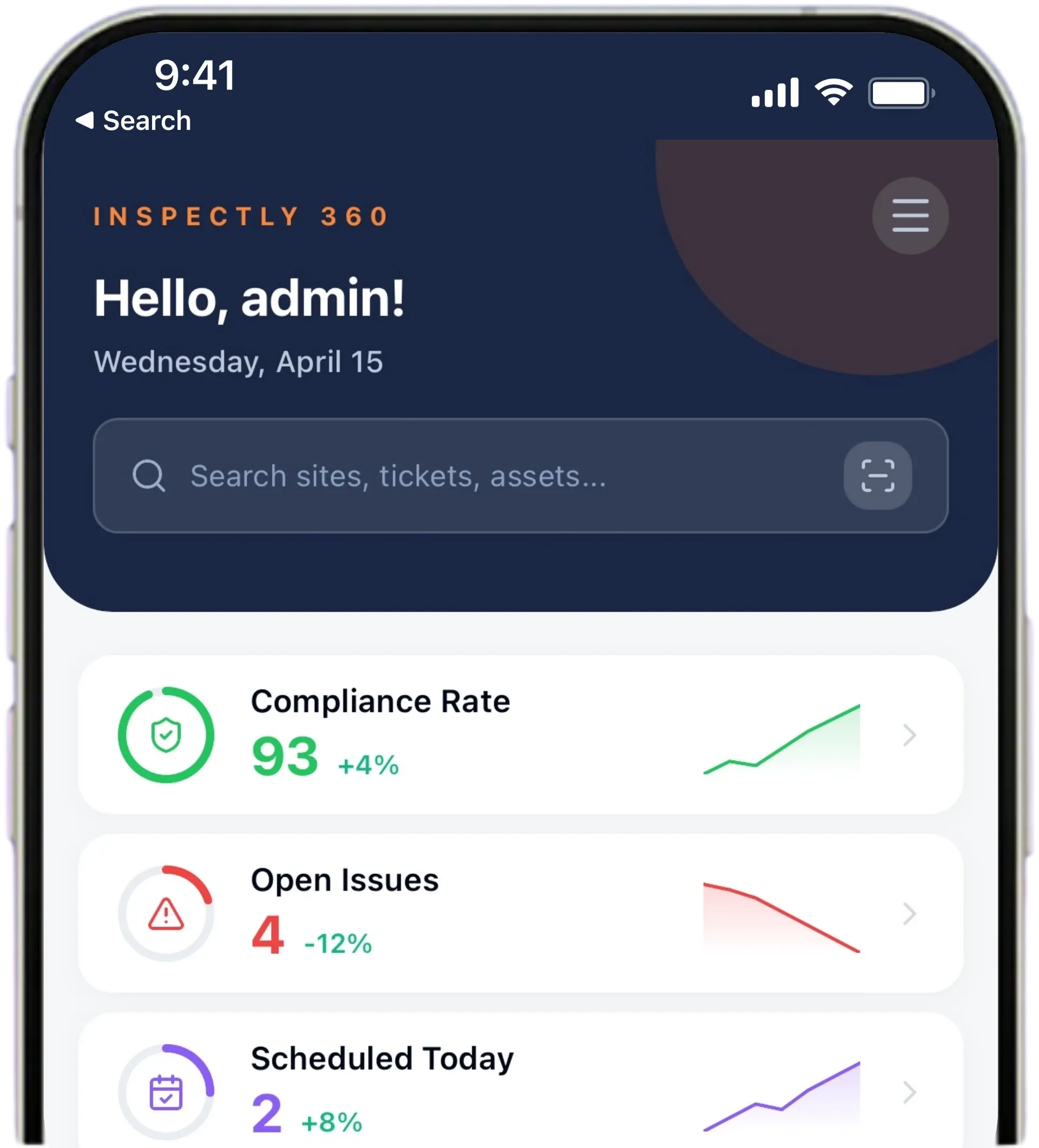
Your operations team sees completion rates, open issues, and compliance scores across all sites in real time. No chasing updates.
Manage every checklist in one connected workspace, capture evidence on mobile at the point of work, and let AI turn field inputs into clear, stakeholder-ready reports in minutes.





See which checklists your team has in progress across every site, jump into the same inspection with one tap, and keep field, supervisor, and back-office views in sync without sending screenshots on WhatsApp.






Every team reports differently. Build the report your operations, quality, or compliance leads actually want to read, share it as a branded PDF, and schedule delivery to the stakeholders who need it.


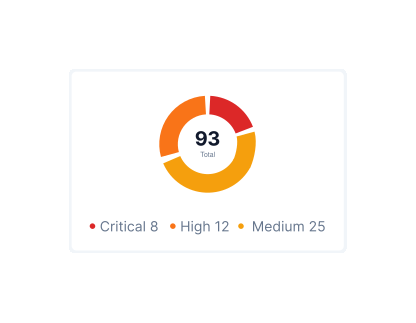
See completion, pass rate, and recurring findings across every checklist and every site, without pulling spreadsheets together at the end of the month.
What changes once facility inspection tracking software is standardised on Inspectly360.
Get started with inspection and audit checklist templates.

Standard site-level inspections for construction, safety, and compliance. Capture conditions, photos, and follow-ups in one place.

Inspect assets and equipment: condition, location, photos, and maintenance history. Track condition over time.

Complete work orders with checklist items, photos, and sign-off. Track completion and proof of work.

Preventive and corrective maintenance inspections. Log repairs, parts, and condition with photos and follow-ups.
Use these apps to run inspections and audits.

by Inspectly360
Simplify facilities inspections with forms, photos, and reports.

by Inspectly360
Asset condition and compliance inspections with history.
by Inspectly360
Equipment inspections with maintenance triggers and condition scoring.

by Inspectly360
Audits and inspections with scoring, evidence, and reports.

by Inspectly360
Compliance-focused inspections with evidence and audit trails.
Dashboard configuration starts with the organisation's KPI set. The five most common FM tracking KPIs are: time-to-close by severity (Critical, High, Medium, Low), SLA adherence per contract, AMC vendor scorecard, round completion against schedule, and asset condition trend. Inspectly360 ships with these as default tiles; each can be customised with the organisation's specific severity bands, contract scope, scorecard weights, and asset classes. Custom KPIs (energy efficiency targets, sustainability metrics, tenant satisfaction tied to inspection findings) can be added as additional tiles. Dashboards are role-scoped so the director, centre manager, and AMC vendor each see the cuts that matter to their role.
The default vendor scorecard weights five dimensions: on-time closure (40 percent), mean time to respond (20 percent), re-open rate (20 percent), evidence quality (10 percent), and SLA breach frequency (10 percent). The methodology is configurable per AMC contract so a critical-infrastructure AMC can weight SLA breach frequency more heavily, while a discretionary AMC can weight evidence quality more. Scores compute over rolling six-month windows by default. The full underlying breach and closure trail is retained, so the renewal pack shows both the headline score and the supporting evidence.
SLA breach detection runs at three trigger points. Predicted-breach alerts fire when the platform projects that an open issue will breach its SLA based on current closure velocity, typically 24 to 48 hours before the actual breach. Breach alerts fire when the SLA is crossed. Threshold escalation fires when SLA breaches accumulate beyond an organisation-configured rate. Predicted-breach is where the work happens: it gives the centre manager the heads-up to reassign, accelerate, or escalate before the breach is contractual. Most FM operations teams target a predicted-breach intervention rate above 80 percent in the first quarter of rollout.
Every PPM round attaches photo evidence to the asset record. AI compares current photos against baseline and historical photos to detect wear, corrosion, and degradation progression. Over enough cycles, each asset accumulates a trend line: stable, degrading slowly, degrading rapidly, end-of-life. Capex planning teams use the trend to prioritise replacement decisions: assets on stable trends defer; assets degrading rapidly come forward; end-of-life assets enter the next budget cycle with photo evidence to support the case. This replaces the typical capex conversation that runs on the loudest technician's opinion.
When a failed inspection item is logged, the platform creates a tracked issue with an assigned owner, a deadline, a severity, and a verification rule based on the severity. Low-severity issues may close on a self-attested photo. Medium-severity issues require an AFM or supervisor sign-off after a photo upload. High-severity and Critical issues require a re-inspection with photo proof and a named approver before closure. The verification rule is configurable per issue category. The audit trail records the closure evidence, the verifier identity, and the timestamp, so closure is a defensible event rather than a status change in WhatsApp.
Contractor performance review packs export the six-month scorecard with the underlying breach and closure trail. The pack typically contains the headline scorecard, the trend over six months, the top SLA breaches with root cause, the top recurring issues with frequency, the closure evidence sample, and the comparison against the contracted SLA targets. Renewal conversations open with the pack rather than with relationship perception. Contractors get visibility into their own scorecard before the renewal review, so the meeting is predictable rather than adversarial. Procurement teams use the pack as input to renewal pricing and scope decisions.
Facility Inspection Tracking Software on Inspectly360 connects directly to the inspection apps, checklist templates, forms, industries, and adjacent solutions linked below.
See Inspectly360 in action with a live demo tailored to your needs. No credit card required.