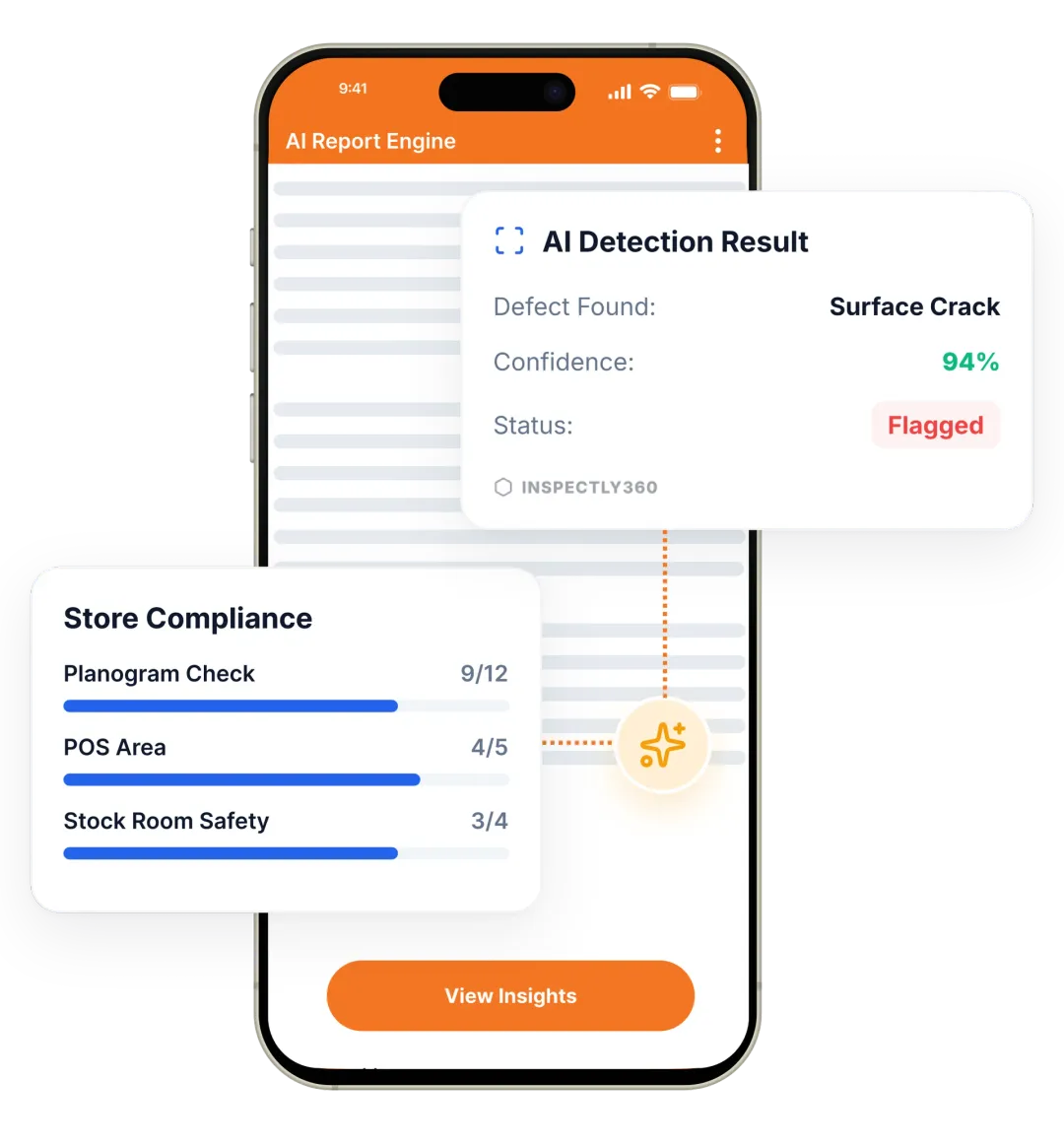

Take a Photo. AI Fills the Form
Your inspector takes a photo of any asset or defect. AI reads it and fills the inspection form automatically. No typing. No manual entry.

Convert your checklist into Mobile App
A facility inspection audit app helps facilities heads run scored audits across daily housekeeping, AMC, fire NOC, and ISO 41001 controls without scattered spreadsheets. Inspectly360 captures photo and voice evidence, calculates audit scores, and tracks every finding to verified closure so you walk into board reviews and client meetings with a complete trail, not a feeling.

A facility inspection audit app is software your operations team uses to run scored audits across sites, assets, and processes, with structured evidence and corrective actions tied to each finding. Inspectly360 is an AI-powered inspections and audits platform that gives FM teams configurable audit templates, automatic scoring, photo and voice evidence, and live dashboards by site, vendor, or audit type.
Audits cover daily housekeeping standards, PPM completion, AMC governance, fire NOC plant checks, lift license records, and ISO 41001-aligned management reviews. Findings turn into tracked corrective actions with named owners, due dates, and verified closure proof. Compliance stops being a feeling and becomes a fact your team can defend in front of regulators, auditors, and clients.
A facility audit app should cover scored sections for housekeeping, life safety, asset condition, AMC governance, vendor compliance, and statutory documentation. Each finding needs photo evidence, severity, an assigned owner, and verified closure. Reports must include the audit score, top failed items, recurring issues across sites, and a trend view across audit cycles, all in a branded PDF format for clients and management.
Use a structured cadence so audits become routine rather than a quarterly fire drill.

Build audit templates with weighted sections, scoring rules, and required evidence. Schedule by site, vendor, or audit cycle.

Auditors run forms on mobile with offline support, capture photo and voice evidence, and submit a fully scored audit in one go.

Failed items route to owners as corrective actions with verified closure. Dashboards show portfolio scores and recurring issues.
Everything your field team does on paper, Inspectly360 does automatically: faster, more accurate, and without the admin.
Your inspector takes a photo of any asset or defect. AI reads it and fills the inspection form automatically. No typing. No manual entry.

Inspectors speak their observations in any language. AI transcribes and fills the form in real time. Completely hands-free in the field.

The moment an inspection is submitted, a branded PDF, Excel, or CSV report generates automatically. No manual work. No waiting.

Inspectly360 integrates with the tools your team already uses, including Zoho, Microsoft 365, and SAP. No double entry.

Your operations team sees completion rates, open issues, and compliance scores across all sites in real time. No chasing updates.
From data collection to compliance: see how teams use Inspectly360 for every use case.
Capture field data once with digital forms that work even offline.
Explore use caseRun standardized inspections with photos, scoring, and instant reports.
Explore use caseConduct structured audits with evidence trails and pass or fail scoring.
Explore use caseLog hazards, near misses, and safety checks from any job site.
Explore use caseCatch defects early with repeatable quality checks and sign off.
Explore use caseReport incidents in the moment with photos and follow up actions.
Explore use caseTrack assets, service history, and condition across every location.
Explore use caseRaise work orders and close out repairs with a full audit trail.
Explore use caseStay audit ready with logged checks, timestamps, and shareable reports.
Explore use caseUse it as a digital workflow so your team captures consistent evidence, stays aligned in the field, and produces reports stakeholders can trust without retyping answers from paper.

The auditor leaves, the PDF is filed, and the same fire safety issue shows up at the next audit because nothing tracked the corrective action.
Problem
Solution

Two auditors give the same site different scores because the criteria are interpreted differently.
Problem
Solution

When a client questions an audit, you need to show where the auditor stood and what they captured, not a typed summary.
Problem
Solution
A checklist app helps inspectors capture pass or fail per item. An audit app adds weighted sections, automatic scoring, structured evidence requirements, and corrective action tracking with verified closure. Inspectly360 supports both modes from one platform. The same field team that runs a daily housekeeping round can also run a quarterly ISO 41001-aligned audit with scoring, severity, and findings routed to vendors. The audit app produces a comparable score across sites and cycles, which a checklist alone cannot. This matters when leadership wants to compare 12 sites on the same scale or when a client asks for portfolio-level audit performance.
Each audit template has sections with weights and scoring rules you configure once. As the auditor completes the form on mobile, the score calculates automatically and updates as new sections close. Failed items can carry severity ratings that reduce the overall score and trigger corrective actions. The final score, top failed items, and trend versus the previous audit appear on the branded PDF and on the multi-site dashboard. Because scoring lives in the template rather than in the auditor's head, two different auditors at two different sites produce comparable numbers, which is the whole point of running an audit programme.
Audit templates can be configured to match ISO 41001 facility management system clauses, fire NOC schedule requirements, lift license maintenance records, and other statutory demands. Each audit produces a structured record with photo evidence, sign-off, and corrective actions tied to specific clauses. When an auditor or regulator asks for proof of management review, AMC governance, or life-safety inspection, you produce a digital trail per site, per asset, and per cycle. The same evidence supports OSHA documentation needs and client SLA reporting in one branded export.
Yes. Every failed audit item can spawn a corrective action with a named owner, due date, severity, and photo proof requirement on closure. Owners get notifications, see their open actions in the app, and submit verified closure with photos. Dashboards show open and overdue actions per site, per vendor, and per audit cycle, so leadership can see whether findings are actually closing or just sitting in a backlog. Vendor performance scoring tracks closure time and re-open rate over time, which lets you objectively compare AMC partners before assigning the next job.
Inspectly360 captures geofenced submission data, photo evidence, voice notes, and timestamps for every audit item. Anomaly detection flags suspicious patterns, such as audits completed too fast to be genuine or submitted from outside the site location. Managers see the data and decide what to do, with clear non-accusatory flags. This addresses one of the most common failure modes of facility audits: rubber-stamp submissions filled in from a vendor office rather than on site. Real evidence in real locations is the foundation of an audit programme that holds up under scrutiny.
Each audit produces a branded PDF with the audit score, section breakdown, all findings with photos, corrective actions with owners and due dates, and a comparison to the previous audit cycle. Portfolio reports roll up scores, recurring issues, vendor performance, and trend lines across all sites. Natural language dashboard queries let leadership ask plain questions, such as which sites missed audits last quarter, and receive an answer instantly. Reports are client-ready out of the box, which removes the Monday-morning task of someone manually compiling audit performance from emails and spreadsheets.
Explore other inspection and audit apps for facilities management teams.
See Inspectly360 in action with a live demo tailored to your needs. No credit card required.

