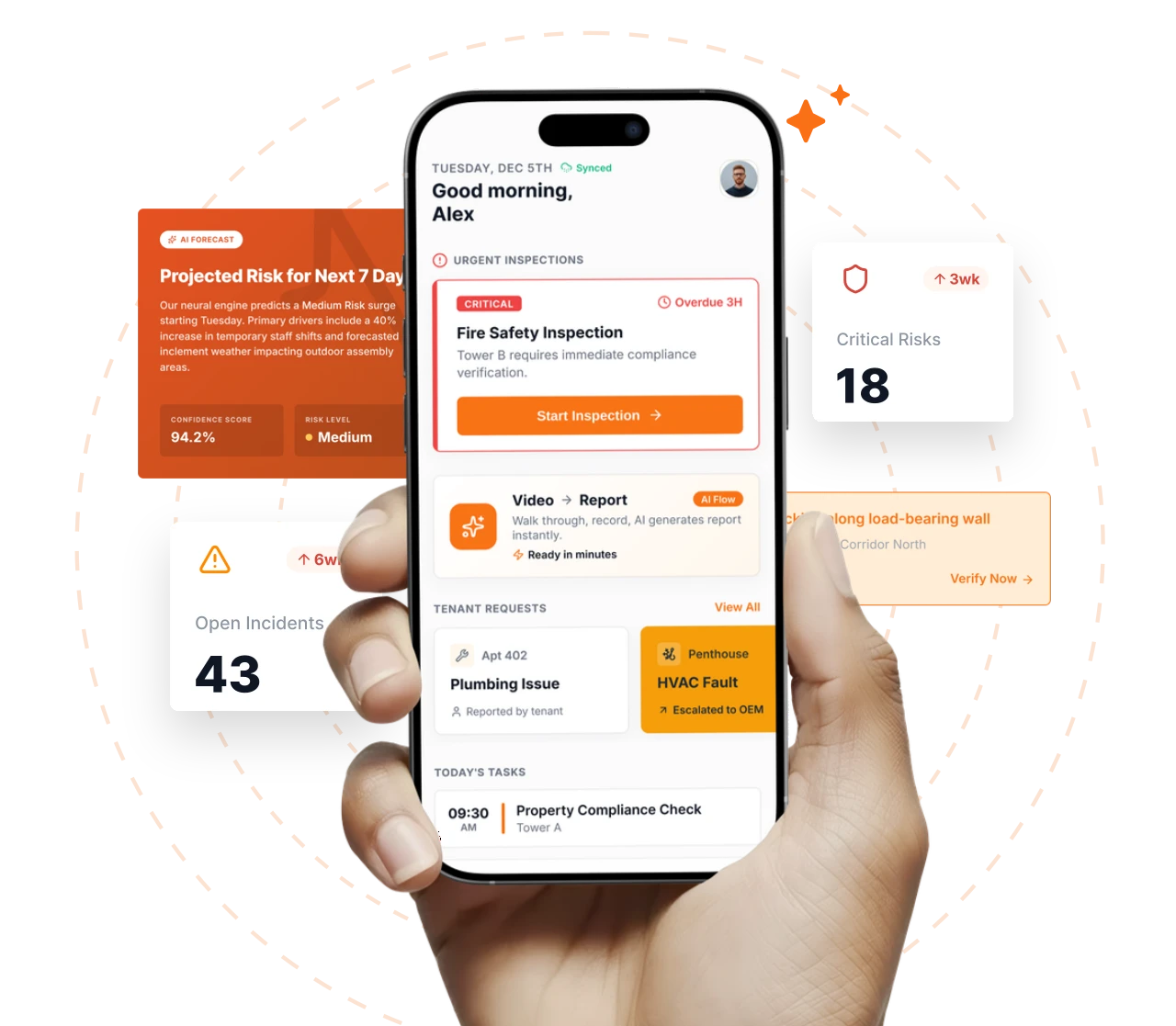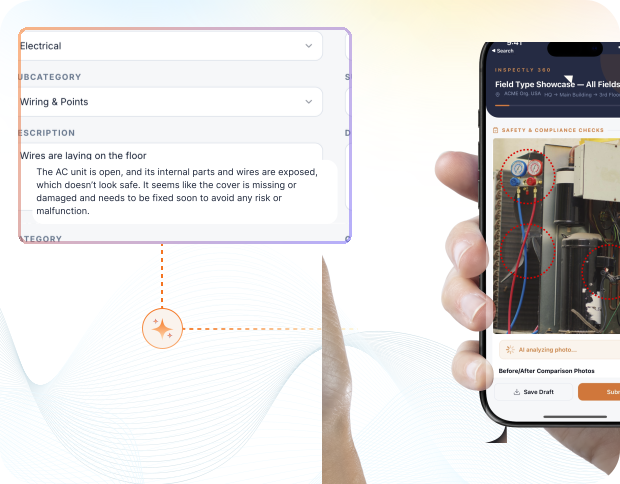
Take a Photo. AI Fills the Form
Your inspector takes a photo of any asset or defect. AI reads it and fills the inspection form automatically. No typing. No manual entry.

Convert your checklist into Mobile App
Site safety inspection tracking software is the closure-discipline layer above the safety app: it carries hazard ageing, contractor closure rates, repeat-hazard detection, escalation routing, and Stop Work event tracking across active sites. Inspectly360 is built for HSE leads, site safety officers, and principal contractors who need safety finding closure to be a measured workflow rather than a daily chase.
Everything your field team does on paper, Inspectly360 does automatically: faster, more accurate, and without the admin.
Your inspector takes a photo of any asset or defect. AI reads it and fills the inspection form automatically. No typing. No manual entry.
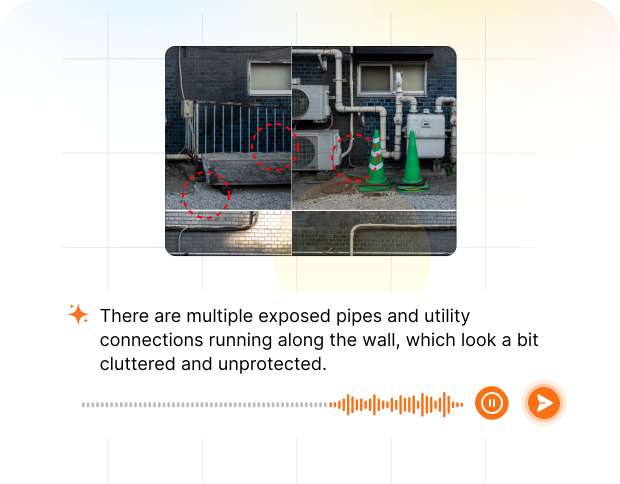
Inspectors speak their observations in any language. AI transcribes and fills the form in real time. Completely hands-free in the field.
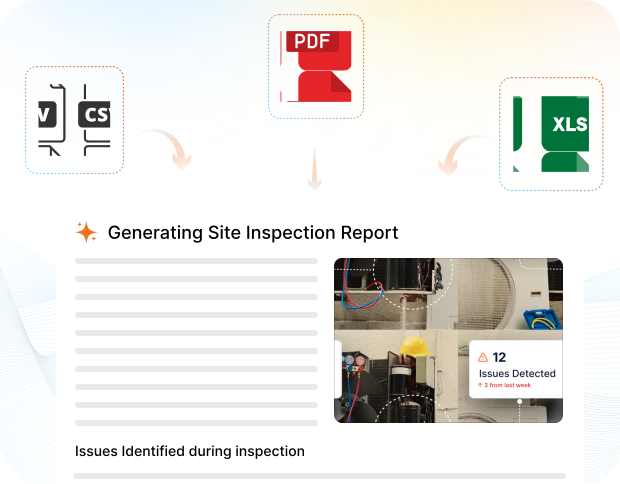
The moment an inspection is submitted, a branded PDF, Excel, or CSV report generates automatically. No manual work. No waiting.

Inspectly360 integrates with the tools your team already uses, including Zoho, Microsoft 365, and SAP. No double entry.
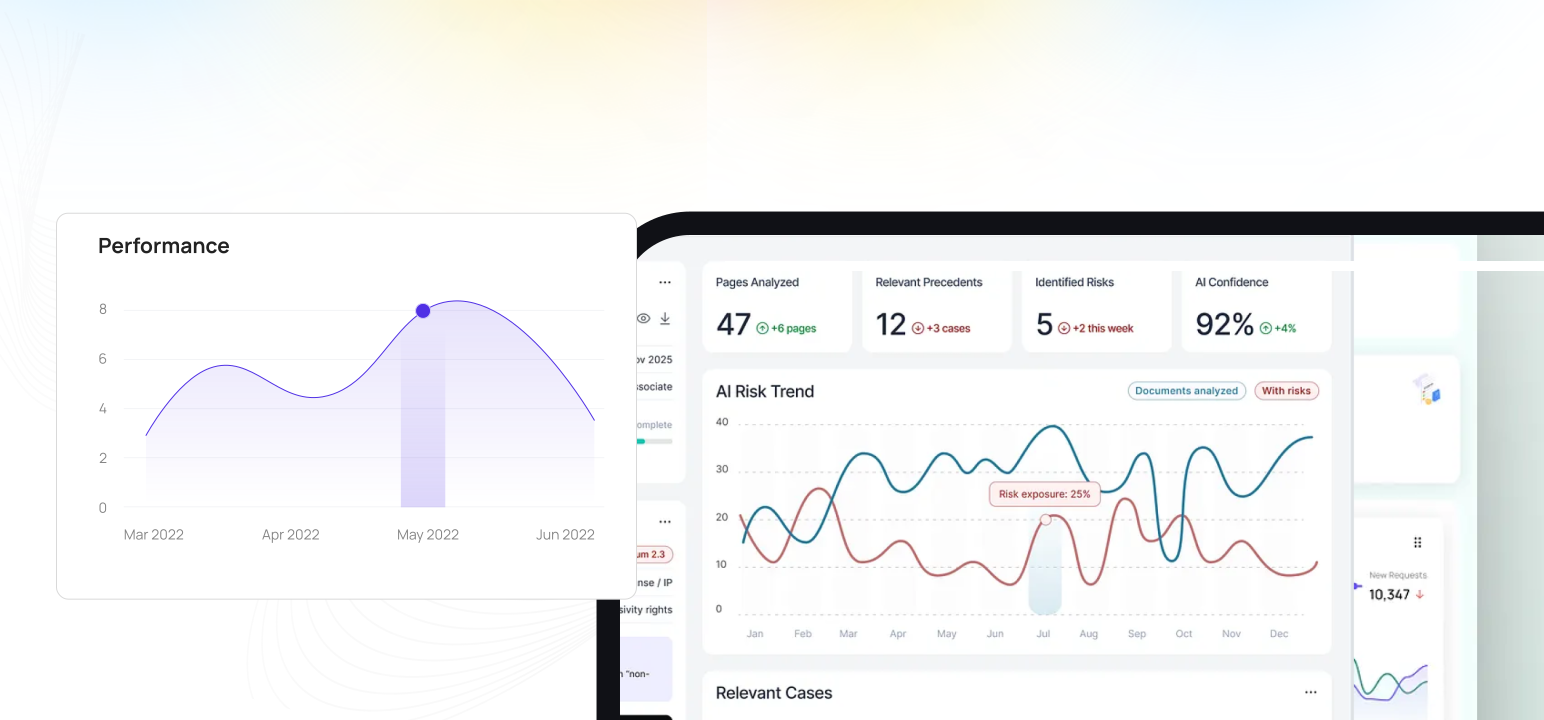
Your operations team sees completion rates, open issues, and compliance scores across all sites in real time. No chasing updates.
What changes once site safety inspection tracking software runs on one mobile-first platform with photo proof and live dashboards.
Site safety inspection tracking software is the closure-discipline layer above the safety app: it carries hazard ageing, contractor closure rates, repeat-hazard detection, escalation routing, and Stop Work event tracking across active sites. Inspectly360 is built for HSE leads, site safety officers, and principal contractors who need safety finding closure to be a measured workflow rather than a daily chase. Site Safety Inspection Tracking software for HSE leads watching hazard closure, near-miss CAPA age, PTW compliance, and Stop Work across active sites.
For HSE leads, the platform replaces WhatsApp chase threads, Excel hazard sheets, and Outlook reminder rules with live ageing dashboards, automatic escalation routing, and photo-verified closure. Time-based escalation rules route overdue hazards from contractor reminder through site safety officer, HSE lead, and HSE director on a structured cadence.
For HSE directors and construction directors, hazard age, contractor closure rates, and repeat-hazard patterns aggregate across sites. The next subcontract qualification round opens with scored data per contractor. Repeat hazards against a specific work pattern trigger alerts before the trade reproduces the hazard, which is what changes recordable rates.
Safety tracking runs continuously rather than on an inspection cadence; the five-step loop below is what HSE leads standardise to keep closure on track.
Define hazard ageing bands and escalation rules per severity (critical fatal-risk: 24-hour reminder, 48-hour escalation; major hazards: 7-day reminder, 14-day escalation; minor: 14-day reminder, 30-day escalation).
Define the scorecard model per contractor: average hazard closure time, on-time rate, re-open rate, repeat-hazard rate, near-miss capture rate per 1,000 hours, training validity, PTW compliance rate.
AI continuously analyses hazard history for repeat patterns by site, by work type, by contractor, and by work zone. Alerts trigger when a hazard type appears across multiple sites or shifts.
HSE leads see live ageing dashboards every morning before standup: hazards by age band, open Stop Work events, overdue PTW closure.
Every Stop Work event records with raise reason, severity, named competent person to release, and release requires verified re-inspection.
Answers to common long-tail questions, kept on one canonical page to avoid thin duplicate URLs.
Safety tracking in Inspectly360 sits as the field-closure layer beside corporate EHS systems. SAP EHS, Enablon, Sphera SafetyHub, and Cority continue to hold corporate HSE KPI dashboards, incident records, and near-miss reporting. Inspectly360 owns the hazard ageing engine, the contractor scorecard, the repeat-hazard detection, and the Stop Work event tracking.
HSE leads should validate seven tracking requirements: live ageing dashboards that load fast on mobile during site walks; automatic escalation routing with configurable severity-based timing; contractor scorecards that surface in real time; AI repeat-hazard detection that catches patterns before recordables; Stop Work event tracking from raise through verified release; mobile push notifications for overdue critical items; and integration to push closed-loop CAPA into the corporate EHS platform.
Contractor scorecards carry performance data that may be used in procurement decisions and may be challenged commercially. Inspectly360 supports audit-grade event logs, encrypted at-rest evidence, and tamper-proof scorecard history. Contractors see their own scorecard but cannot edit the underlying closure data.
Existing WhatsApp chase threads and Excel hazard sheets batch-import as searchable evidence against the same site and contractor. Historical closure timelines carry forward so contractor scorecards reflect real history.
The platform capabilities that power site safety inspection tracking software across every site.
HSE leads comparing Inspectly360 to WhatsApp chase threads, Excel hazard sheets, and Outlook reminder rules care about five things specific to site safety tracking: whether hazard age surfaces before an incident, whether contractor closure rate becomes a measured number, whether repeat hazards get caught before they become recordables, whether escalation routes automatically, and whether Stop Work events track from raise through release.
| Topic | Typical Gaps | With Inspectly360 |
|---|---|---|
| Hazard ageing visibility before incident | Hazard age tracking lives in Excel. The HSE lead sees ageing only when they compile the weekly report on Friday. By then a 4-week-old electrical hazard has become a recordable shock incident. | Live ageing dashboards show hazards by age band (0-7 days, 8-14, 15-30, 30+) per site, per contractor, and per work zone. The HSE lead sees ageing risk every morning before standup. |
| Contractor closure rate as a measured number | Contractor safety performance is described in narrative. Procurement on the next subcontract opens with relationship. Closure rate is never a number because the data is never structured. | Closure rate per contractor aggregates from real data: average hazard closure time, on-time rate, re-open rate, repeat-hazard rate, near-miss capture rate, training validity. Subcontract decisions follow scored data. |
| Repeat hazard detection across sites and operations | Repeat hazards (same electrical exposure across 5 sites, same fall-protection gap across 3 floors) get noticed late because pattern detection requires manual analysis. By the time the pattern is visible, the recordable has happened. | AI continuously analyses hazard history. Repeat hazards surface as patterns with frequency, affected sites, and trend direction. Recurring patterns trigger alerts before the recordable, which is what changes incident-rate economics. |
| Automatic escalation routing | Escalation depends on the HSE lead to chase. WhatsApp messages, follow-up emails, and verbal reminders consume the day. Critical hazards overdue 30+ days surface only when the construction director happens to ask. | Time-based escalation rules route overdue hazards automatically. The HSE lead stops being the chase function; overdue items surface to the right level on the right cadence. |
| Stop Work event tracking from raise through release | Stop Work events get logged verbally and may or may not be recorded in the site safety log. Release happens by supervisor verbal sign-off. The audit trail of Stop Work events is incomplete and contestable. | Every Stop Work event raises with reason, severity, named HSE lead to release, and release requires verified re-inspection on the device. The full lifecycle records as audit-grade event log. |
What changes once site safety inspection tracking software is standardised on Inspectly360.
Get started with inspection and audit checklist templates.

Safety inspections with hazard identification, corrective actions, and compliance reporting. Offline capture and evidence.
Report incidents and near-misses with details, photos, location, and timeline. Ready for safety or quality review.
Use these apps to run inspections and audits.
by Inspectly360
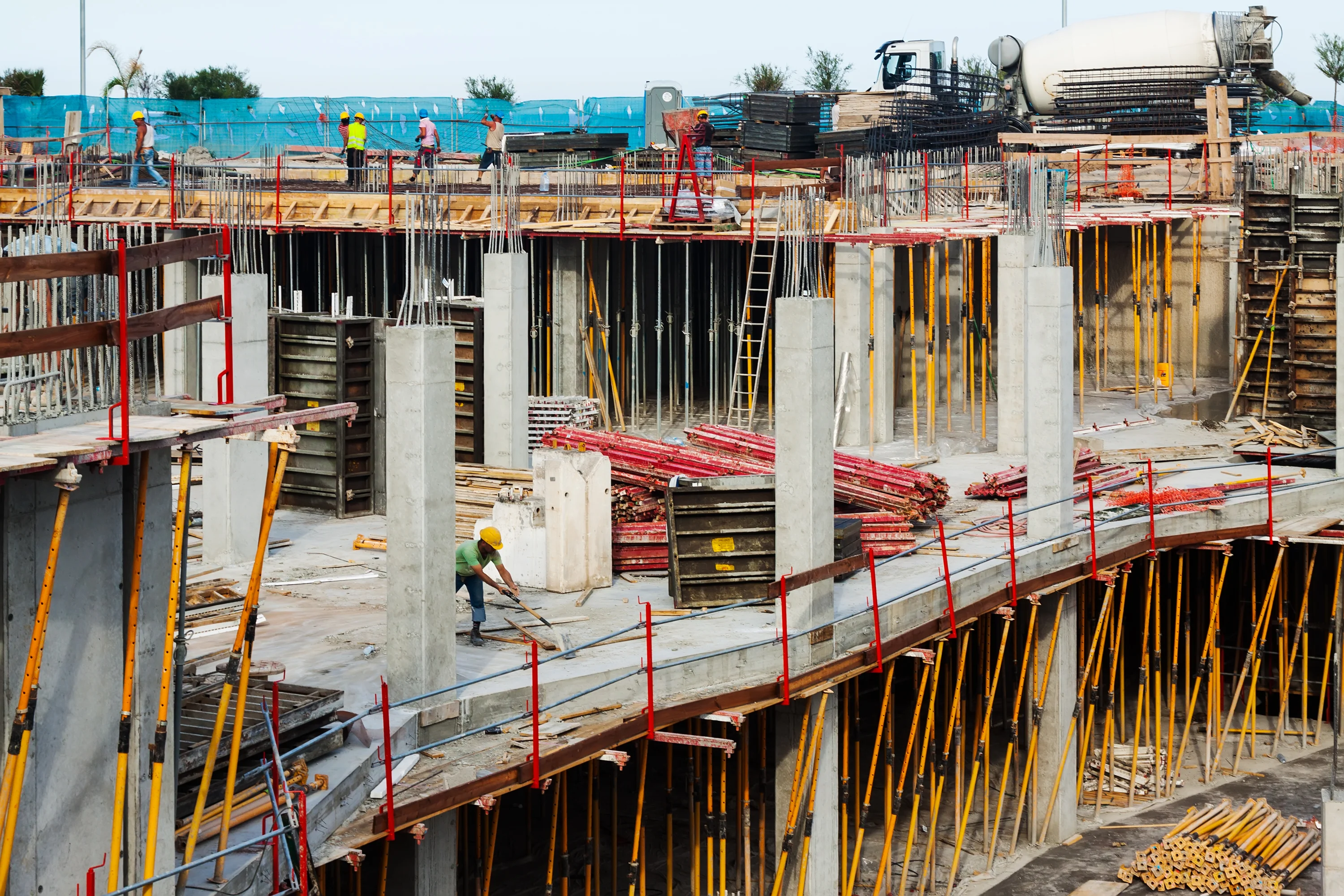
Monitor construction safety risks, open hazards, and corrective action progress continuously.
by Inspectly360
Report construction incidents with evidence capture, escalation workflows, and resolution tracking.

by Inspectly360
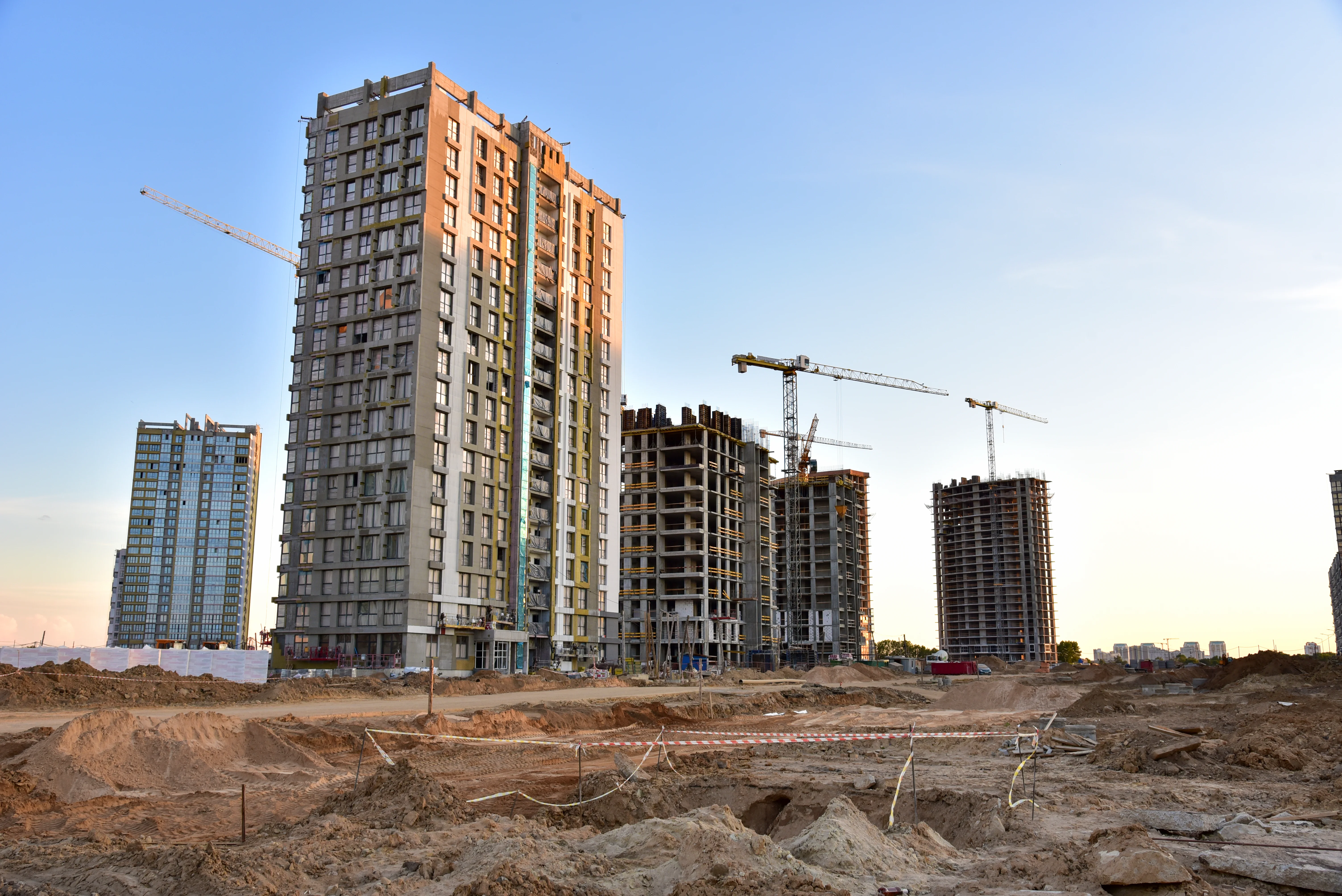
Track construction inspections, findings, and closure timelines across projects and teams.
by Inspectly360
Run site safety inspections on phones and tablets with offline forms, photo and voice capture, and instant reports.
by Inspectly360
Track construction defects from detection to assigned correction and verified closure proof.
Hazard ageing tracks the number of days from raise to closure for each hazard, aggregated by site, contractor, and work zone, with configurable age bands. Live ageing dashboards refresh as hazards close, so an HSE lead always sees what is overdue right now rather than at the next monthly review. Ageing matters because the longer a known hazard stays open, the longer the exposure runs and the more likely it is to contribute to a recordable incident. Surfacing the oldest open hazards is what gives the HSE lead the chance to act on the cause while it is still a finding, rather than responding to the consequence once it has become an injury. The same view shows which contractors and work zones let hazards age the most.
Escalation rules attach to hazard severity, so the clock that drives a chase matches the risk. A critical fatal-risk hazard, such as working at height without a harness, confined-space entry without a permit, or energised work without LOTO, triggers a 24-hour contractor reminder, a 48-hour site-safety-officer escalation, a 72-hour HSE-lead escalation, and a 96-hour HSE-director escalation. Major hazards step up over 7, 14, 21, and 30 days; minor hazards over 14 and 30 days. Every threshold is configured to the corporate safety plan and then applied uniformly, so a serious hazard is never left to age quietly on one site while it is chased hard on another. The escalation fires automatically, so nobody has to remember to push it up the chain.
Scorecards aggregate from real field data for each contractor: average hazard closure time, on-time rate, re-open rate, repeat-hazard rate, near-miss capture rate per 1,000 hours, training validity, PTW compliance rate, and scored audit pass rate. Each contractor sees their own scorecard with peer-anonymised benchmarks, so they know where they stand without seeing a rival's numbers. The same scorecard is visible to corporate procurement at the next subcontract round, which is what makes improvement matter commercially rather than staying just a safety conversation. Because every figure traces back to an audit-grade event, a strong or weak score is defensible, and a contractor whose performance is sliding is visible at the qualification gate instead of after an incident.
AI continuously analyses the hazard history for patterns a person scanning one site would miss. It raises an alert when the same hazard type appears across multiple sites on the same shift, which suggests a systemic operational issue; when the same hazard type keeps appearing against the same contractor across multiple sites, which suggests a competency gap; or when the same hazard type recurs against a specific work zone or asset, which suggests a design or layout problem. Each alert surfaces with its frequency, the affected sites, and the trend direction, so the HSE lead can tell whether a pattern is growing or settling. That moves the team from fixing the same hazard over and over to fixing the cause behind it.
Every Stop Work event is recorded with its raise reason, severity, site reference, named operative, and photo evidence, and release is gated on a verified re-inspection so work cannot simply resume on a verbal say-so. The full lifecycle, from raise through scaftag flag change, escalation history, re-inspection, release, and root-cause analysis, is written to an audit-grade event log. Stop Work events feed into corporate HSE incident-reporting systems through the REST API alongside near-miss and incident records, so a stoppage shows up in the same portfolio picture as the events it prevented. Because the whole sequence is timestamped and attributed, an auditor can see not just that work stopped but who stopped it, why, and what verified that it was safe to restart.
Yes. A principal contractor typically coordinates several subcontractors on one site at once, and the platform is built for exactly that. Each contractor gets scoped access to their own work zones and hazards, so one crew never sees or edits another's work, while the site safety officer sees the combined safety picture across every contractor on the site in a single view. Scorecards aggregate per contractor, so the principal contractor can compare relative performance, closure times, and repeat-hazard rates side by side. That lets the principal hold each subcontractor to the same standard, target the weakest performer, and keep one coherent safety record for the site even though several different companies are working on it simultaneously.
Site Safety Inspection Tracking Software on Inspectly360 connects directly to the inspection apps, checklist templates, forms, industries, and adjacent solutions linked below.
See Inspectly360 in action with a live demo tailored to your needs. No credit card required.