Inspection App for Mobile Checklists and Reports
Use a dedicated inspection app to run consistent inspections, capture evidence, and automate reporting. Replace paper and spreadsheets with an inspection app that runs checklists on mobile, captures photo evidence offline, and delivers automated reports. Digital checklists, photo evidence, and automated reports—all in one place.

Trusted by teams worldwide




What is the inspection app?
The Inspection app is Inspectly360’s mobile-first solution for running inspections and checklists in the field. Inspectors complete forms on phone or tablet, with or without connectivity; photos and inspection data sync when back online. The inspection app helps teams standardize processes, attach photo and location evidence to every finding, and close corrective actions with verification.
What to include in an inspection checklist?
A comprehensive inspection checklist covers the key areas that affect safety, compliance, and quality. Your checklist should include sections for condition checks, pass/fail or scoring criteria, photo and location evidence, corrective action assignment, and sign-off so that nothing is missed and every finding is traceable.
How to use the inspection app
Using the Inspection app correctly helps prevent oversights and keeps processes consistent. Follow these steps to run effective inspections and improve day-to-day operations:
- Fill out the basic inspection details on the title page: location, date, and inspector name.
- Go through all sections in the form and provide detailed answers for every item that applies. Cover all areas relevant to your process—condition checks, compliance criteria, and any required evidence.
- Attach photos and notes where applicable to provide context and evidence for findings.
- Note any issues or noncompliance. Assign corrective actions with owners and due dates to address findings.
- Complete the form with sign-off and approval from the responsible supervisor or manager.
Built to handle any challenge
From data collection to compliance—see how teams use Inspectly360 for every use case.
What you achieve when you run inspections with one standard process
Teams that move from paper or spreadsheets to this app see fewer missed issues, stronger proof of work, and faster closure of corrective actions.
Paper and spreadsheets don’t scale
Hard to enforce standards and get consistent data across sites. You need one digital process with required fields and evidence so the same checklist runs everywhere.
The problem
The solution

No proof leads to disputes
Claims about what was found or fixed are hard to verify. You need timestamped, location-stamped evidence and closure proof so everyone can trust the results.
The problem
The solution

Issues never get verified closed
Actions are logged but no one confirms the fix. You need to assign owners, set due dates, and verify closure before sign-off.
The problem
The solution

One Place for Checklists, Evidence & Reports
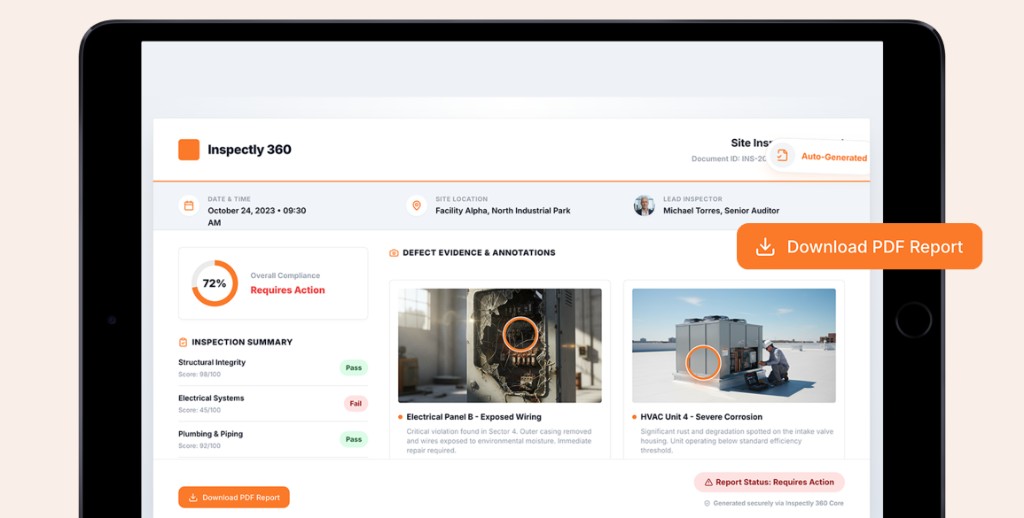
Digital checklists, photo evidence, and automated reports. Proof based inspections with AI verified photos and audit ready reporting.






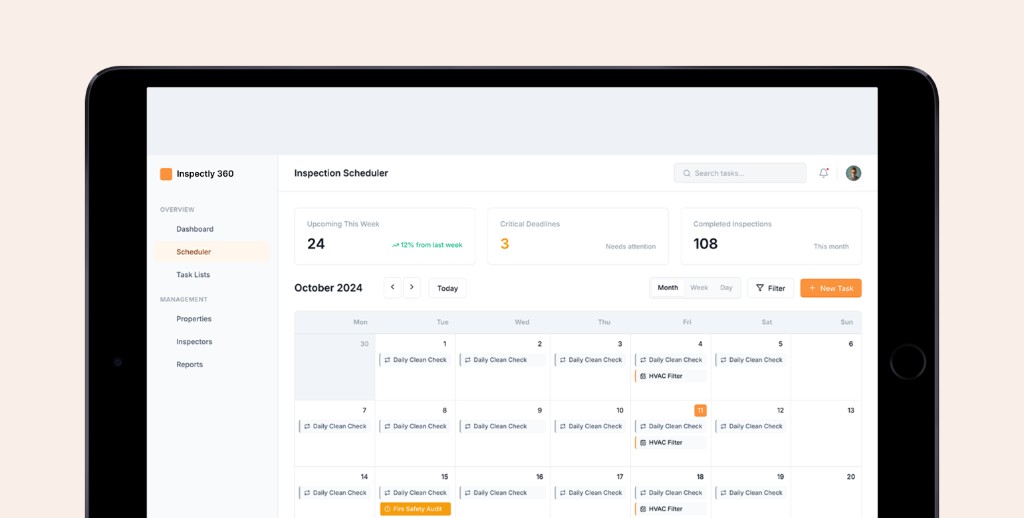

From Checklist to Closed Actions
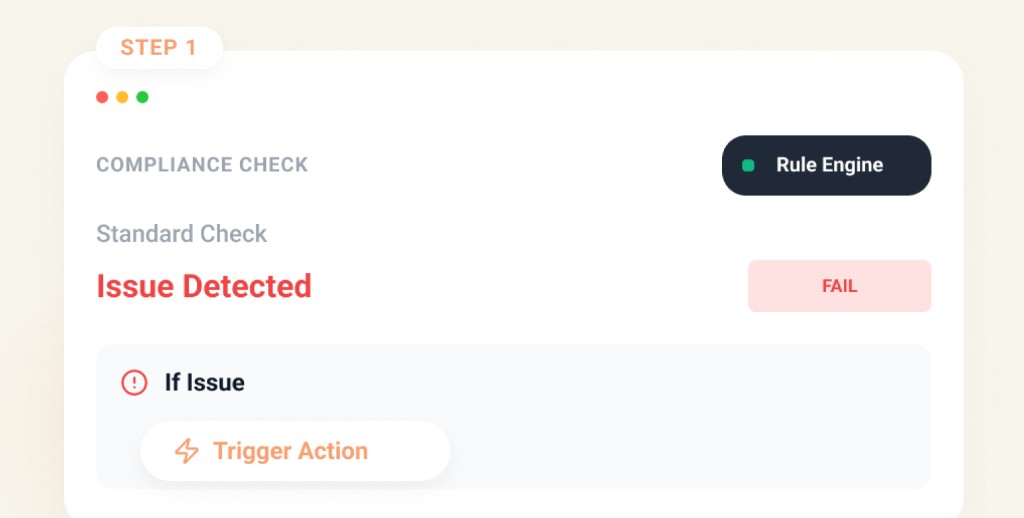
Define & Execute
Build smart check sheets with objective conditions and deploy schedules to mobile teams instantly.
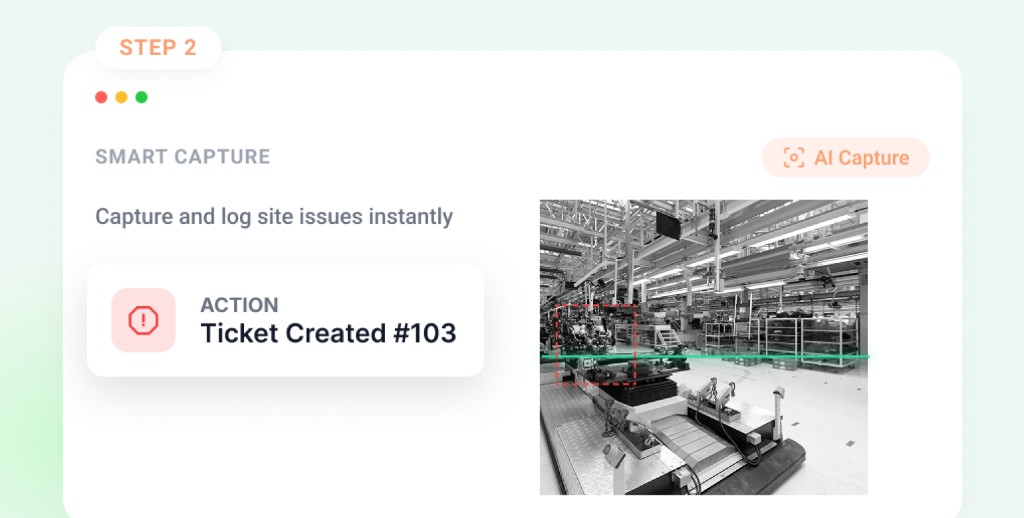
Verify & Prevent
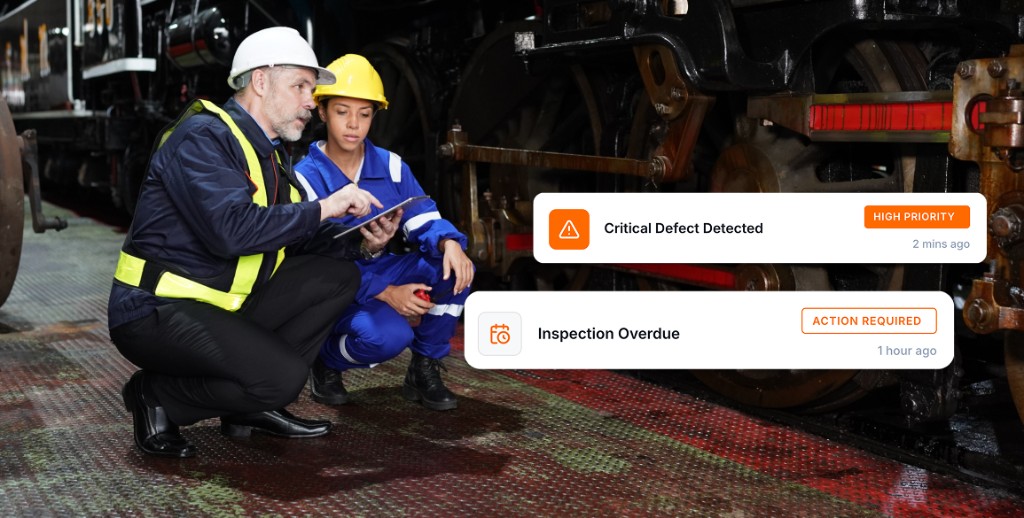
AI analyzes photos against standards, verifying execution and triggering instant corrective actions.
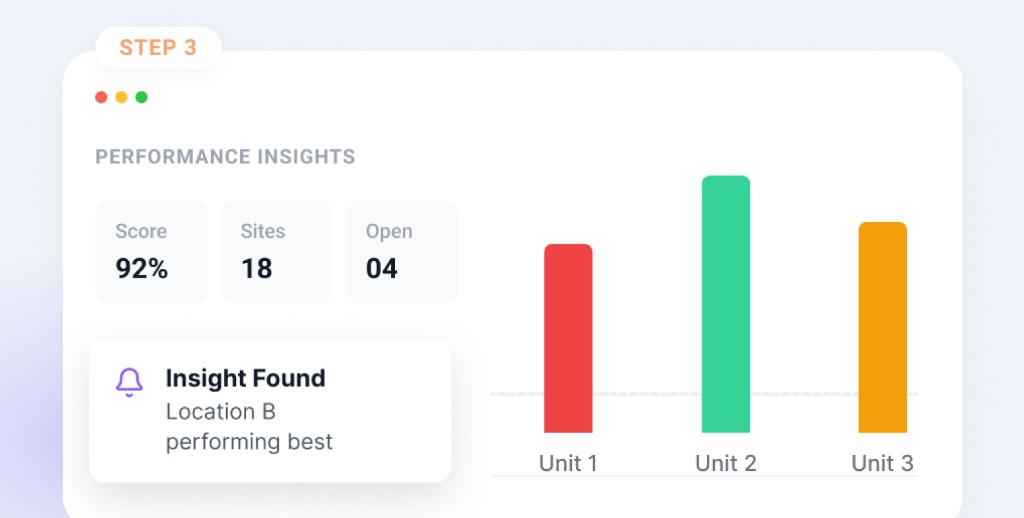
Analyze & Improve
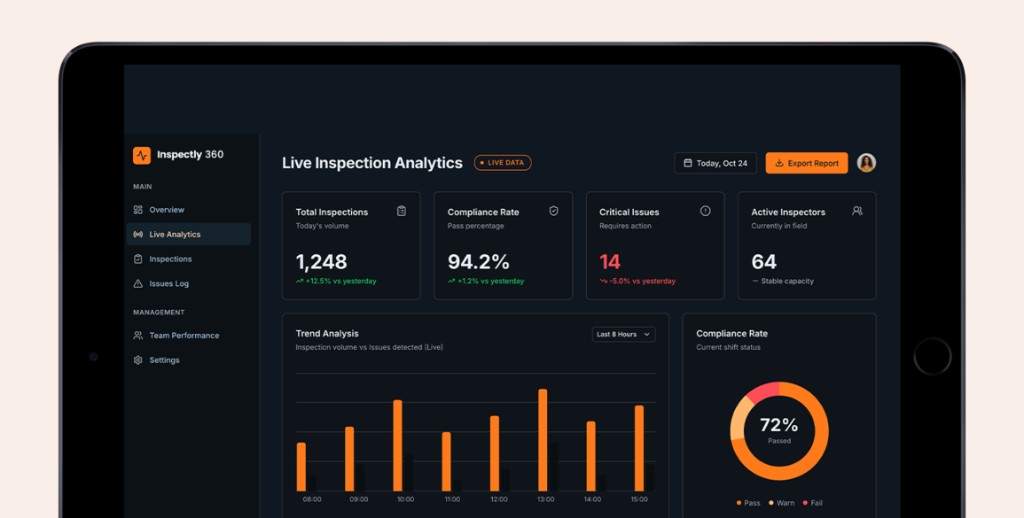
Real-time dashboards built on verified data reveal recurring patterns to optimize operations.
Frequently Asked Questions
Common questions about inspections, operations, and reporting for your industry.