


What is a Личный файл Ñотрудника реÑторана?
A ð›ð¸ñ‡ð½ñ‹ð¹ ñ„ð°ð¹ð» ñð¾ñ‚ñ€ñƒð´ð½ð¸ðºð° ñ€ðµññ‚ð¾ñ€ð°ð½ð° is a structured template used to ensure consistent, thorough template inspections. Шаблон помогает Ñформировать личный файл Ñотрудника реÑторана и проверить наличие вÑех обÑзательных документов: паÑпорт, ИÐÐ, трудовой договор, медицинÑÐºÐ°Ñ ÐºÐ½Ð¸Ð¶ÐºÐ°, ÑÐ¾Ð³Ð»Ð°ÑˆÐµÐ½Ð¸Ñ â€¦
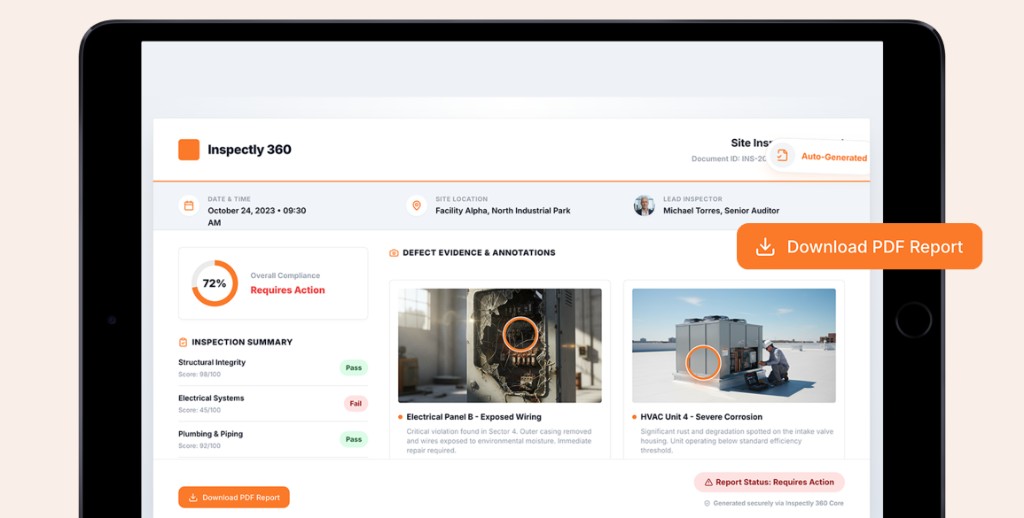
Using a digital checklist ensures one version of truth, photo evidence per finding, and trackable closeout — reducing errors, missed items, and compliance gaps.
Why is it important?
A ð›ð¸ñ‡ð½ñ‹ð¹ ñ„ð°ð¹ð» ñð¾ñ‚ñ€ñƒð´ð½ð¸ðºð° ñ€ðµññ‚ð¾ñ€ð°ð½ð° helps teams keep template work consistent, safe, and auditable. The checklist supports inspectors and supervisors to:
- Maintain compliance and quality standards:Structured checks help confirm work meets specifications and expectations, with a record for audits and reviews.
- Reduce rework and repeated visits:Issues are captured with evidence and ownership so fixes happen before they become expensive downstream problems.
- Improve communication:A shared template aligns field teams, contractors, and managers on what was inspected and what is still open.
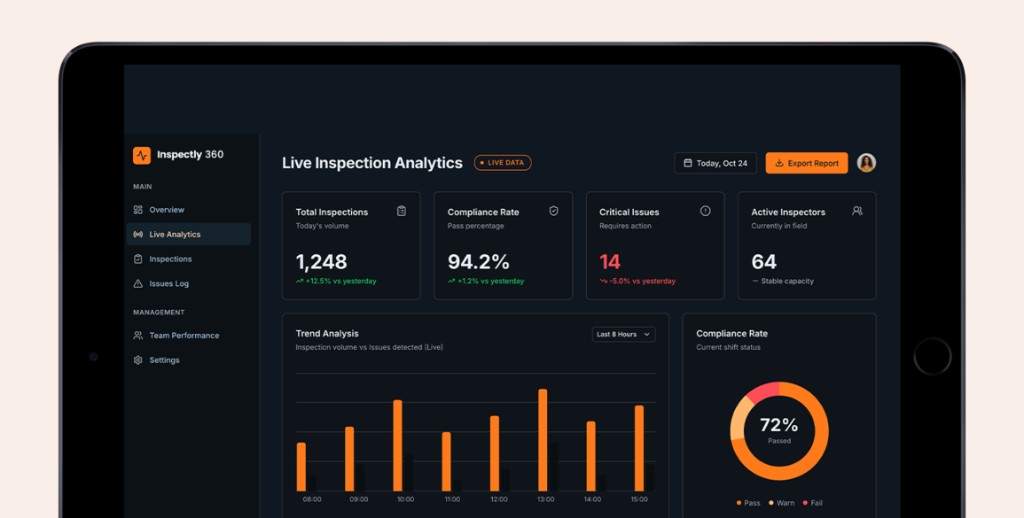
- Speed up reporting:Digital capture means findings roll up into reports without re-keying spreadsheets or paper notes.
What Should Be Included in a Личный файл Ñотрудника реÑторана
A complete ð›ð¸ñ‡ð½ñ‹ð¹ ñ„ð°ð¹ð» ñð¾ñ‚ñ€ñƒð´ð½ð¸ðºð° ñ€ðµññ‚ð¾ñ€ð°ð½ð° should cover the context of the inspection, the checkpoints you need to verify, and space for evidence and follow-up. Key elements include:
Inspection context
Record where and when the inspection takes place:
- Site or location identification
- Inspector, date, and areas or assets in scope
- Any reference numbers or schedules linked to the visit
Checkpoints and scoring
Define what you are verifying and how results are recorded:
- Structured inspection items with pass, fail, and N/A responses
- Scoring or severity where your process requires it
- 20 fields aligned to your checklist template
Evidence and corrective actions
Make every finding traceable and actionable:
- Photo and note capture per item or observation
- Corrective action assignment with owners and due dates
- Sign-off, completion status, and notes for follow-up
How to Use this Checklist
Follow these steps to use your ð›ð¸ñ‡ð½ñ‹ð¹ ñ„ð°ð¹ð» ñð¾ñ‚ñ€ñƒð´ð½ð¸ðºð° ñ€ðµññ‚ð¾ñ€ð°ð½ð° effectively:
- Fill in the header details: inspector, site, date, and scope of areas covered.
- Work through each checkpoint in order, recording pass, fail, or N/A as you go.
- Attach photos or notes wherever evidence is needed for failures or observations.
- Assign owners and deadlines for any corrective actions you log.
- Review the summary, share or export the report, and keep the record for your audit trail.